
Pond5 Music Downloader and Musicbed: Pick Tracks for Video
Pond5 music downloader and Musicbed guide: how to pick the right track for your video, paste a link, handle edits and stems, and check the music licence.
If you need professional production music for a video, the Pond5 music downloader and the Musicbed song downloader let you paste a track link and receive the audio file, instead of paying for a separate plan on each site. Picking the track is the harder part, so this guide covers how to choose music that fits your picture, how to edit it, and what to check about the licence.
Pond5 and Musicbed: what is the difference?
Both are libraries of music for film, ads and online video, but they feel different.
- Pond5 is a large marketplace. It carries music, sound effects, footage and more from many independent creators. Variety is its strength, so you can find an unusual genre or a short stinger for a specific need.
- Musicbed is more curated, with a catalogue known for cinematic, emotional and indie-style songs used in films, documentaries and brand stories. It suits projects where the song carries real feeling.
On ZTOOLZ you can use the Pond5 music downloader and the Musicbed song downloader, and also open Epidemic Sound access if you want a library you can browse freely.
How to choose a track for your video
Music that is good on its own can still be wrong for the scene. Use this method.
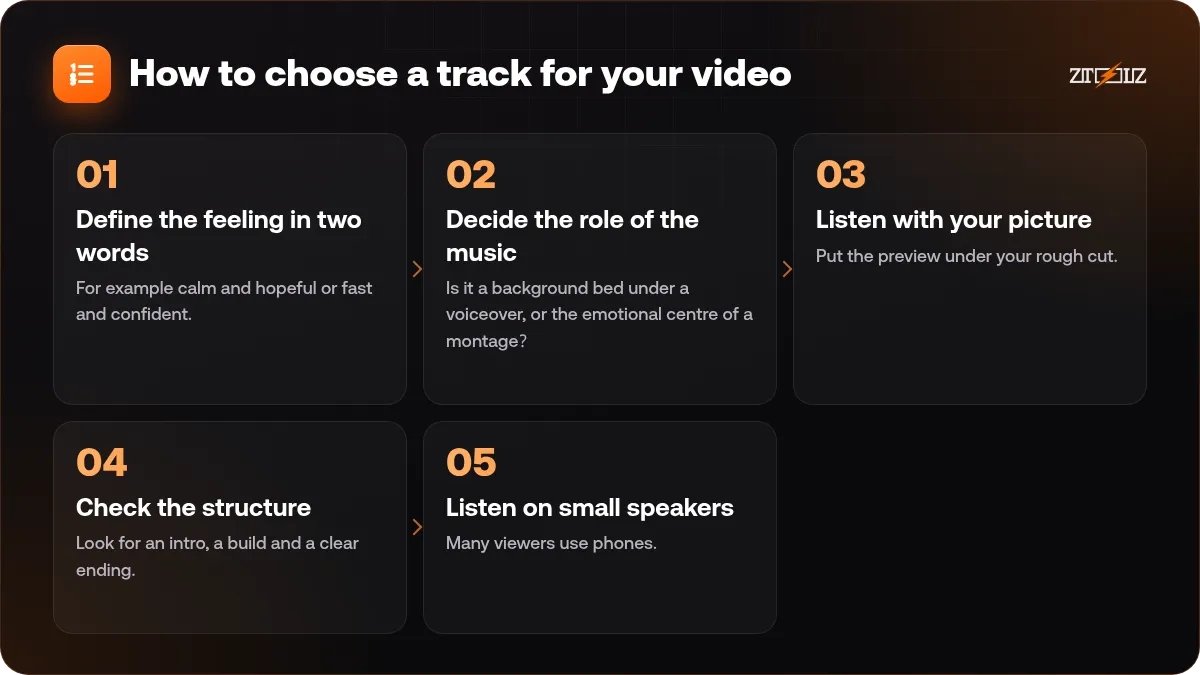
- Define the feeling in two words. For example calm and hopeful or fast and confident. Search with these words and with tempo.
- Decide the role of the music. Is it a background bed under a voiceover, or the emotional centre of a montage? Beds should be simple. Montage tracks can have a clear build.
- Listen with your picture. Put the preview under your rough cut. Does the energy match the cuts?
- Check the structure. Look for an intro, a build and a clear ending. A track with a defined ending is much easier to fit to a fixed video length.
- Listen on small speakers. Many viewers use phones. A bass-heavy track may disappear there.
Tempo, key moments and cuts
The easiest way to make a video feel professional is to cut on the beat. Find the beat of your track and place important cuts on strong beats. Place text or graphic changes on bars, which are groups of four beats.
Also think about where the music rises. Put your most important image, number or product reveal at the lift or the drop. If the track does not rise where your story does, choose another version or another song.
Voiceover and dialogue
When there is speech, music must leave room. Choose tracks with simple melodies and few vocals in the speaking areas. Lower the music a few decibels under speech, and let it rise in pauses. Songs with lyrics fight with voiceover, so use instrumentals under talking.
How to use the music downloaders
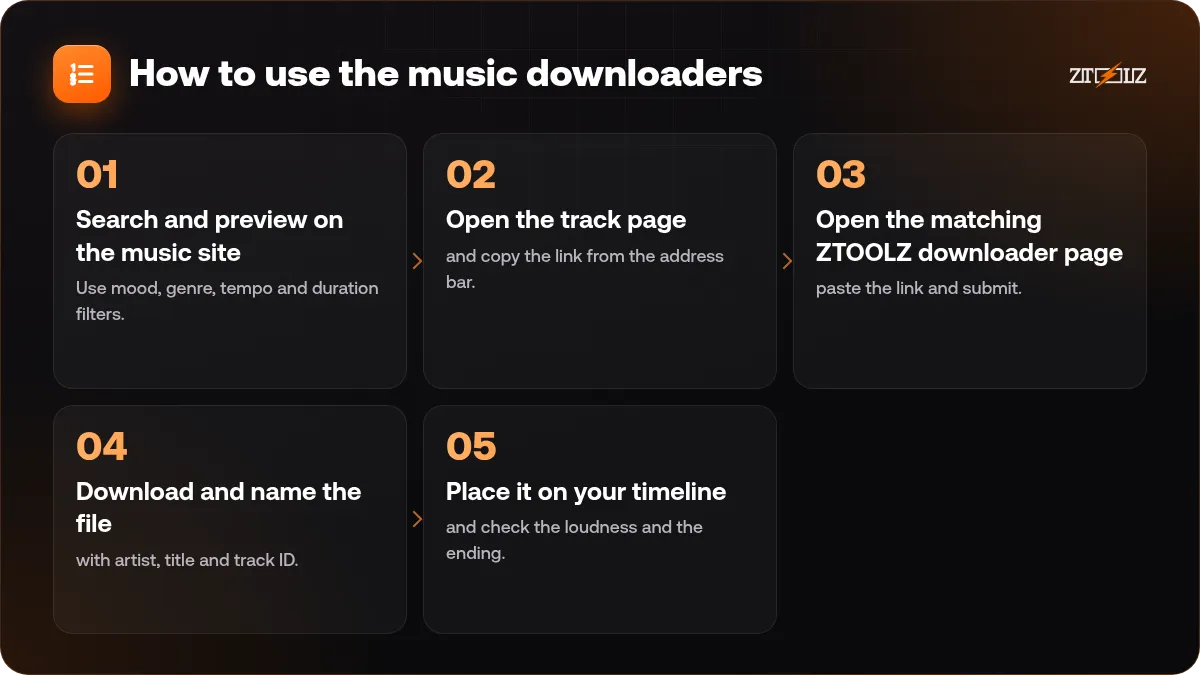
- Search and preview on the music site. Use mood, genre, tempo and duration filters.
- Open the track page and copy the link from the address bar.
- Open the matching ZTOOLZ downloader page, paste the link and submit.
- Download and name the file with artist, title and track ID.
- Place it on your timeline and check the loudness and the ending.
Save the track page or ID in your project notes. If a platform asks which music you used, you will have the answer ready.
Editing music to fit your video length
Most videos do not match the length of a song. Here are safe ways to fit it.
- Use a shorter version. Many libraries provide cutdowns such as 60, 30 and 15 second versions.
- Loop an instrumental section. Pick a section with a steady groove and repeat it, crossfading the join.
- Fade out at the end if you cannot reach the natural ending in time.
- Use stems when available. Stems are separate parts such as drums, bass and melody. They let you remove a busy layer under speech.
- Avoid cutting mid-phrase. Cut at the end of a bar or phrase so the edit is invisible.
Licence: the part people forget
Music licensing is more detailed than photos. A track might be licensed for online video but not for broadcast. It may cover one project and not all your future videos. Sync rights, which allow music with picture, are separate from the right to play music in public.
Read the licence terms of the track before you publish, and check whether your use case is covered: social media, client work, ads, paid promotion, film festivals. Keep the track ID and the licence terms with the project.
For a plain-language map of the terms, read royalty-free music for videos explained, and for choosing between two popular libraries see Artlist vs Epidemic Sound.
Matching music to video type
A few starting points can save you time. For a product demo, choose light, rhythmic instrumentals with a clean pulse, which keep energy up without stealing attention. For a travel or lifestyle reel, warm acoustic or airy electronic tracks work well. For a documentary or story-driven brand film, look at slower, emotional pieces with a gradual build. For a tutorial, pick very quiet, almost invisible beds that never compete with the explanation.
Whatever you choose, do one last test: watch the finished video once with the sound low, and once on a phone speaker. If the music still feels right in both cases, you have a good match.
Mistakes to avoid
- Choosing the music first and cutting the video to it, when the story should lead.
- Using lyrics under a voiceover.
- Putting the same song in every video of a channel, so it becomes repetitive.
- Ignoring loudness. Keep dialogue clear and avoid distortion on export.
- Assuming all licences are the same across projects.
How ZTOOLZ fits in: ZTOOLZ offers shared access to the Pond5 and Musicbed downloaders through platform-owned accounts, opened as pages where you paste a track link. It is not a personal subscription, and you should check the music licence for your project. You can also add Epidemic Sound if you prefer a library to browse. See the Pond5 music downloader for our current price, or combine tools in a custom plan with the + button in the store.
FAQ
Can I use a downloaded track in YouTube videos?
That depends on the track licence and on how your channel is set up. Read the licence terms for the track, and keep its ID in case a copyright question appears later.
Is Musicbed better than Pond5?
They serve different needs. Musicbed is curated and emotional, which suits films and brand stories. Pond5 is broad and varied, which suits many project types and short sound needs.
Can I get separate stems of a track?
Some tracks come with stems or alternate versions on the library, but not all. Check the track page for available versions before you choose.
How do I make a song fit a 30 second ad?
Look for a 30 second cutdown, or edit a section with a clean ending. Fade out smoothly if needed, and avoid cutting in the middle of a phrase.
Do I need a music account?
Not for the downloader. You browse the library, copy the link, and paste it into the ZTOOLZ downloader page.