All In One
25$ / month
View plan 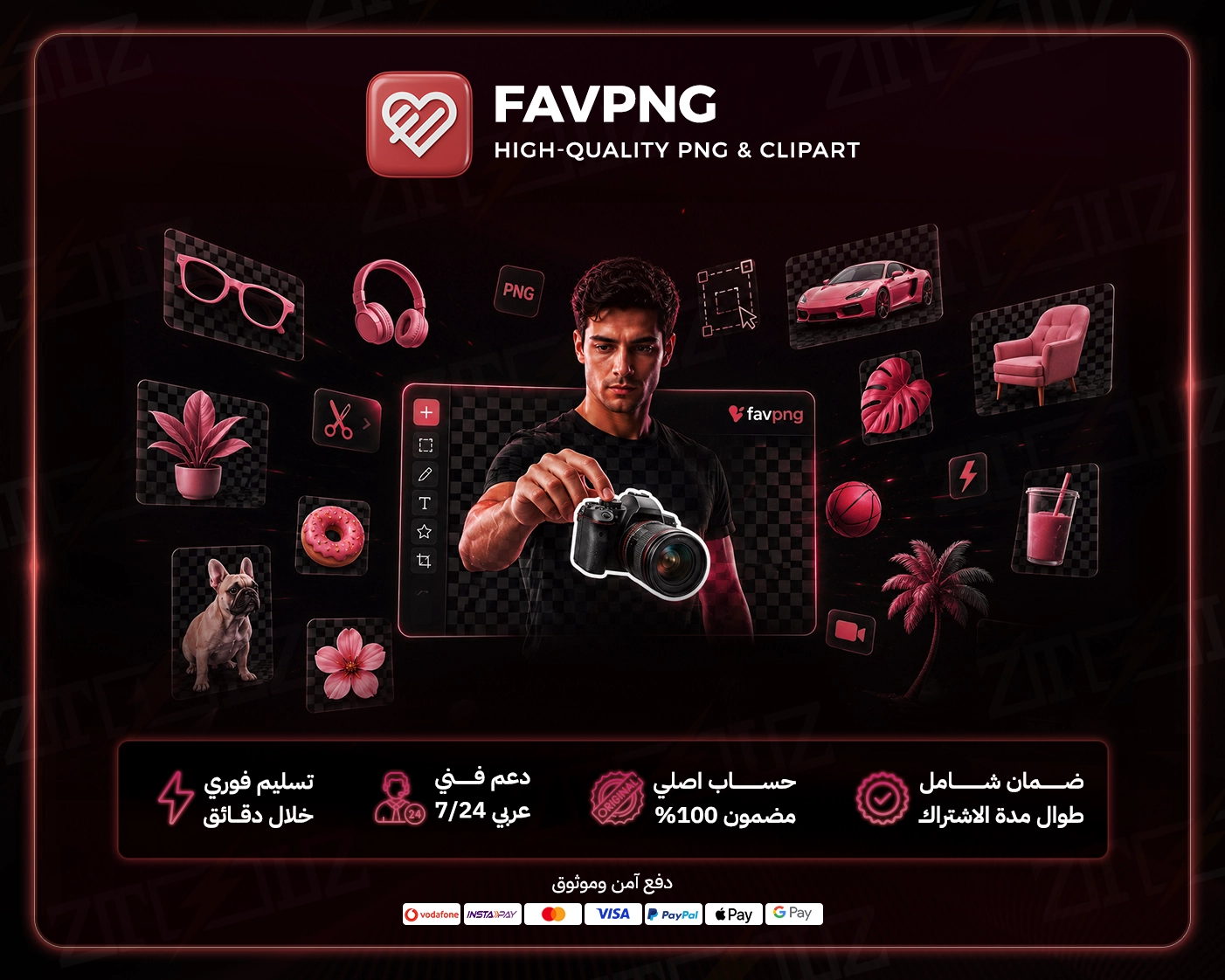
Cutting a background out by hand can eat half an hour, and a single design sometimes needs ten cut-out elements. A FavPNG premium subscription skips all that: it's a huge library of transparent PNG images and clipart you can drop straight into your work. Through Ztoolz you get cheap FavPNG access with instant activation, and you can use it two ways: via the browser extension on your computer or from the cloud on any device, phone included.
FavPNG specializes in images with transparent backgrounds, organized into categories like people, animals, food, furniture, plants, cars, tools, symbols, frames and light effects. Search a keyword, pick the element and place it on any background with no selection or masking. For beginners and content creators hunting for a "PNG without background" site, it's a practical alternative to PNGTree or Pngwing.
Build a restaurant promo by placing a transparent burger over a brand-colored background with your offer text, or put together a national-day poster with transparent ornaments. It looks professional in minutes, even if design isn't your main skill.
Thumbnails decide clicks. Combine arrows, emojis, frames and other transparent elements with your own cut-out photo and big, bold text.
Add PNG elements in CapCut or Premiere as stickers or callouts; they blend into footage with no white boxes around them.
Teachers brighten worksheets and slides with transparent clipart, and store owners add ribbons, badges and frames to sale banners and product images.
On a computer, sign in at ztoolz.io, add the Ztoolz extension to Chrome, and open FavPNG from it. On a phone or tablet, open the cloud version straight from your Ztoolz account in the browser, no install needed, ideal if you design on your phone with Canva or PicsArt.
Tip: check the file really shows as transparent in your editor, pick higher-resolution elements for print, and keep lighting and angles consistent between elements so the final composition looks natural.
Spend your time creating, not cutting out backgrounds. Choose your FavPNG plan above and start designing now.
Monthly or yearly to suit your needs. You can upgrade later at no cost.
Card, Apple Pay, STC Pay, or crypto — all with 256-bit encryption.
The details arrive at your dashboard and email directly — no manual waiting.
Log in directly. The account is active and ready for immediate use.
Use the tool from your ZTOOLZ account via the extension or the cloud, activated instantly.
Upon completing payment, the account is automatically sent to your email
The ZTOOLZ team is here for you on WhatsApp and email.
Instant replacement for any problem you may encounter without any complications
A price well below subscribing to Favi PNG on your own
Pay securely by card, bank transfer, crypto or wallet balance
Be the first to write a review of this tool.
Lordicon Premium: a pro library of customizable animated icons in Lottie, GIF and SVG for websites, apps and presentations.
Deeezy Premium: a curated library of mockups, fonts, templates, graphics and brushes for designers and content creators.
123RF Premium: a huge library of stock photos, vectors, video and audio, with AI tools for background removal and upscaling.
Pixlr Pro: a professional in-browser photo editor with layers, masks and AI tools, via extension or cloud on any device.