Listing images
The second and third images on an Amazon, Noon or store product page are what convince buyers. Use infographic templates to show size, features and usage in one clear image.
 Glorify
 access for designing product images, ads and infographics for online stores, with background removal and marketing templates.
Monthly billing, cancel anytime
The tool is added to your custom plan. Add more tools, then check out from your cart.
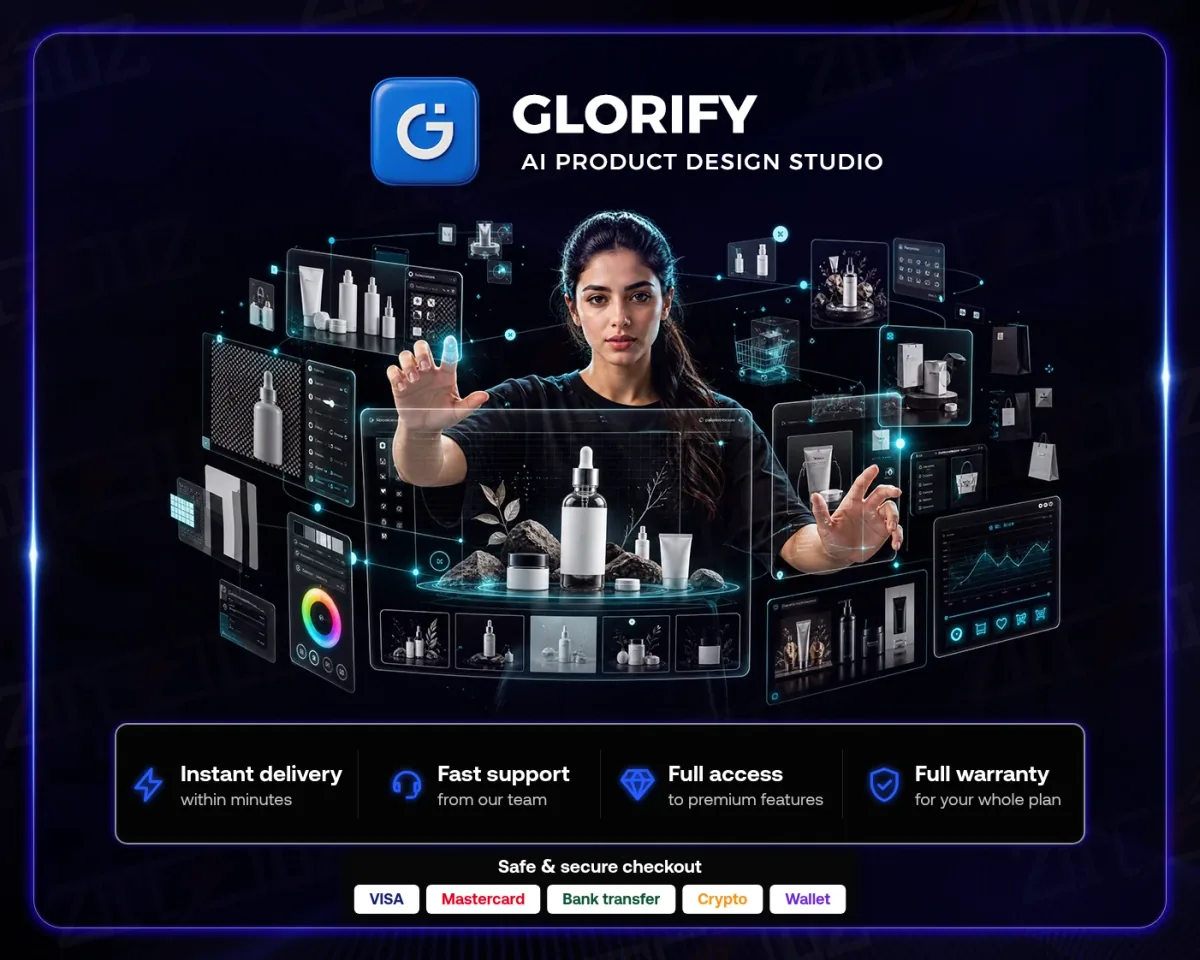
Enjoy stable performance and high-quality graphics for smoother gaming sessions on Glorify.
Quick activation and simple steps so you can start using Glorify without hassle.
A clean, comfortable design that makes navigating Glorify easier and more practical.
Benefit from regular improvements that enhance performance and add new features over time.
Use Glorify across multiple devices with a consistent and convenient experience.
A support team ready to assist with any questions to ensure a better Glorify experience.
A Glorify pro subscription is the design tool built specifically for online sellers and marketers. Where general tools try to serve everyone, Glorify focuses on one job and does it well: turning product photos into marketing visuals that sell, from ad creatives and social posts to Amazon and Noon listing images and infographics. With Ztoolz you can buy cheap Glorify access and activate it instantly, then design yourself what you used to pay a designer for.
Canva is excellent and very general. A store owner usually needs something more specific: a product shot on a clean background with a realistic shadow, a comparison against competitors, feature callouts with tidy icons, and one ad sized for Facebook and another for Instagram Stories. Glorify is built around those needs, with templates inspired by high-performing brand ads and product editing tools that general apps don't make as easy. That's why many look at it as the Canva alternative for e-commerce.
The second and third images on an Amazon, Noon or store product page are what convince buyers. Use infographic templates to show size, features and usage in one clear image.
Spin up several versions of the same ad with different backgrounds and headlines in minutes, then test them to find the best click-through and cost.
Prepare Ramadan, Eid, White Friday and national day designs early while keeping your brand consistent.
Testimonials, FAQs, comparisons and usage tips from ready templates keep your accounts active with little effort.
Start with a clear, well-lit product photo, even a phone shot against a white wall, since background removal works best on clean images. Set up your Brand Kit before your first design. When picking an ad template, focus on one strong headline rather than crowding the layout with text.
After checkout, sign in at ztoolz.io and install the Ztoolz browser extension on Chrome. Open Glorify from the extension and design with paid-plan features on your desktop. Save finished designs locally as you go so they're ready to publish anytime.
The free version of Glorify limits templates and tools such as background removal, the Brand Kit and export quality, while a paid plan unlocks them. Ztoolz offers a Glorify premium subscription at a price far below subscribing alone, with instant activation, Arabic-speaking support and replacement throughout your subscription, and secure checkout by card, bank transfer, crypto or wallet. It's also included in the Ztoolz bundle.
Your product images are your storefront. Choose your plan, activate Glorify and design an ad that sells today.