E-commerce sellers
Shoot your product on any surface with your phone, strip the background in ImgKits and drop it on white or your brand color. You get consistent store photos for Salla, Zid, Amazon or Noon without a studio.
 ImgKits
Remove backgrounds, upscale, erase objects and restore old photos with AI, straight from your browser.
Monthly billing, cancel anytime
The tool is added to your custom plan. Add more tools, then check out from your cart.
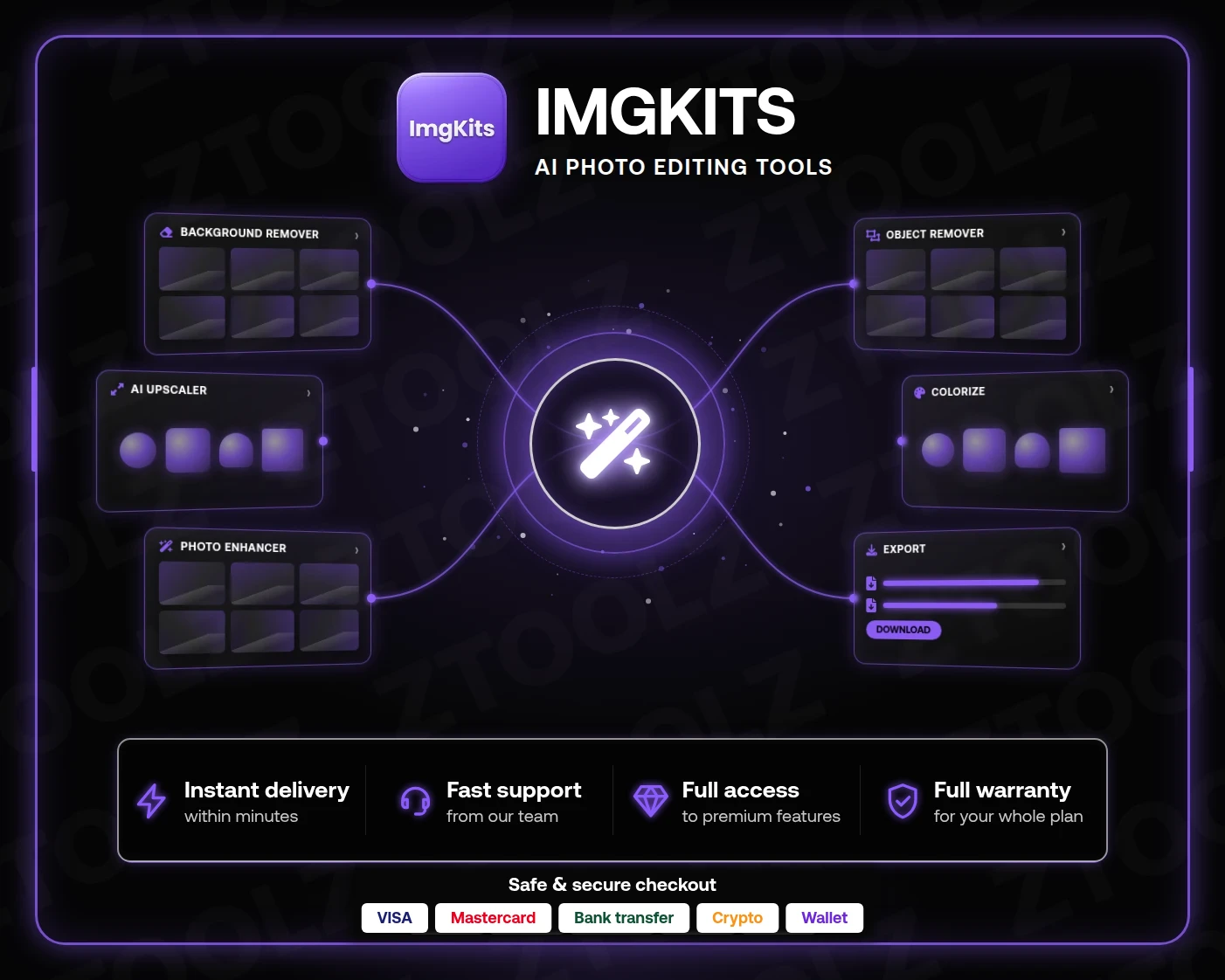
An ImgKits pro subscription from Ztoolz gives you a full kit of AI photo-editing tools: one-click background removal, upscaling and quality enhancement, object removal and colorizing old photos, all inside your browser. Open ImgKits Cloud from your account and use the paid features without installing heavy software or knowing your way around Photoshop.
ImgKits is a web platform that bundles several AI image tools in one place. Upload a photo, pick a tool, and let the model handle what used to take an hour of manual editing. The free version caps the number of jobs and the output resolution, while the paid tier unlocks higher-quality processing and full-size downloads. It's built for people who want a clean result fast, not for those who want to learn a complex design app.
Shoot your product on any surface with your phone, strip the background in ImgKits and drop it on white or your brand color. You get consistent store photos for Salla, Zid, Amazon or Noon without a studio.
Sharpen screenshots and compressed images before they go into YouTube thumbnails, and upscale older shots so they look crisp on large screens.
When a client sends a low-res logo or product shot, run it through the upscaler before print. Distracting elements in campaign photos? The object remover clears them in seconds.
Restore and colorize your grandparents' photos and print them as a memorable gift.
After purchase, ImgKits Cloud appears in your Ztoolz account. Click it and the site opens in your browser with a premium session ready, no extension and no sign-up. Upload, choose a tool, download the result. It works on desktop and mobile browsers alike, handy when you want to fix a photo you just took before posting it.
Tip: always start from the best-quality original you have, since cleaner input means more accurate AI output. With the object remover, brush a small margin around the area for a more natural fill.
Lots of people look for a remove.bg alternative or an AI photo enhancer site, only to find each tool sold on its own subscription or limited credits. ImgKits brings several tools under one roof, and Ztoolz gives you that platform for far less than subscribing alone. If you also need stock assets and templates, the Ztoolz bundle pairs ImgKits with sites like Pngtree and Lovepik.
Activation is instant after payment, and checkout is secure by card, bank transfer, crypto or wallet. Arabic-speaking support and replacement cover you for the full subscription if access ever breaks. Subscribe now and turn ordinary photos into professional ones in seconds.