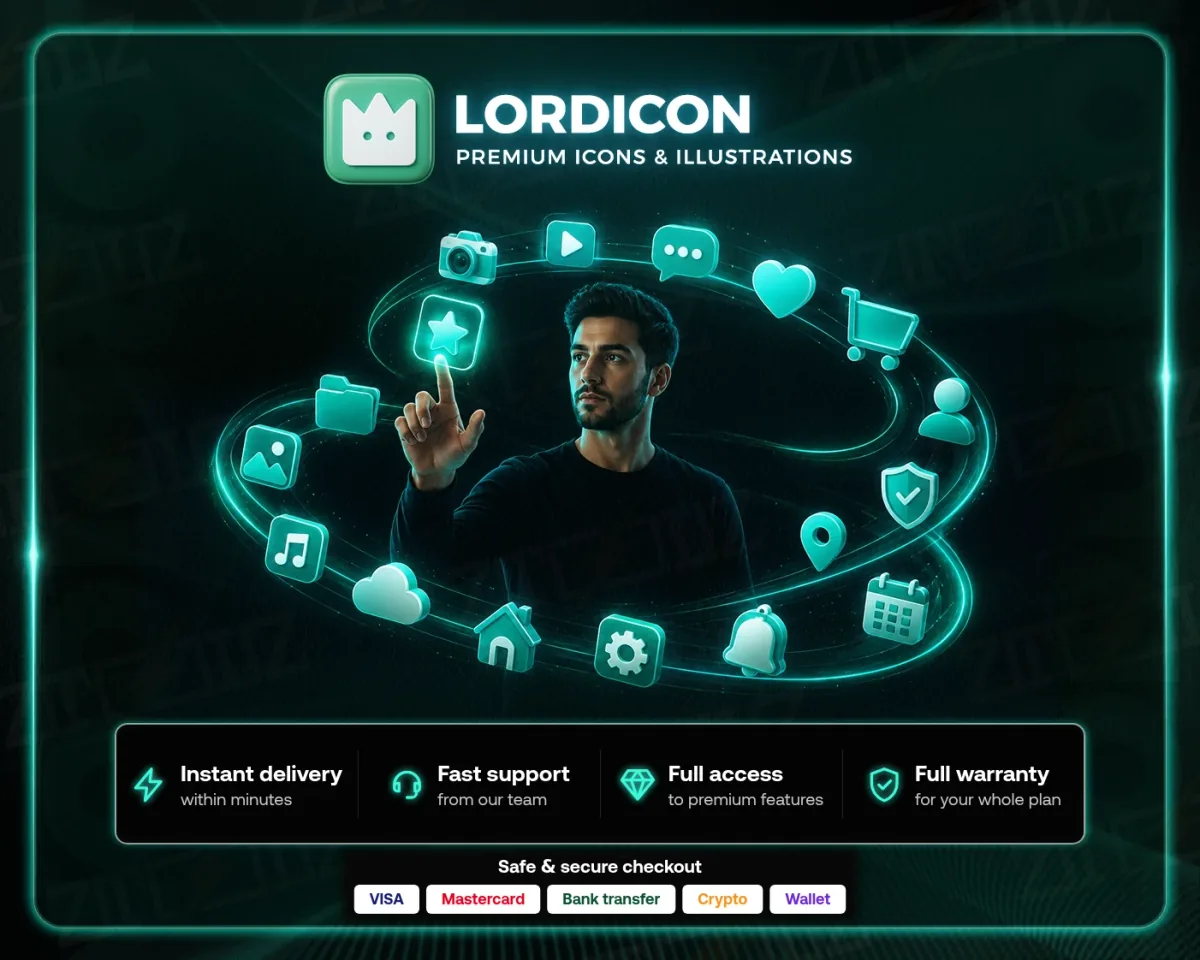
Lordicon Premium: a pro library of customizable animated icons in Lottie, GIF and SVG for websites, apps and presentations.
10$/ month
Monthly billing, cancel anytime
The tool is added to your custom plan. Add more tools, then check out from your cart.
Trusted & Safe
Encrypted Payment
Instant Delivery
Full support
Features
Everything you get in the plan.
Reliable access from ZTOOLZ
Use the tool from your ZTOOLZ account via the extension or the cloud, activated instantly.
Instant Delivery in Minutes
Upon payment completion, the account is automatically sent to your email
Arabic-speaking support
Professional support team available all the time via WhatsApp and email
Support for the whole subscription
Immediate replacement for any problem you may face without any complications
Lowest Price in the Arab World
A price well below subscribing to Lordicon on your own
Secure Encrypted Payment
Pay securely by card, bank transfer, crypto or wallet balance
Detailed description
Overview
Static icons feel flat next to the interfaces people now expect. A Lordicon premium subscription unlocks one of the best-crafted libraries of animated icons on the web, letting you drop smooth, professional motion into websites, apps and presentations in seconds. With Ztoolz you get cheap Lordicon Pro access, activated instantly, and the full catalogue rather than the small sample available on the free plan.
01
What Lordicon is
Lordicon is a dedicated animated-icon platform. Every icon is hand-drawn in a consistent style, so a dozen of them on one page still look like a family. Each one is a lightweight animation that reacts to hover, clicks or scrolling, adding life to a layout without dragging down page speed.
The catalogue spans e-commerce, tech, health, education, finance, travel, social media and much more, so you rarely have to draw anything yourself. Designers who outgrow static packs often land on Lordicon as the go-to Flaticon alternative for motion.
02
What Lordicon Pro unlocks
Multiple styles: the Wired family (Outline, Flat, Lineal, Gradient) and the System family (Regular, Solid).
Built-in editor: recolor icons to your brand palette, adjust stroke width and pick the animation, no After Effects needed.
Animation triggers: hover, click, loop, or play when the icon scrolls into view.
Export formats: Lottie JSON for web and apps, GIF and video for slides and social, SVG and PNG for static use, plus After Effects files for advanced edits.
Integrations: plugins for Figma, WordPress and Elementor, and simple embedding in Webflow, Framer or any site.
Full library: premium icons hidden from free users, in every style and format.
03
Practical ways to use animated icons
Websites and landing pages
Pair each benefit in a features grid with an animated icon, or make the cart icon wiggle when a product is added. Small touches like these make a site feel premium and pull the eye toward your key buttons.
Mobile apps
Lottie files are tiny compared with video, which is why iOS and Android teams use them for onboarding screens, success and error states and tab bar icons without hurting performance.
Presentations and social content
Export as GIF or video and drop the icon into PowerPoint, Google Slides, Instagram posts or Stories to explain an idea visually in two seconds.
04
Who should get Lordicon
UI/UX designers who want more convincing Figma prototypes, web developers building on WordPress or Webflow, marketers and content creators who need eye-catching visuals, and freelancers who want their client work to look modern enough to justify a higher fee.
05
Getting started through Ztoolz
Once you've paid, sign in at ztoolz.io and add the Ztoolz extension to Chrome. Open Lordicon from the extension on your desktop, search for the icon you need, customize it in the editor and download it in the right format. Pro tip: stick to one style per project and match icon colors to your brand palette before exporting.
06
Why buy Lordicon from Ztoolz
Instant activation right after your order is confirmed.
Responsive Arabic-speaking support, with help or replacement for the whole term.
Also included in the Designer bundle and the Ztoolz bundle.
Pay securely with Visa/Mastercard, bank transfer, crypto or your wallet.
Give your designs the motion they deserve. Pick your Lordicon plan above and start downloading today.
Technical details
Account Type
Access from your ZTOOLZ account
Subscription Duration
Monthly or yearly
Delivery Method
Instant automatic delivery via email
Supported Devices
Mobile, Tablet, Laptop, Smart TV
Support
For the whole subscription
Technical Support
Arabic and English
Payment Methods
Card, bank transfer, crypto, wallet balance
Custom plan
Combine it with other tools in one subscription
Answers to your most important questions.
Lottie JSON for websites and apps, GIF or video for presentations and social, SVG and PNG for static use, plus After Effects files if you need advanced editing.
Yes. The built-in editor lets you change colors, stroke width, animation type and trigger before downloading, so every icon matches your brand.
Sign in at ztoolz.io, install the Ztoolz extension on Chrome, Edge or Brave, then launch Lordicon from the extension on your desktop and download with premium features.
Yes. Lordicon has plugins for Figma, WordPress and Elementor, and you can embed icons in Webflow, Framer or any site using Lottie files or the embed code.
The free version offers a limited set of icons, styles and formats. Premium opens the full library, premium styles and advanced exports. For usage terms, review Lordicon's own license before commercial use.
Lottie files are far lighter than video or GIF, so performance stays smooth. Just avoid overloading a single screen with too many moving icons.
 Lordicon Premium