Depositphotos Downloader: Photos and Vectors Explained
Depositphotos downloader walkthrough: how to paste a link, choose good photos and vectors, understand licence notes and when another library suits you better.
A Depositphotos downloader lets you paste the link of a photo, vector or illustration and get the original file, instead of buying a separate plan on the stock site. It suits designers, social media managers and small shops who need a handful of good images a month. Below you will find how to use it, how to judge quality quickly, and where it stops being the right choice.
What is Depositphotos good for?
Depositphotos is a large library of photos, vectors and illustrations, plus some video and music. Its strength is breadth: you can usually find something for everyday topics like food, offices, travel, health, schools and festivals. It is also a common source for vector artwork, which is handy for logos on mockups, infographics and printed material.
It is less distinctive than a boutique library with a strong art direction. That means you need to do a little more work when picking, so the result does not look like a thousand other pages.
How to use the Depositphotos downloader
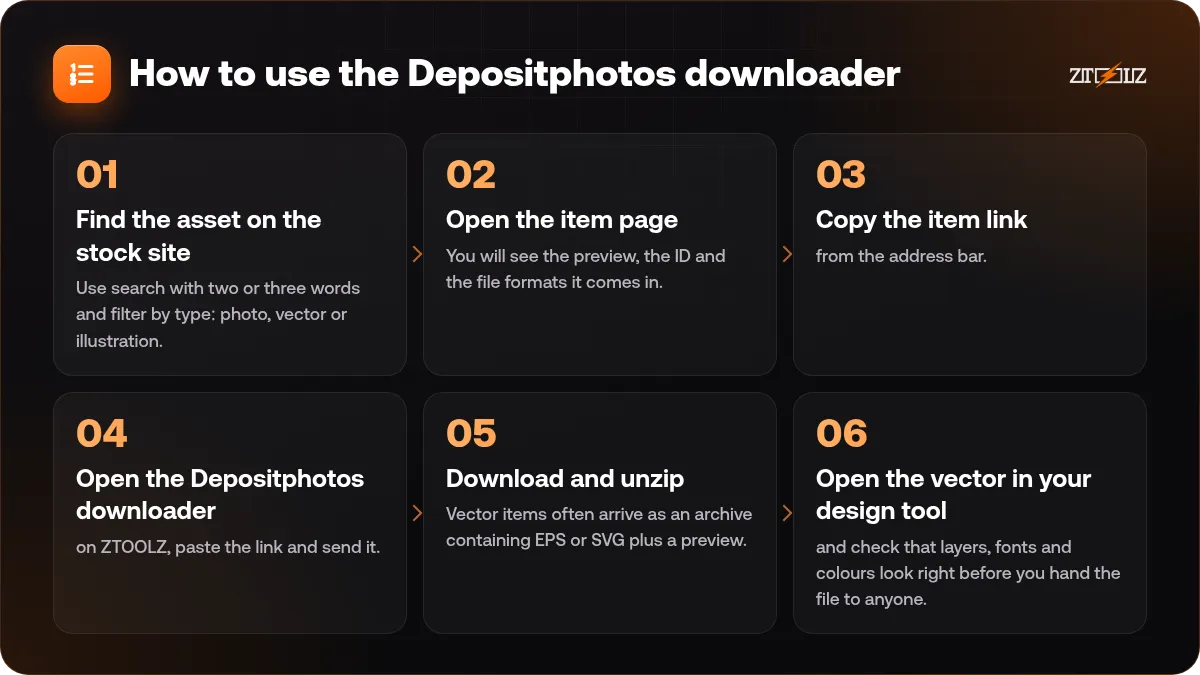
- Find the asset on the stock site. Use search with two or three words and filter by type: photo, vector or illustration.
- Open the item page. You will see the preview, the ID and the file formats it comes in.
- Copy the item link from the address bar.
- Open the Depositphotos downloader on ZTOOLZ, paste the link and send it.
- Download and unzip. Vector items often arrive as an archive containing EPS or SVG plus a preview. Photos arrive as JPG.
- Open the vector in your design tool and check that layers, fonts and colours look right before you hand the file to anyone.
How to choose good photos
Quality is mostly visible in the preview if you know what to look for.
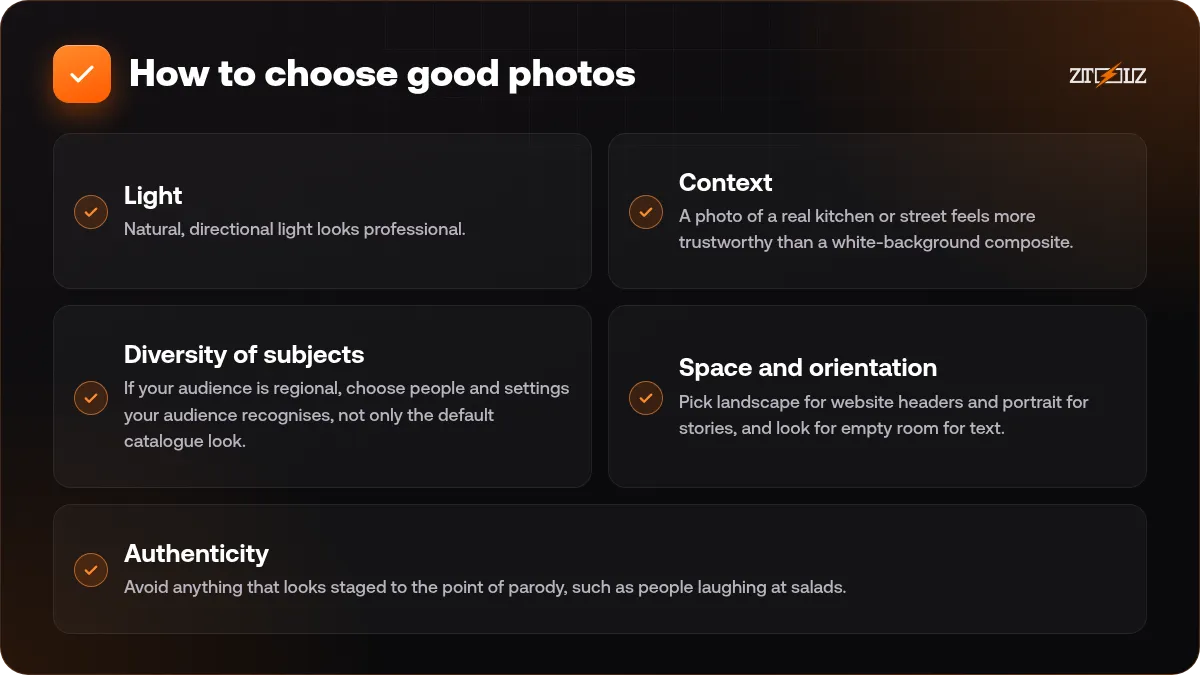
- Light. Natural, directional light looks professional. Flat flash and mixed colour casts look dated.
- Context. A photo of a real kitchen or street feels more trustworthy than a white-background composite.
- Diversity of subjects. If your audience is regional, choose people and settings your audience recognises, not only the default catalogue look.
- Space and orientation. Pick landscape for website headers and portrait for stories, and look for empty room for text.
- Authenticity. Avoid anything that looks staged to the point of parody, such as people laughing at salads.
How to choose good vectors
Vectors are different, because you will edit them. A pretty preview can hide a messy file.
- Prefer items that mention layered, grouped and editable shapes.
- Check whether the pack includes SVG as well as EPS. SVG opens in more tools and on the web.
- Read the description for fonts. Vector packs often use fonts that are not embedded, and you may need to swap them.
- Pick sets, not single icons. A set gives you consistent line weight and corner style.
- Test one element at several sizes. If it only looks good large, it is not a good icon.
For a deeper look at preparing vector and print files, read print vs web design files.
Licence notes you should not skip
Stock licences differ by site and by licence type. The usual categories are standard use for web and print, extended use for larger or resale scenarios, and editorial for news content. A file being downloadable does not mean it is allowed in every project.
Before you publish, read the licence terms for the item, particularly if you plan to put it on products you sell, in templates other people will buy, or in a logo. Logos built from stock vectors are a frequent problem, since the same artwork can be used by someone else.
Our guide to stock asset licences explains the terms in simple words. Keep the item ID with the file so you can check it later.
Depositphotos or another library?
The honest answer depends on the job. If you only need a few images, a link-based downloader like this is economical. If you need thousands of templates, fonts and music every month, a full creative subscription may be a better tool; see our comparison of Freepik, Envato and Vecteezy. If you want premium photography with a polished look, the iStock image downloader is worth trying beside this one.
A practical tip: pick your image in two libraries, place both in the layout, and keep the one that fits the design. It takes two minutes and avoids the regret of a bad pick.
A quick workflow for a small shop owner
Imagine you run an online shop and need images for a seasonal campaign: a homepage banner, four social posts and an email header. Start by writing the message of the campaign in one sentence. Then search for three concepts that express it, for example gift boxes, a family table and a hand holding a phone.
Shortlist six photos and two vector sets, place them in your design tool next to your product photos, and see which ones share a colour mood with your brand. Download only the final five or six. Add a subtle colour overlay or consistent filter so the stock photos and your own product pictures feel like one family.
Finally, keep a small log with the item ID, the date and the page where it appears. If you later change agency or website, you will know exactly which files are stock and which are your own.
Habits that save time
- Collect links in a spreadsheet or note first, then download in one sitting.
- Name files with the ID and a keyword.
- Keep a folder per client so you can answer licence questions fast.
- For vectors, save the original and work on a copy.
- Do not use an image just because it was easy to find. Choose it because it communicates the idea.
How ZTOOLZ fits in: ZTOOLZ offers shared access to the Depositphotos downloader through platform-owned accounts, opened as a simple page where you paste a link. It is not a personal subscription, and the content licence for your project is still your responsibility to check. Open the Depositphotos downloader page to see our current price, or add it with the + button when you build a custom plan in the store.
FAQ
Can I download vectors as well as photos?
Yes, you can paste links for photos, vectors and illustrations. Vector items usually come as an archive with editable files, so you need a design tool that opens EPS or SVG.
Do I need to log in to Depositphotos?
No. You only browse the site to find the item and copy its link. The downloader uses the platform account for the file.
Why does my downloaded vector look different from the preview?
Fonts that are not embedded and effects that the preview flattens are the usual causes. Open the file in your design tool, replace missing fonts, and check the layers.
Is it safe to use the images for a logo?
Usually not a good idea. Many licences restrict logo use, and the same artwork can appear in other brands. Use stock vectors as inspiration or components, and read the terms first.
Which is better for photos, Depositphotos or iStock?
Neither is always better. iStock often feels more polished for business and lifestyle shots, while Depositphotos has wide coverage and many vectors. Compare previews for your exact topic.