Freepik vs Envato vs Vecteezy: Which Library for Which Job
Freepik vs Envato vs Vecteezy compared by job: vectors, templates, video, fonts and photos, plus how Pikbest and Lovepik fit in. Pick the right library fast.
Freepik vs Envato vs Vecteezy is the wrong question if you ask it in the abstract. The right question is which library fits the job in front of you: a social post, a video intro, a logo concept, a pitch deck or a printed flyer. This guide compares them by task, adds Pikbest and Lovepik to the picture, and ends with a simple decision flow you can reuse.
The short answer
If you mostly need vectors and quick graphics, Freepik and Vecteezy are the natural places to start. If you need templates for video, presentations and websites, plus fonts and music, Envato Elements is stronger. If your market is Asia-oriented design with lots of ready-made poster and e-commerce layouts, Pikbest and Lovepik deserve a look. Many professionals use two libraries, not one.
How each library is positioned
Freepik
Freepik is known for a huge catalogue of vectors, illustrations, photos, PSD templates and mockups, and it has added AI generation tools in recent years. Its sweet spot is fast, general-purpose graphic work: banners, social posts, infographics and flyers. The content comes from many contributors, so quality varies and popular items repeat across the web.
Envato Elements
Envato Elements is a broad creative library with video templates, stock video, music, sound effects, fonts, graphics, presentations, web themes, 3D and add-ons. Its edge is variety across formats, especially for video editors, motion designers and agencies. See our full Envato Elements review for more detail, and Envato Elements on ZTOOLZ if you want access.
Vecteezy
Vecteezy focuses on vectors, photos, video and illustrations, with a clean interface and a mix of free and premium content. It works well for vector graphics, simple backgrounds and general stock, and it has been adding AI-related tools. You can look at Vecteezy on ZTOOLZ.
Pikbest and Lovepik
Pikbest and Lovepik are libraries with a strong emphasis on ready-made designs: posters, social media templates, e-commerce banners, presentations and illustrations, many in a style popular in Asian markets. They can be excellent when you need a polished layout fast. See Pikbest and Lovepik in the cloud on ZTOOLZ.
Comparison by job
Social media posts
For quick posts, Freepik and Pikbest offer many ready layouts, and Vecteezy gives you vector elements to build your own. If you design inside an editor like Canva, you may only need elements and photos rather than whole templates.
Logo concepts and branding
Envato gives you fonts, mockups and graphics that are ideal for brand presentations. Be careful with stock vectors inside logos: many licences restrict this, and the same artwork can appear for other brands. Use libraries for inspiration, typography and mockups.
Video intros, titles and promos
Envato Elements wins here with video templates for the main editing programs, plus music and sound effects. If you are mostly in video, also look at Motion Array.
Presentations and pitch decks
Envato has a large range of PowerPoint, Keynote and Google Slides templates. Pikbest and Lovepik are also worth checking for polished business layouts.
Print: flyers, menus, brochures
Freepik, Vecteezy and Envato all have print-ready vectors and PSD files. Check that the file includes the right bleed and colour mode, or be ready to adjust. Read our guide on print vs web design files before you send anything to a printer.
Stock photos
All three have photos, but dedicated photo libraries have deeper coverage. Compare the options in Adobe Stock vs iStock vs Shutterstock when photography is central to your project.
Fonts
Envato has the strongest font collection among the three for professional work. Freepik also lists fonts, but check licensing for each one.
A quick decision flow
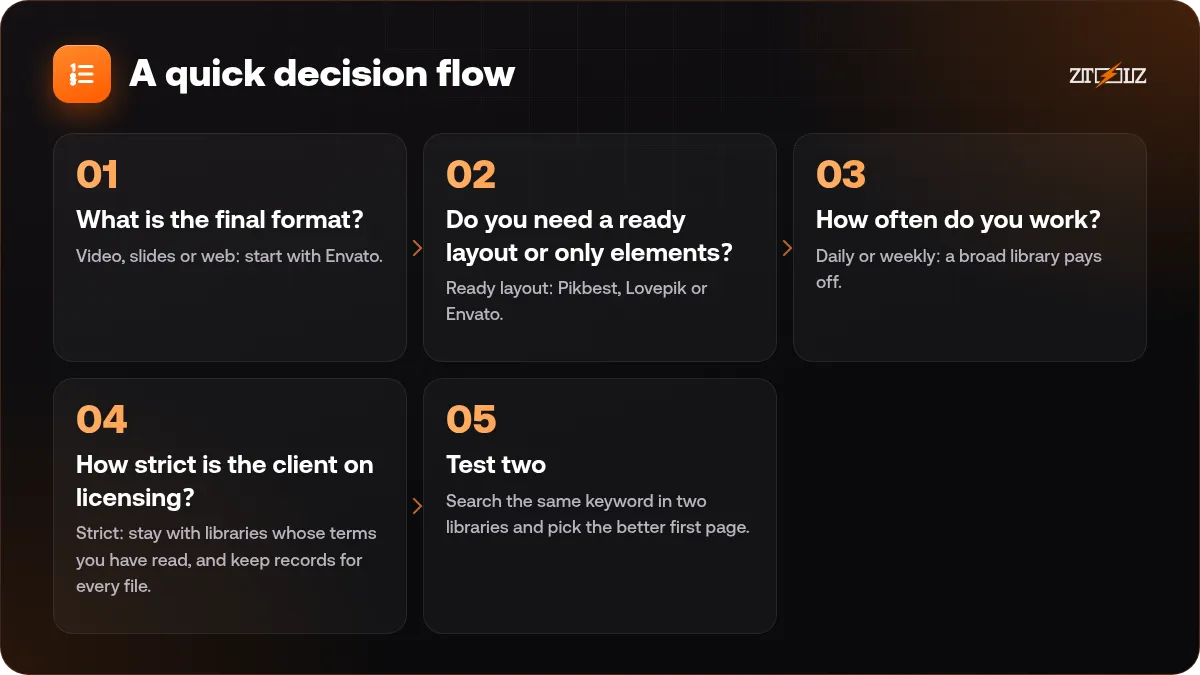
- What is the final format? Video, slides or web: start with Envato. Static graphics: start with Freepik or Vecteezy.
- Do you need a ready layout or only elements? Ready layout: Pikbest, Lovepik or Envato. Elements: Freepik or Vecteezy.
- How often do you work? Daily or weekly: a broad library pays off. A few times a month: consider a downloader or a custom plan with just the tools you use.
- How strict is the client on licensing? Strict: stay with libraries whose terms you have read, and keep records for every file.
- Test two. Search the same keyword in two libraries and pick the better first page.
Licence differences you cannot ignore
Each library has its own terms. Some require attribution for free content, some limit use in logos or products for resale, and some track your downloads per project. The label on the website matters more than what you remember from a previous project.
Before you deliver client work, read the licence terms for each file, especially for logos, merchandise, templates you resell and ads. Keep a simple spreadsheet with file name, source and date.
For a plain-language map, read stock assets and licences explained.
Do you need all of them?
Probably not. A common setup for a freelance designer is one broad library, such as Envato, plus one vector-focused library, such as Vecteezy or Freepik. A beginner can read the beginner designer guide to Canva, Freepik and Envato to see how these tools combine in a real workflow.
How ZTOOLZ fits in: ZTOOLZ offers shared access to several of these libraries through platform-owned accounts, opened with the extension, the secure browser or the cloud version, depending on the tool. It is not a personal subscription, and you should always check the content licence for your project. Visit Envato Elements, Vecteezy and Pikbest for our current prices. You can combine the ones you need into a custom plan with the + button in the store, or look at the All In One plans if you use many tools.
Common mistakes when choosing
- Choosing by popularity rather than by the job.
- Paying for a broad library when you only use one category.
- Using free-tier assets without checking attribution rules.
- Building a logo from a stock vector.
- Not testing the same keyword in two libraries.
FAQ
Which is best for beginners, Freepik, Envato or Vecteezy?
Freepik and Vecteezy are easier for quick graphics. Envato offers more formats but has more to learn. Start with the format you need most.
Is Envato better than Freepik for video?
For video templates, music and sound effects, Envato is usually the stronger choice. Freepik is more about graphics and images.
Are Pikbest and Lovepik good alternatives?
They are good when you want ready-made poster, e-commerce and presentation layouts quickly. Check the licence and the style fit for your audience.
Can I use stock vectors in a logo?
Usually this is risky and often restricted by the licence. Use stock assets for inspiration or supporting elements, and create the logo itself from original work.
Do I need more than one library?
Many designers use two: one broad and one specialised. Start with one, and add another when you notice a repeating gap.