Envato Elements Review 2026: Is It Worth It for Creators?
Honest Envato Elements review for 2026: what is inside (templates, video, music, fonts), who it suits, who should skip it, and how access through ZTOOLZ works.
Envato Elements is a creative subscription library that bundles templates, stock video, music, fonts, graphics, photos and more in one place. In short: it is very good value for people who produce many projects, and a poor fit for someone who needs one file a year. This Envato Elements review for 2026 explains what is inside, where it shines, where it frustrates, and how to decide if it suits your work.
What is inside Envato Elements?
The library is broad. The main categories are:
- Video templates: projects for After Effects, Premiere Pro, Final Cut and DaVinci Resolve, such as intros, lower thirds, titles and social promos.
- Stock video: footage clips for b-roll and backgrounds.
- Music and sound effects: tracks and effects for videos and podcasts.
- Graphics: vectors, icons, patterns, textures, backgrounds, logos and mockups.
- Fonts: a large collection of display and text typefaces.
- Presentation templates: PowerPoint, Keynote and Google Slides decks.
- Web and code: website templates, WordPress themes and plugins, UI kits.
- Photos and 3D: stock images and 3D models and scenes.
- Add-ons: presets, actions, LUTs and plugins for creative software.
The strongest areas for most users are video templates, fonts, graphics and presentations. The photo selection is useful, but it is not the main reason to choose Envato.
What are the real strengths?
Breadth in one place
The biggest advantage is that one library covers many deliverables. A freelancer making a promo video can take a template, a music track, a few fonts and some footage from one place instead of subscribing to four services.
Template depth
For editors and motion designers, ready-made projects speed up delivery. You open the project, replace text and media, adjust colours and render. Even if you modify heavily, a template gives you a structure and professional timing.
Fonts and graphics for branding work
Having a large font collection is valuable for logo concepts, social media kits and print. You can try many options before choosing, which improves the final design.
Regular additions
The library keeps growing, so you can often find current styles rather than only dated ones.
What are the weaknesses?
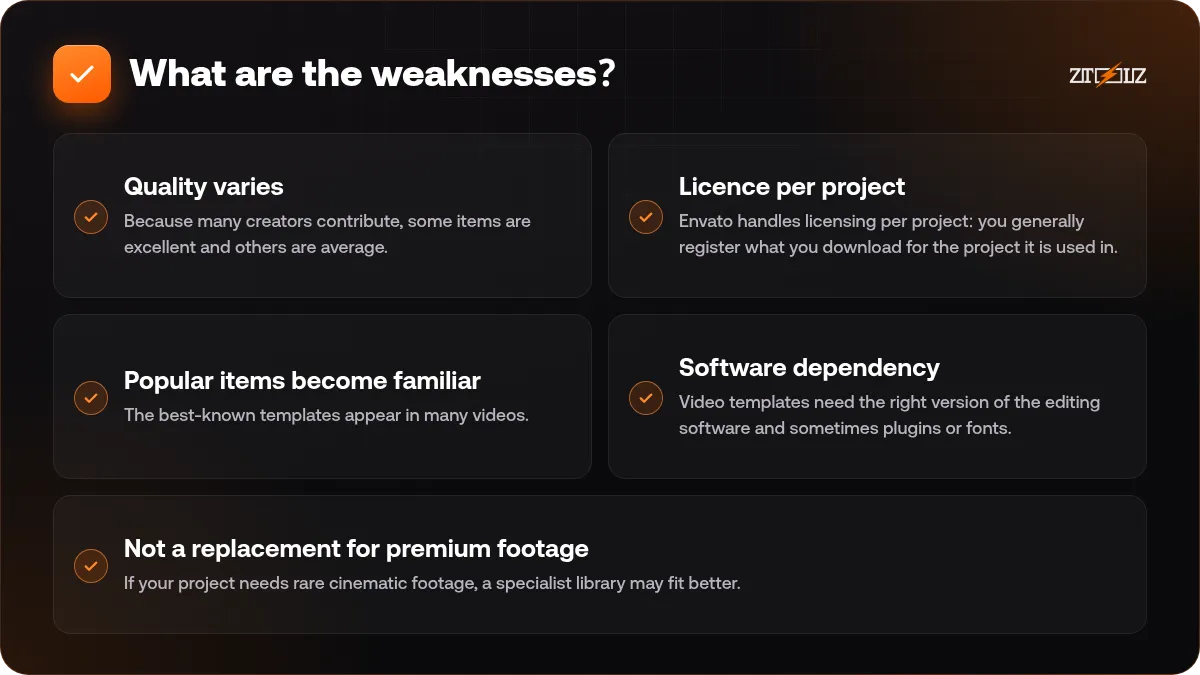
- Quality varies. Because many creators contribute, some items are excellent and others are average. Check previews, reviews and the file description carefully.
- Licence per project. Envato handles licensing per project: you generally register what you download for the project it is used in. It is a good habit, but it adds a small step to the workflow.
- Popular items become familiar. The best-known templates appear in many videos. Customise colours, fonts and timing so your result does not look generic.
- Software dependency. Video templates need the right version of the editing software and sometimes plugins or fonts.
- Not a replacement for premium footage. If your project needs rare cinematic footage, a specialist library may fit better.
Who should use Envato Elements?
It suits you if you:
- Produce several videos, decks or social campaigns every month.
- Work with clients who expect quick turnarounds.
- Need fonts and graphic assets for branding.
- Edit in After Effects, Premiere Pro or similar software and like templates.
- Build websites with WordPress or from templates.
It is probably not for you if you only need a single photo now and then, or if your work depends on very specific premium footage or custom illustration.
Envato Elements versus the alternatives
Compare by job, not by name.
- Versus Motion Array: Motion Array focuses on video creators, with templates, presets and footage. If your work is nearly all video, it deserves a look; see Motion Array on ZTOOLZ and the guide to Motion Array templates.
- Versus Freepik or Vecteezy: these are strong for vectors and quick graphics. Our comparison of stock libraries explains where each is stronger.
- Versus Canva Pro: Canva is a design editor with templates; Envato is a file library you open in other software. Many people use both. Read Canva Pro vs Canva Free if you are weighing Canva.
How to get the most from Envato Elements
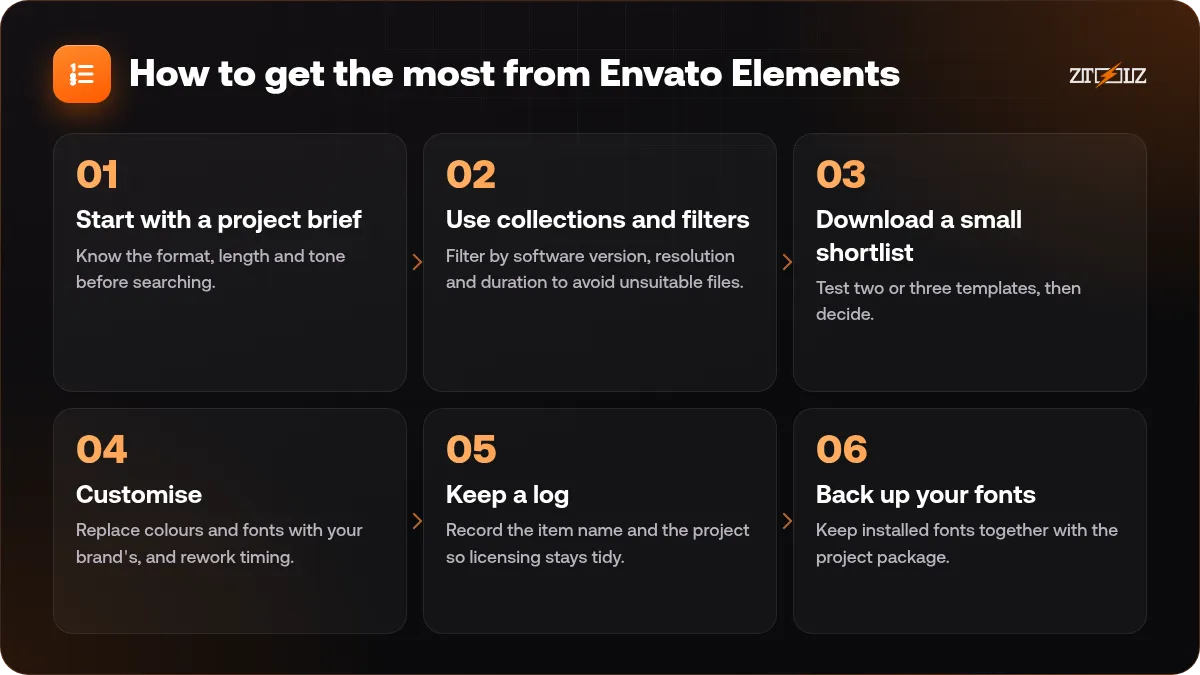
- Start with a project brief. Know the format, length and tone before searching.
- Use collections and filters. Filter by software version, resolution and duration to avoid unsuitable files.
- Download a small shortlist. Test two or three templates, then decide.
- Customise. Replace colours and fonts with your brand's, and rework timing.
- Keep a log. Record the item name and the project so licensing stays tidy.
- Back up your fonts. Keep installed fonts together with the project package.
Licence: what to check
Envato's terms are clear about the idea of project use, and they exclude certain actions such as redistributing items on their own. Some content, such as items showing brands or people, can have extra restrictions.
Read the current licence terms before you deliver a project to a client, and check any special notes in the item description. Do not share the raw files with people who do not have a licence for them.
See stock assets and licences explained for an overview.
Verdict
For active creators, Envato Elements is one of the most practical all-round libraries, mostly because of video templates, fonts and graphics. For occasional users it is excessive. The smart question is not whether it is good, but whether you will use enough of it. If you will, it pays back quickly in saved hours.
How ZTOOLZ fits in: ZTOOLZ offers shared access to Envato Elements through a platform-owned account, opened with the ZTOOLZ extension, the secure browser or the cloud version. It is not a personal subscription, so please avoid changing account settings and do not store personal data in it, and always check the licence for your project. See Envato Elements on ZTOOLZ for our current price, or add it to a custom plan with the + button in the store. For many tools together, look at the All In One plans.
FAQ
Is Envato Elements worth it in 2026?
It is worth it if you produce several projects every month and use templates, fonts or footage. It is probably not worth it for rare, single-file needs.
What is the biggest advantage of Envato Elements?
Breadth. You get templates, video, music, fonts and graphics in one library, which saves time and avoids juggling several subscriptions.
Can I use Envato files for client projects?
Generally yes under the project-based licence terms, but check the current terms and any item-specific notes before you deliver work.
Do I need Adobe software for the video templates?
Many templates are for After Effects or Premiere Pro, but there are also options for other editors. Check the software and version listed on each item.
How is Envato different from Canva?
Canva is an editor where you design inside the browser. Envato is a library of files you download and open in your own software, though some items work well alongside Canva.