Video Editing Tools for Snapchat and TikTok Creators in the Gulf
Video editing tools for Snapchat and TikTok creators: vertical editing, Arabic captions, licensed music, stock b-roll, strong hooks and a weekly workflow.
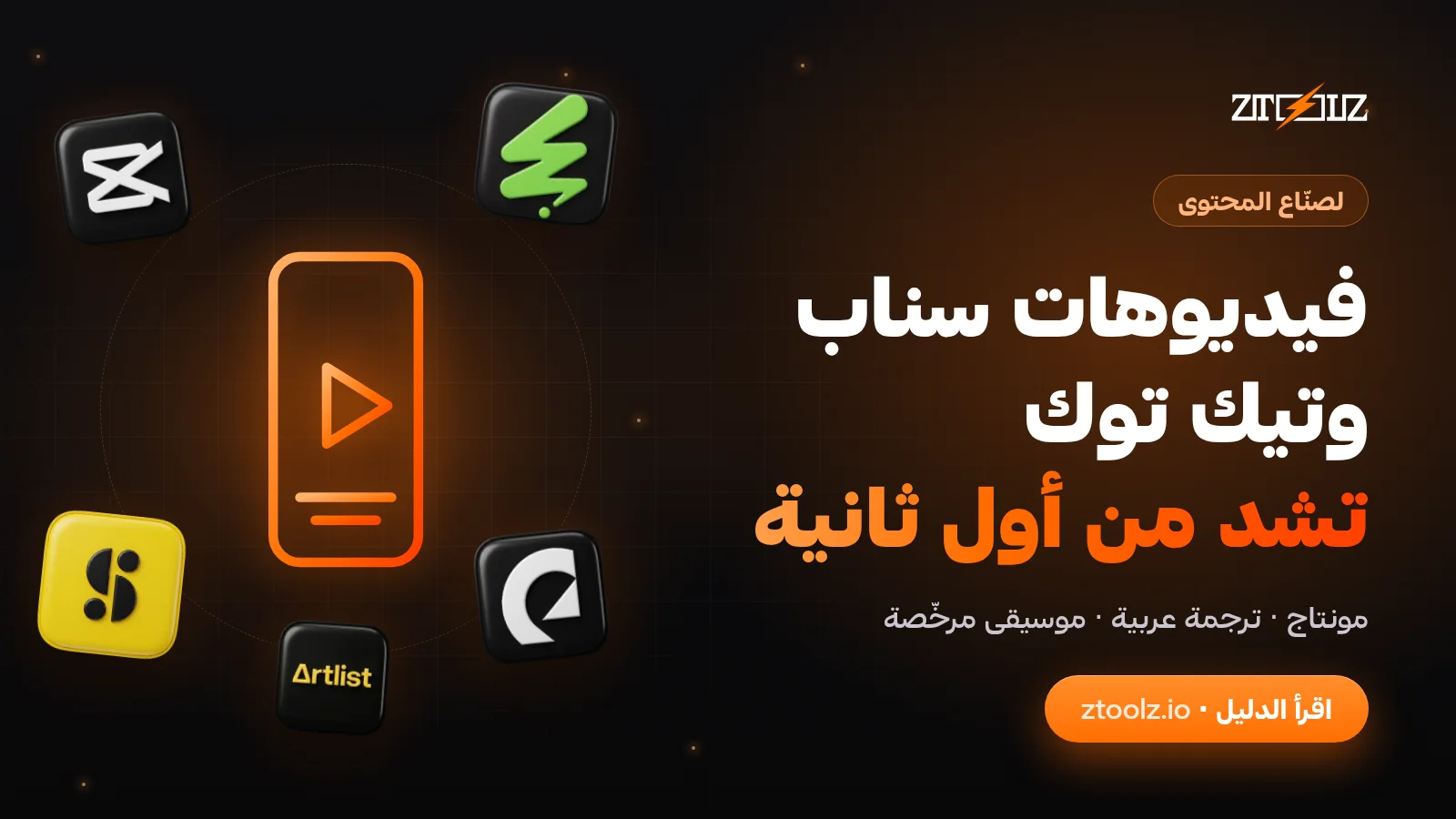
The right video editing tools for Snapchat and TikTok creators cover four jobs: cutting vertical video quickly, adding Arabic captions that read well, finding music and sound effects you are allowed to use, and filling gaps with good b-roll. This guide walks through each one, then gives you a weekly workflow for posting on Snapchat, TikTok and Instagram Reels, whether you film in Riyadh, Abu Dhabi or Doha, or create for a brand.
What makes a good vertical video for Snapchat, TikTok and Reels?
All three platforms are built around full-screen vertical video. A few basics apply everywhere:
- Shape: 9:16 vertical, usually exported at 1080 by 1920 pixels.
- Safe zones: the app interface covers the top, the bottom and part of the right side. Keep faces, text and products in the middle area.
- Sound off: many people watch without sound at first, so captions and on-screen text carry the message.
- Length: each platform sets its own maximum length and changes it from time to time. Shorter is usually easier to finish, so cut anything that does not earn its place.
Snapchat is especially popular in Saudi Arabia and across the Gulf, and many brands treat Stories and Spotlight as seriously as TikTok. You can edit once and adapt the same video for all three, adjusting text and captions for each.
Editing vertical videos in CapCut Pro
CapCut Pro is a favourite for short-form creators because it is built for vertical video and runs on phone and desktop. A simple editing order keeps you fast:
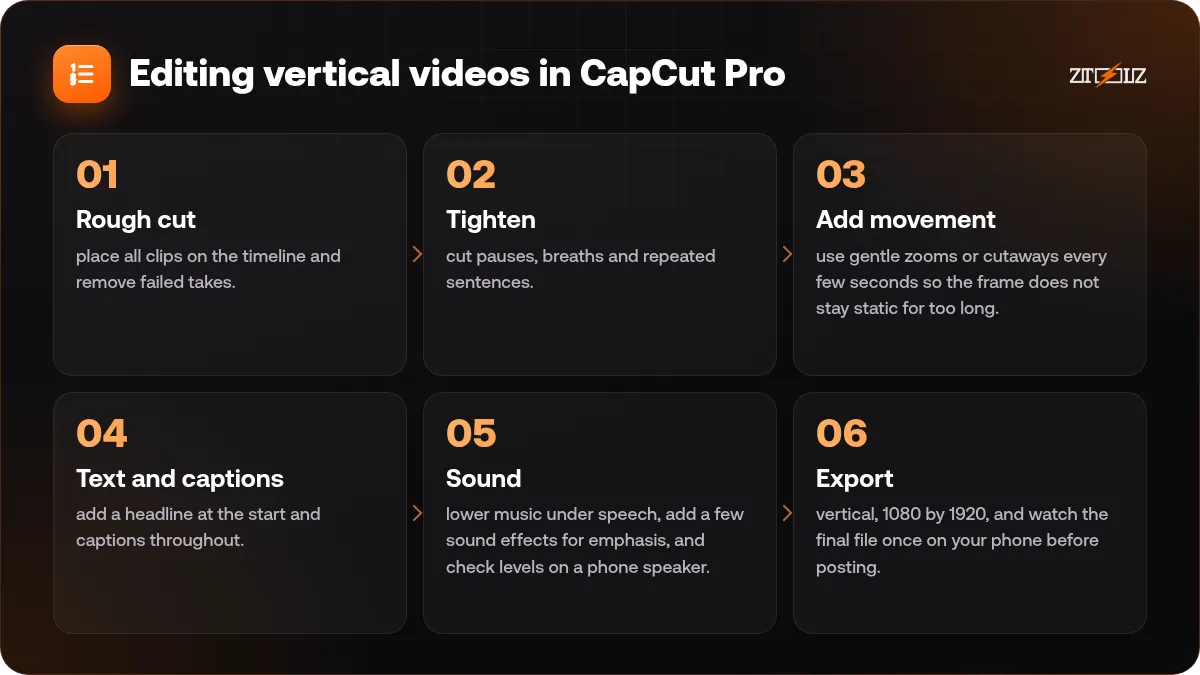
- Rough cut: place all clips on the timeline and remove failed takes.
- Tighten: cut pauses, breaths and repeated sentences. Short videos feel slow very quickly.
- Add movement: use gentle zooms or cutaways every few seconds so the frame does not stay static for too long.
- Text and captions: add a headline at the start and captions throughout.
- Sound: lower music under speech, add a few sound effects for emphasis, and check levels on a phone speaker.
- Export: vertical, 1080 by 1920, and watch the final file once on your phone before posting.
Use effects sparingly. Heavy transitions and stacked filters distract from the message and date quickly. For a deeper walkthrough, see our CapCut Reels editing guide.
How to add Arabic captions that read well
Auto captions save hours, and CapCut can generate them for many languages. Treat them as a first draft. Arabic speech recognition still makes mistakes, especially with dialect words, names, English terms mixed into Arabic, and fast speech.
- Read every line and fix spelling, names and brand terms.
- Decide on one style: Modern Standard Arabic for wider reach, or the dialect you speak for a personal feel. Do not mix styles randomly.
- Keep lines short, around one idea per caption, and no more than two lines on screen.
- Choose a font with proper Arabic support so letters join correctly, and check that punctuation sits on the right side.
- Place captions inside the safe zone, away from faces and away from the app buttons.
- Use contrast: white text with a soft shadow or a semi-transparent box behind it.
Our guide on adding Arabic subtitles to videos covers timing and styling in more detail.
Music and sound effects with proper licences
Music is where many creators and brands get into trouble. Songs from the radio or another creator's video are owned by someone, and using them can get your video muted, blocked or claimed. Platforms provide in-app sound libraries, but the rules differ by account type: business accounts often get a more limited, commercially cleared library. Check the platform's current rules for your account.
Subscription music libraries give you more control. Epidemic Sound and Artlist offer large catalogs of music and sound effects aimed at creators, searchable by mood, genre, tempo and length. Practical tips:
- Search by mood first ("uplifting", "calm", "suspense"), then trim to the length you need.
- Pick tracks that leave room for speech; busy vocals fight with your voice.
- Keep a small set of signature sounds so your audience recognises your videos.
- Read the licence terms for each project, especially for paid ads or client work, and keep a record of where each track came from.
For the basics of music licensing, read royalty-free music for videos explained.
Stock b-roll that does not look like stock
B-roll fills the gaps between talking shots: a city skyline, hands typing, coffee being poured, a car on a desert road. Storyblocks and Envato Elements both offer large stock video libraries, and Envato Elements also includes music, sound effects and templates for editors such as Premiere Pro and After Effects.
- Search for scenes that match your audience: "Arabic coffee", "Dubai skyline night", "desert road", "modest fashion".
- Look for vertical or 4K horizontal clips, so you can crop to 9:16 without losing quality.
- Mix stock clips with your own footage. A video made only of stock feels generic.
- Match colours so stock and your clips look like one video; our article on colour grading basics helps.
- Check the licence terms of each clip for your project, especially in ads.
Hooks: why the first seconds matter
Nobody outside the platforms knows exactly how their recommendation systems rank videos, and they change over time. What you can control is whether people keep watching. The opening seconds decide that.
Hooks that work across niches:
- Show the result first: the finished dish, the before and after, the final look.
- Ask a clear question: "Why does your perfume fade by noon?"
- Make a specific promise: "Three ways to style one abaya for work."
- Start mid-action: skip greetings and introductions.
Put the hook in both speech and on-screen text, because many viewers start with sound off. Then deliver quickly on the promise, or viewers learn to scroll past you.
A weekly posting workflow for Gulf creators
Consistency beats occasional bursts. Adapt this plan to your own work week:
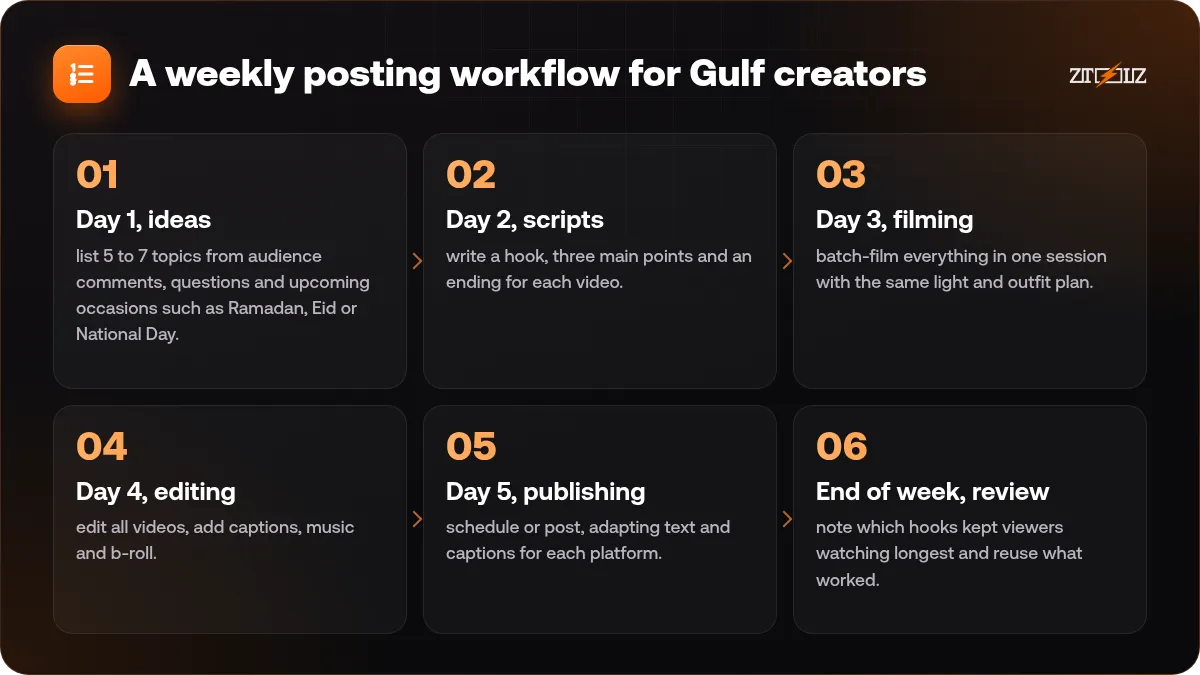
- Day 1, ideas: list 5 to 7 topics from audience comments, questions and upcoming occasions such as Ramadan, Eid or National Day.
- Day 2, scripts: write a hook, three main points and an ending for each video.
- Day 3, filming: batch-film everything in one session with the same light and outfit plan.
- Day 4, editing: edit all videos, add captions, music and b-roll.
- Day 5, publishing: schedule or post, adapting text and captions for each platform.
- End of week, review: note which hooks kept viewers watching longest and reuse what worked.
If you edit inside a shared tool account, do not save personal or client files there, and do not change account settings. See our habits for using shared accounts safely.
Common mistakes to avoid
- Uploading horizontal video with black bars instead of reframing for vertical.
- Putting text where the app buttons will cover it.
- Using trending songs in brand content without checking whether your account may use them.
- Leaving auto captions unchecked, with spelling mistakes in every line.
- Copying another creator's format so closely that your videos blend in.
Editing and media tools through ZTOOLZ: ZTOOLZ gives shared access to CapCut Pro, Envato Elements, Artlist, Storyblocks and Epidemic Sound through accounts owned by the platform. Depending on the tool, you open it with the ZTOOLZ Chrome extension, the secure browser app or a cloud version in your browser, and some stock sites also have downloader pages. Files come through the platform's subscription, so check each item's licence terms for your project. Choose one tool, build a custom plan in the store with the + button, or take an All In One plan from the pricing page. Prices show in your local currency on each tool page.
FAQ
What size should Snapchat and TikTok videos be?
Vertical 9:16, usually 1080 by 1920 pixels. Keep important text and faces in the centre so the app interface does not cover them.
Can I use the same video on Snapchat, TikTok and Reels?
Yes. Upload your original export from the editor rather than a copy saved from another app, and adjust captions and text for each platform. Many creators edit once and publish three versions.
Are auto-generated Arabic captions accurate?
They are a good start but not final. Check names, dialect words and English terms, and fix line breaks before publishing.
Can I use any song for a brand video?
No. Brand and business content needs music you are allowed to use. Use the platform's commercial library or a licensed music service, and check the terms for ads and client work.
Do I need to post every day?
Not necessarily. A steady schedule you can keep, such as three to five good videos a week, usually works better than daily posts that drop in quality.