
CapCut Pro Features: Free vs Pro for Reels and TikTok
CapCut Pro features compared with the free version: effects, AI tools, export options and a fast workflow for Reels, TikTok and Shorts.

CapCut Pro unlocks the premium part of CapCut: extra effects, templates, stickers and fonts, stronger AI tools and better export options for short vertical videos. If you edit Reels, TikToks or YouTube Shorts every week, those extras can save you hours. This guide shows what the Pro features are, how they differ from the free tools and how to build a fast editing workflow.
What is CapCut Pro?
CapCut is a video editor made for short-form content. It runs on phones, on desktop and in the browser, and it is popular because it makes timelines, captions and effects easy for beginners. The free version is already capable. The Pro subscription adds premium assets and features that creators use to look more polished and work faster.
Exactly which items are marked Pro changes from time to time, so you will see a small crown or Pro label inside the app. For current prices and what each plan includes, check the official pricing page.
Which Pro features matter most?
Premium effects, transitions and templates
Pro libraries include more effects, transitions, filters, stickers and ready templates. Templates are the biggest time saver: you drop in your clips and the timing, transitions and text animations are done for you. They are ideal for product videos, travel recaps and trend formats.
AI-powered tools
CapCut includes tools such as automatic captions, background removal for video, noise reduction, voice enhancement, text-to-speech and generative helpers. Several of these are partly free and unlock more usage or quality in Pro. Auto captions alone are worth testing, because most people watch short videos with the sound off.
Export options
Pro lets you choose higher quality exports and more control over resolution and frame rate. For Reels and TikTok this means a sharper picture after the platform compresses your video. Always export from the highest quality your plan allows and keep the original project so you can re-export later.
Extra fonts, sound and stock
The library of fonts, sound effects and stock clips grows with Pro. Check the licence information shown in the app for each asset if you use it for client or commercial work. For music in particular, read royalty-free music for videos explained so you do not get a copyright claim.
Cloud storage and projects
Pro plans often include space to keep projects and assets in the cloud so you can continue on another device. It helps when you start on your phone and finish on a bigger screen.
CapCut free vs Pro: do you really need the upgrade?
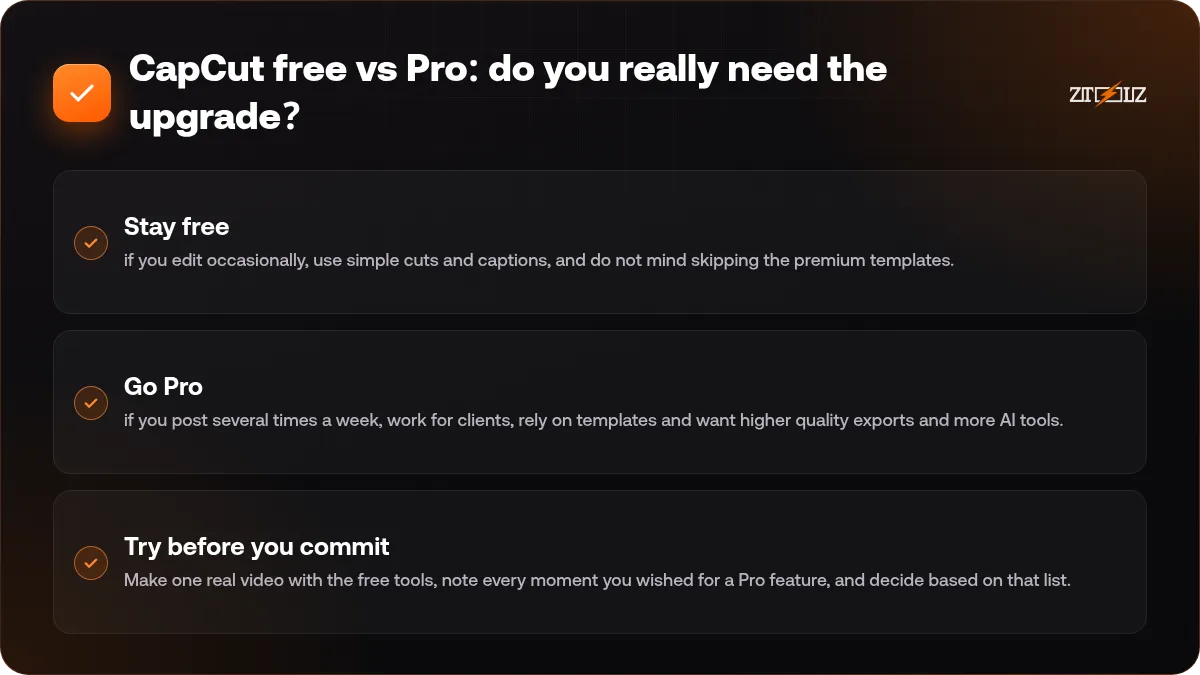
- Stay free if you edit occasionally, use simple cuts and captions, and do not mind skipping the premium templates.
- Go Pro if you post several times a week, work for clients, rely on templates and want higher quality exports and more AI tools.
- Try before you commit. Make one real video with the free tools, note every moment you wished for a Pro feature, and decide based on that list.
If you only need a short burst of Pro, for example for a campaign month, it can make more sense to use shared access than a long personal plan. Read shared vs individual tool subscriptions to see how to decide.
A fast workflow for Reels and TikTok
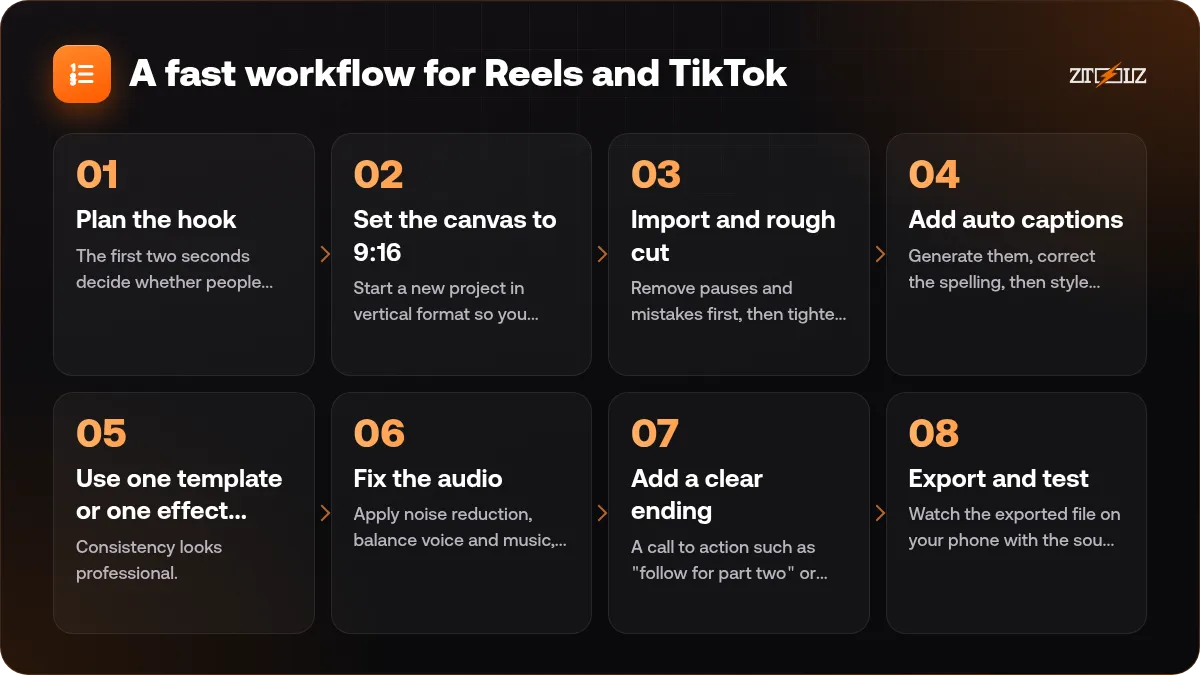
- Plan the hook. The first two seconds decide whether people stay. Write one line that states the benefit or the surprise.
- Set the canvas to 9:16. Start a new project in vertical format so you never crop later.
- Import and rough cut. Remove pauses and mistakes first, then tighten the pace. Short shots of one to three seconds keep attention.
- Add auto captions. Generate them, correct the spelling, then style them with a bold font and a safe margin from the edges, because apps cover the bottom of the screen with buttons.
- Use one template or one effect style, not five. Consistency looks professional.
- Fix the audio. Apply noise reduction, balance voice and music, and keep music lower than speech.
- Add a clear ending. A call to action such as "follow for part two" or "link in bio".
- Export and test. Watch the exported file on your phone with the sound off, then post.
Save your favourite caption style, font and colours as a preset or duplicate a finished project as your starter file. Reusing a look is what makes a feed recognisable.
For more editing structure, our CapCut Reels editing guide goes deeper on pacing and storytelling.
Arabic captions and right-to-left text
Many creators in the Gulf and Egypt edit in Arabic. Test your caption font on a short line first: some decorative fonts break letter connections or show text in the wrong order. Choose a clean Arabic font, check the punctuation, and read the captions once from start to finish before you export. For subtitle workflows in general, see how to add Arabic subtitles to videos.
Common mistakes with Pro features
- Using too many effects. Pro assets are tempting, but a clean video converts better than a busy one.
- Ignoring safe zones, so captions are hidden behind app buttons.
- Exporting at low quality to save time, then uploading a blurry video.
- Using trending audio in business videos without checking the usage rules for your account type.
- Forgetting to keep the source project, which makes later edits painful.
CapCut Pro on ZTOOLZ: we offer shared access to CapCut Pro through accounts owned by the platform, opened in the browser through the cloud version or the ZTOOLZ extension. Because the account is shared, do not change its settings and do not leave private projects or personal data inside it: export your work and keep your own copies. See the CapCut Pro tool page and the CapCut cloud page for our current price, or add it to a custom plan with the "+" button in the store. The payment methods available in your country appear at checkout.
FAQ
What does CapCut Pro include?
It includes premium effects, templates, fonts and stickers, stronger AI tools, higher quality export options and cloud storage features. The exact list changes, so check the Pro labels inside the app.
Is CapCut Pro worth it for beginners?
If you edit only occasionally, the free version is enough to learn. Upgrade when you notice that Pro templates and tools would save you real time every week.
Can I use CapCut on both phone and computer?
Yes. CapCut is available on mobile, desktop and in the browser, and cloud projects let you continue across devices when your plan supports it.
Are CapCut templates and music safe to use commercially?
Not always. Licence terms differ by asset and by account type, so read the usage information in the app before using something for a client or an advertisement.
How do I make my Reels look more professional?
Keep a strong first two seconds, use consistent fonts and colours, add clean captions inside the safe zone and fix the audio. Polish matters more than the number of effects.