1. Find the photo on Icons8
Browse the Photos section and use the filters for topic, background color, number of people, or isolated shots only. Open the photo page you like.
 Icons8 Photo Downloader
Download Icons8's consistent studio photos and cutouts in original resolution just by pasting the photo link.
Monthly billing, cancel anytime
The tool is added to your custom plan. Add more tools, then check out from your cart.
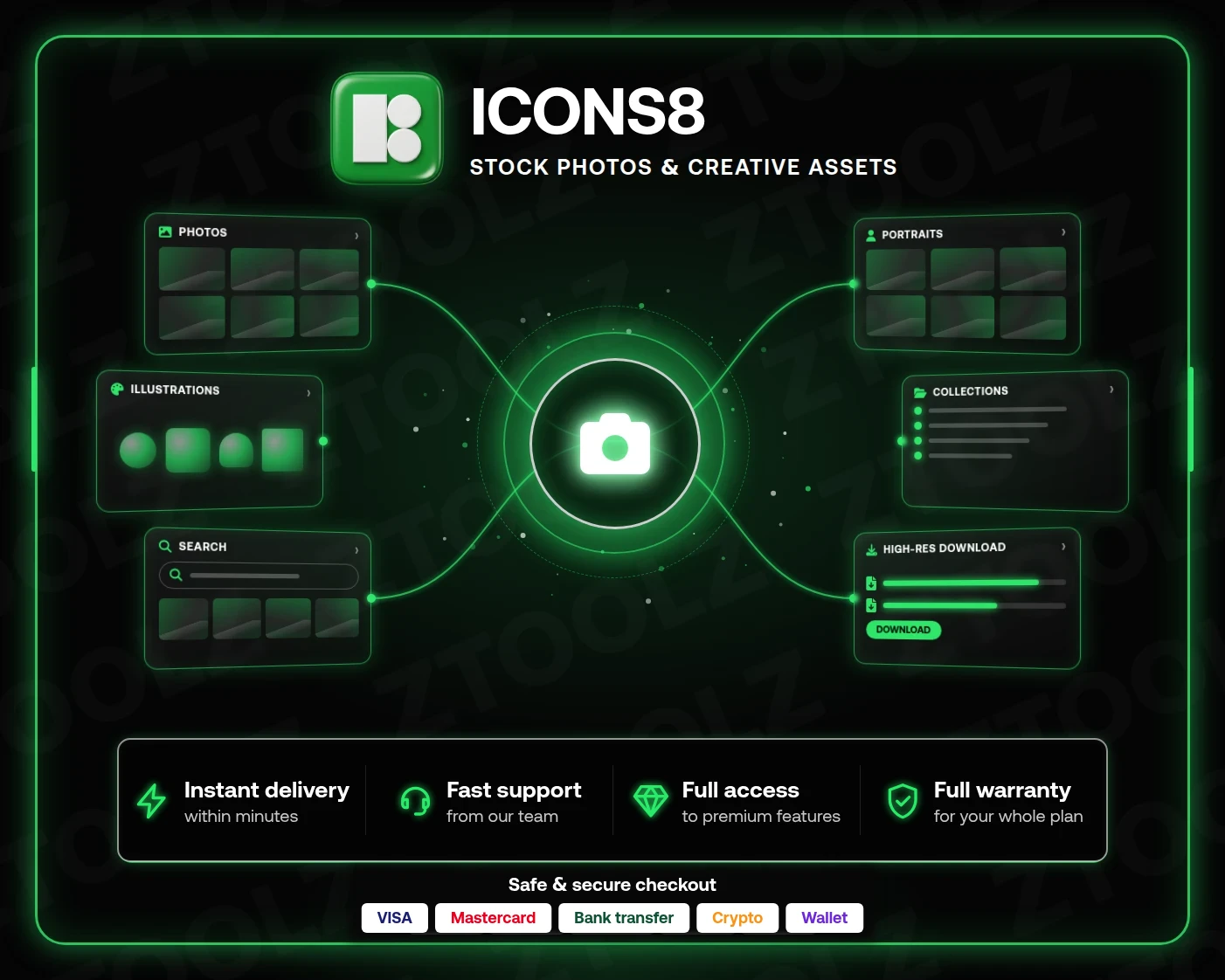
An Icons8 Photos premium subscription is overkill if all you need is the occasional full-resolution shot. The Ztoolz Icons8 Photo Downloader gives you a cheaper route: copy the link of any photo on Icons8, paste it into the downloader in your Ztoolz account, and get the file in its original quality, ready to work with in your design app.
Most stock libraries are a patchwork of thousands of photographers with clashing styles. Icons8 shoots the bulk of its photo library in its own studios, with consistent lighting, deliberate angles and clean backdrops. The result looks like a single photo shoot planned around your project, which is exactly what you want when building a landing page or a full brand system.
The library is also known for ready-made cutouts: people, objects and products already isolated from the background, so you can drop them onto any color or layout without an evening of masking in Photoshop.
The free version of Icons8 only hands you small sizes, which rules out print ads, course covers and wide e-commerce banners. With the downloader you get the original file, so you can:
Browse the Photos section and use the filters for topic, background color, number of people, or isolated shots only. Open the photo page you like.
Sign in at ztoolz.io, open the Icons8 Photo Downloader, paste the link and hit download.
The original-resolution file lands on your device. Repeat for the next shot, within the usage limits that apply depending on your plan.
When designing a full website, stick to one collection: Icons8 organizes shots into connected series with the same models and lighting. Use the cutouts for creative compositions, such as a person holding your product or a team placed over your brand colors. If you set Arabic text over a photo, look for frames with open space on the left so the copy reads naturally from the right. Many designers hunting for a modern alternative to classic stock photo sites end up here because the look is fresher and less staged.
Activation is instant after payment and the downloader appears in your account straight away. Checkout is secure via card, bank transfer, crypto or wallet, and Arabic-speaking support is on hand for your whole subscription. The downloader is also included in the Ztoolz bundle if you want a full toolkit under one subscription.
Grab your access now and download your first full-resolution Icons8 photo in minutes.