10 Ready-to-Use Prompts for Professional AI Images (and How to Write Your Own)
Learn the anatomy of a strong prompt, from subject to lighting, then copy ten ready-made prompts for product shots, interiors, backgrounds and 3D characters and adapt them to your project.
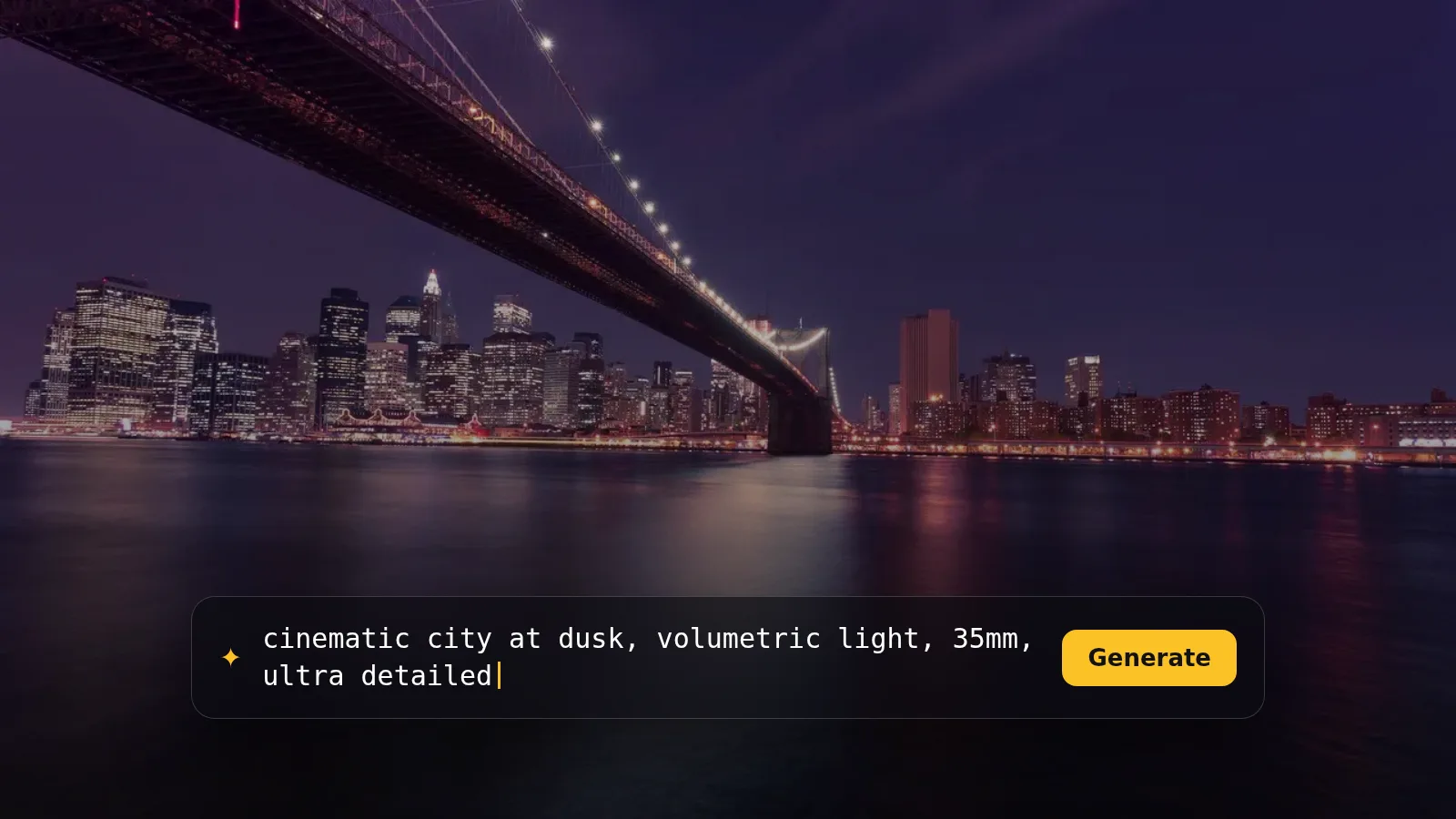
Ever typed "a nice photo of coffee" into an image generator and got something painfully average? The problem is usually not the tool, it is the description. AI image generators understand detail, and the more precise you are, the closer the result gets to what you have in mind. This guide shows you a simple way to structure a prompt, then gives you ten ready-made prompts you can copy and adapt straight away.
Anatomy of a good prompt
Think of a prompt as a brief for a professional photographer or illustrator. A strong prompt answers these questions:
- Subject: what or who is the focus? Be specific: not "a mug" but "a matte black ceramic mug".
- Style: photograph, vector illustration, 3D render, oil painting?
- Composition: close-up or wide? Overhead or eye level? Where does the subject sit in the frame?
- Lighting: natural daylight, soft studio light, golden hour?
- Colour and mood: warm or cool? Calm, energetic, luxurious?
- Technical details: depth of field, lens type, level of detail.
Most image generators respond best to English, which is why these prompts are in English. If you prefer to think in another language, write your idea in that language and ask a text assistant such as ChatGPT or Claude to turn it into a detailed English image prompt.
Ten ready-to-use prompts
Copy any prompt as-is to try it, then change the parts that fit your project.
1. Professional product shot
Ideal for online shops and product pages. Swap the product, material and table colour for whatever you sell.
Professional product photo of a matte black ceramic coffee mug on a light oak table, soft morning window light from the left, shallow depth of field, minimal Scandinavian background, warm neutral tones, high detail, commercial photography style
2. Business headshot
A good reference for profile photos or a company website mock-up. Adjust the clothing and background to suit your field.
Corporate headshot of a confident young professional in a navy blazer, neutral light grey studio background, soft key light with gentle rim light, natural skin texture, friendly subtle smile, sharp focus on the eyes, 85mm portrait look
3. Warm interior
Great for real estate and interior content. Try changing golden hour to overcast for a calmer mood.
Cozy modern living room interior, beige linen sofa, large window with sheer curtains, indoor plants, golden hour sunlight casting long soft shadows, warm earthy colour palette, wide angle, architectural magazine style
4. Flat vector illustration
Perfect for articles and presentations. Note the empty space instruction, which leaves room for your headline.
Flat vector illustration of a person working on a laptop at a tidy desk, simple geometric shapes, limited palette of teal, coral and cream, clean lines, no text, lots of empty space on the right side for a headline
5. Overhead food shot
For restaurants and recipe pages. Replace the dishes with your local cuisine or your own menu.
Overhead flat lay of a traditional Middle Eastern breakfast: hummus, falafel, fresh bread, olives and mint tea on a rustic wooden table, natural daylight, vibrant but realistic colours, food magazine photography
6. Modern abstract background
For website heroes, slides and stories. Change the colours to match your brand.
Abstract background of flowing liquid gradients in deep purple, electric blue and soft pink, smooth glossy texture, subtle grain, modern tech aesthetic, no objects, no text, suitable as a website hero background
7. Cinematic scene
For video covers and visual storytelling. Phrases like film still and anamorphic lens push the image toward a movie frame.
Cinematic wide shot of an ancient desert city at sunset, sandstone buildings, long shadows, warm orange and dusty pink sky, light haze in the air, epic scale, film still, anamorphic lens look
8. Friendly 3D character
For educational content, kids' apps and brand mascots.
Cute 3D character of a small round robot with big friendly eyes, pastel mint and white colours, soft studio lighting, smooth plastic material, simple light background, playful mood, high quality 3D render
9. Event poster concept
Use it as a draft, then add the real text in a design tool. Text rendered inside generated images is often inaccurate.
Minimal poster design concept for a summer music festival, bold geometric sun shape, strong contrast of orange and deep blue, large empty area at the top for the title, modern Swiss design style, clean and balanced composition
10. Beauty product ad
For skincare and fragrance pages. Change the water colour and lighting to suit the product.
Close-up of a white premium skincare bottle partially submerged in clear water, small splashes and bubbles, fresh blue and white tones, bright clean studio lighting, luxury beauty advertising style, crisp details
Improving the result after the first try
- Change one thing at a time: if you change the lighting, colours and angle together, you will not know which change made the difference.
- Pick the right aspect ratio: if the tool lets you choose, go square for posts, vertical for stories and wide for covers and banners.
- Say what you do not want: some tools have a negative prompt field, or you can include phrases like no text and no watermark in the prompt itself.
- Generate several versions: the same prompt gives different results each time. Pick the best and refine from there.
Common mistakes
- A prompt so short it only names the subject.
- A prompt so long it contradicts itself, such as "dark and brightly lit" at the same time.
- Relying on text inside the image. Add text afterwards in a design tool.
- Copying a specific artist by name. Describe the style itself instead: the colours, line work and lighting.
Usage terms for generated images differ from tool to tool. Shared access through ZTOOLZ does not give you a commercial licence or licence rights in your name, so if you plan to use images commercially, check the original tool's terms and subscribe officially where needed.
Where to try these prompts
These prompts work with most image generators, with small differences in the results. Check the store for the image generation tools currently available on ZTOOLZ, and see the platform tutorials for how to open each one.