HumanPal AI Avatar Videos: Scripts, Voices and Ethics
HumanPal AI avatar guide: write scripts that sound natural, choose voices, plan ads and training videos, and disclose AI use honestly so viewers trust your content.

An AI avatar video lets a digital presenter read your script on screen, so you can make a talking-head video without a camera, studio or on-screen time. HumanPal is one of the tools in this category. It can be very practical for training videos, product explainers and short ads, as long as you write for the ear, choose the voice carefully and are open with viewers about how the video was made. This guide covers all three.
What is an AI avatar video?
You type or paste a script, choose a presenter (an avatar) and a voice, and the tool generates a video where the presenter speaks the text with matching lip movement and expressions. You can usually pick a background, add on-screen text or slides, and export the video for social media, a website or a course.
The exact features, avatar libraries and languages differ between tools and change over time, so check the options inside the tool you are using. What stays the same is the logic: the quality of the result depends far more on the script and the voice than on the technology.
When does an avatar video make sense?
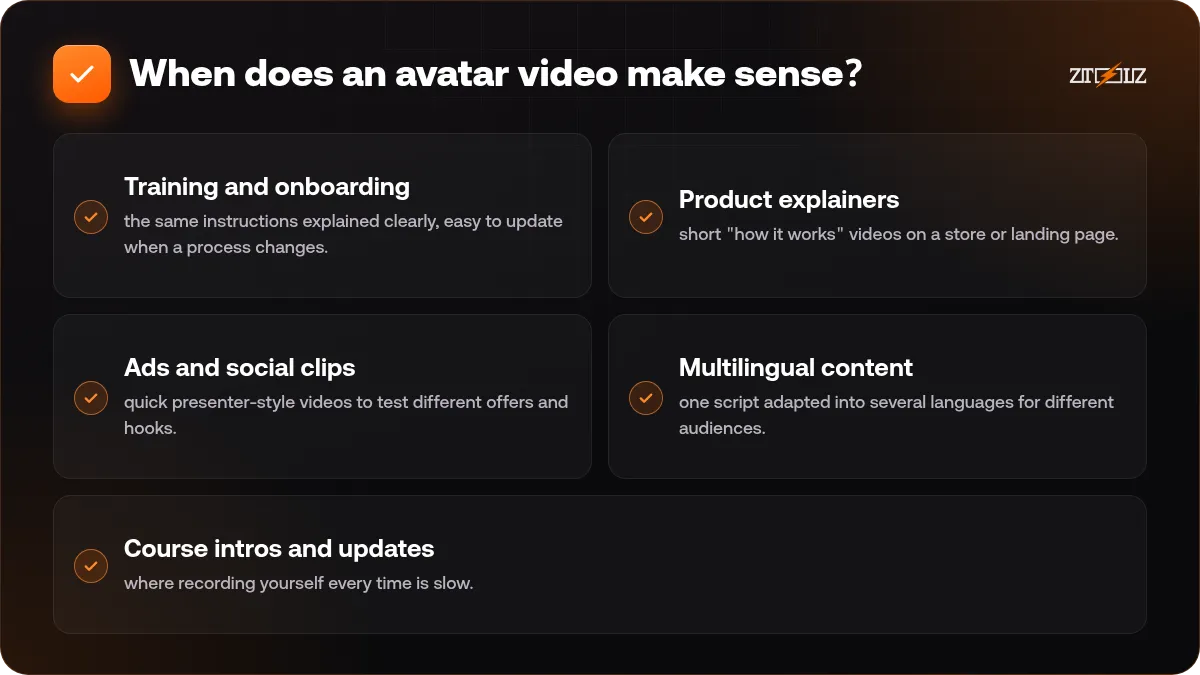
- Training and onboarding: the same instructions explained clearly, easy to update when a process changes.
- Product explainers: short "how it works" videos on a store or landing page.
- Ads and social clips: quick presenter-style videos to test different offers and hooks.
- Multilingual content: one script adapted into several languages for different audiences.
- Course intros and updates: where recording yourself every time is slow.
It makes less sense when the personal connection is the main value, for example a founder story or a testimonial. For those, a real person on camera builds trust no avatar can match.
How to write a script that does not sound robotic
Most avatar videos sound artificial because the script was written for reading, not speaking. Fix that first.
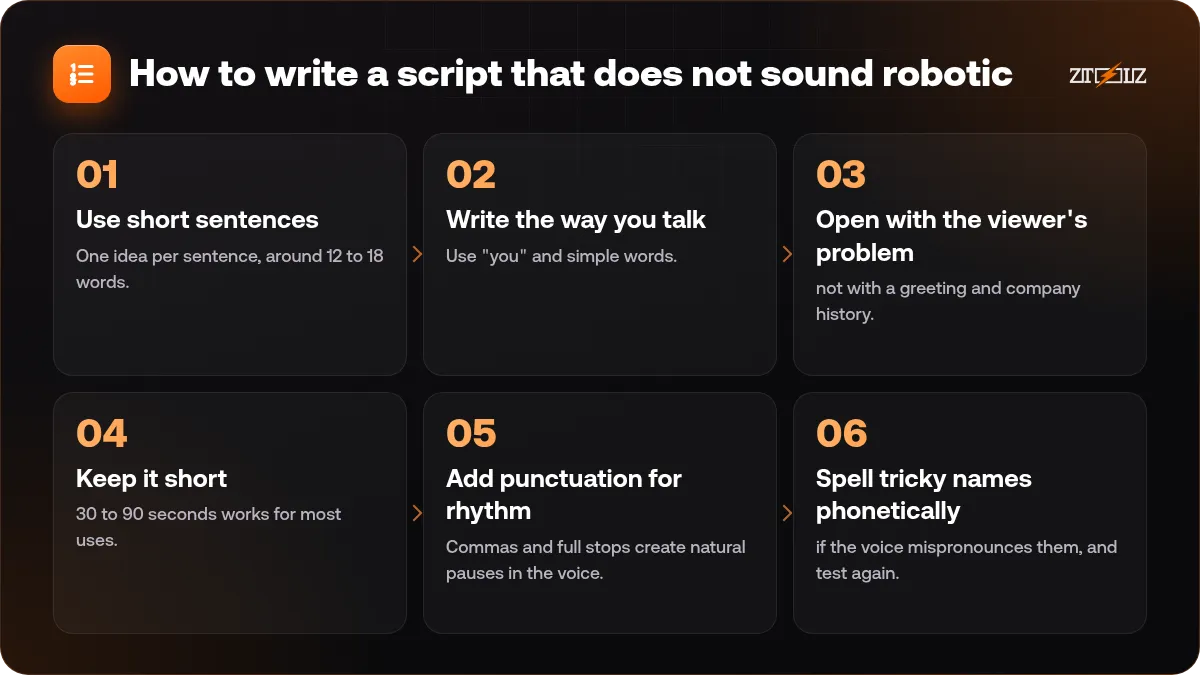
- Use short sentences. One idea per sentence, around 12 to 18 words.
- Write the way you talk. Use "you" and simple words. Read it aloud, and rewrite any sentence you stumble on.
- Open with the viewer's problem, not with a greeting and company history.
- Keep it short. 30 to 90 seconds works for most uses. Split longer topics into several videos.
- Add punctuation for rhythm. Commas and full stops create natural pauses in the voice.
- Spell tricky names phonetically if the voice mispronounces them, and test again.
Draft the script with an AI assistant, then edit it by hand. AI drafts are good at structure but often stiff, and your edits give them your own voice. See best prompts for writing ads for starting prompts.
Choosing the voice
The voice is half the performance. Test several for the same sentence and judge on pace, warmth and clarity. For Arabic content, listen for correct pronunciation of names and technical words, and choose a dialect or Modern Standard Arabic according to your audience. If the built-in voice does not satisfy you, you can generate a voiceover separately, for example with ElevenLabs, then use it with your avatar video if the tool supports uploading audio. Our post on Arabic AI voiceover with ElevenLabs explains how to get a natural result.
Designing the video around the avatar
- Do not leave the presenter alone for two minutes. Cut to on-screen text, screenshots, product shots or slides every few seconds to keep attention.
- Use subtitles. Many people watch without sound, and subtitles help comprehension.
- Keep branding consistent: logo, colours and font in every video of a series.
- Choose an avatar that fits the audience and the tone, and avoid one that clashes with your brand.
- End with a single clear action: visit a page, book a call, or watch the next lesson.
Ethics, consent and disclosure
This part builds long-term trust, and in some places it is also a legal matter.
- Be open that the presenter is AI. A short line such as "This video uses an AI presenter" in the description or on screen is simple and honest.
- Never present an avatar as a real customer or a real expert. Fake testimonials mislead people and break the rules of most ad platforms.
- Do not copy a real person's face or voice without their permission. Use stock avatars or your own consented likeness only.
- Do not make claims you cannot support. The presenter is not a doctor, financial adviser or lawyer just because it sounds confident.
- Follow platform and local rules for labelling AI-generated content and for advertising.
A simple workflow, from idea to export
- Define one goal and one audience for the video.
- Write the script in short spoken sentences and read it aloud.
- Choose the avatar and the voice, and generate a short test.
- Fix pronunciation, pacing and any odd gestures.
- Add visuals, subtitles, logo and music at a low level.
- Watch it on a phone, then export for the platform you need.
- Keep the script and project so you can update it later.
If you are comparing options for generated video, our overview of Runway AI video generation covers a different kind of tool, where clips are generated from prompts instead of a presenter reading a script.
Using HumanPal through ZTOOLZ
ZTOOLZ offers shared access to HumanPal through accounts owned and managed by the platform, so you do not need your own subscription. It is opened from the tool page using the method shown there (extension or cloud version). See the HumanPal page for how it opens and our current price, and consider ElevenLabs if you want a separate voiceover. You can add them to a custom plan with the + button in the store, or look at All In One on pricing. Since the account is shared, do not change its settings and do not upload private photos, voices or confidential scripts to it.
FAQ
Can I make a video without showing my face?
Yes. An AI avatar reads your script, so you can publish presenter-style videos without being on camera. Be transparent that the presenter is AI-generated.
Does it support Arabic?
Language and voice support depend on the tool and change over time. Test your exact script, listen for pronunciation of names and terms, and adjust the text if needed.
How long should an avatar video be?
Most work best between 30 and 90 seconds. For longer topics, split the content into a short series with a clear title for each part.
Do I have to say that the video uses AI?
Rules vary by platform and country, but a clear disclosure is the honest approach and avoids losing trust. Follow the labelling rules of the platform where you publish.
Can I use a real person's likeness or voice?
Only with that person's clear permission. Otherwise use the stock avatars and voices provided by the tool.