AI Tools for Small Businesses in the UAE and Saudi Arabia
AI tools for small businesses in the UAE and Saudi Arabia: answer customers in Arabic and English, create posts and designs, plan your week, and protect customer data.
The most useful AI tools for small businesses in the UAE and Saudi Arabia are not complicated systems. They are a chat assistant for writing and replies, a design tool for posts, a workspace for notes and tasks, and a writing checker for English. Together they can save a cafe, salon, clinic, agency or shop several hours a week. This guide shows what AI can realistically do each day, what you should never paste into it, and a four-week plan to start without disrupting your business.
What can AI realistically do for a small business?
Think of AI as a fast, tireless assistant that drafts things for you to approve. It does not know your customers, your prices or your standards until you tell it, and it can make mistakes, so a person always checks the final result. Within that limit, it handles a lot:
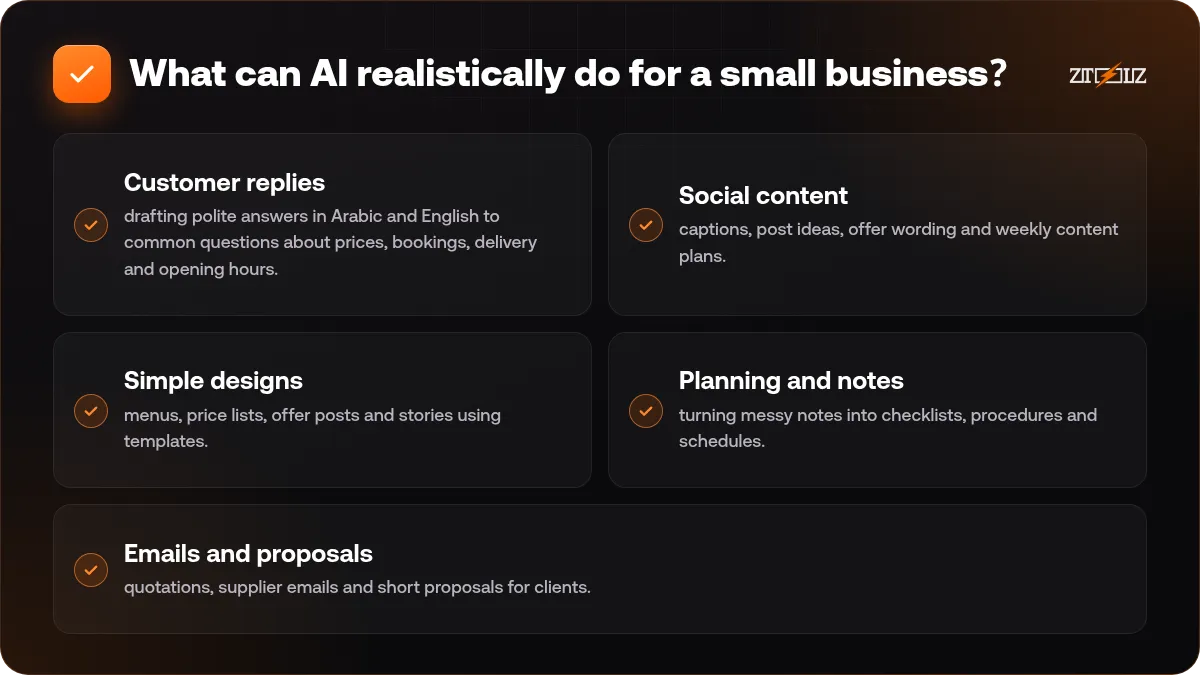
- Customer replies: drafting polite answers in Arabic and English to common questions about prices, bookings, delivery and opening hours.
- Social content: captions, post ideas, offer wording and weekly content plans.
- Simple designs: menus, price lists, offer posts and stories using templates.
- Planning and notes: turning messy notes into checklists, procedures and schedules.
- Emails and proposals: quotations, supplier emails and short proposals for clients.
Which AI tools does a small business actually need?
Most businesses only need four types of tool. Start with one or two and add more when you have a clear use.
A chat assistant: ChatGPT or Claude
ChatGPT and Claude AI are general assistants that write, summarise, translate and brainstorm in Arabic and English. Use them to draft replies, captions, emails, job ads and procedures. Many owners try both and keep the one whose writing style they prefer. Setting up custom instructions with your business details saves repeating yourself; see our guide to custom instructions in AI assistants.
A design tool: Canva Pro
Canva Pro covers most everyday design needs: Instagram and Snapchat posts, stories, menus, flyers, business cards and simple videos. Its brand kit keeps your logo, colours and fonts in one place, so even staff without design experience can produce consistent posts.
A workspace: Notion
Notion is a flexible workspace for notes, task boards, content calendars, supplier lists and staff procedures. A salon can keep its service menu and opening checklist there; an agency can track client projects; a shop can plan restocking.
A writing checker: Grammarly
If you email suppliers, landlords or corporate clients in English, Grammarly catches spelling, grammar and tone issues before you hit send. It is especially useful for teams where English is a second language.
Daily uses by business type
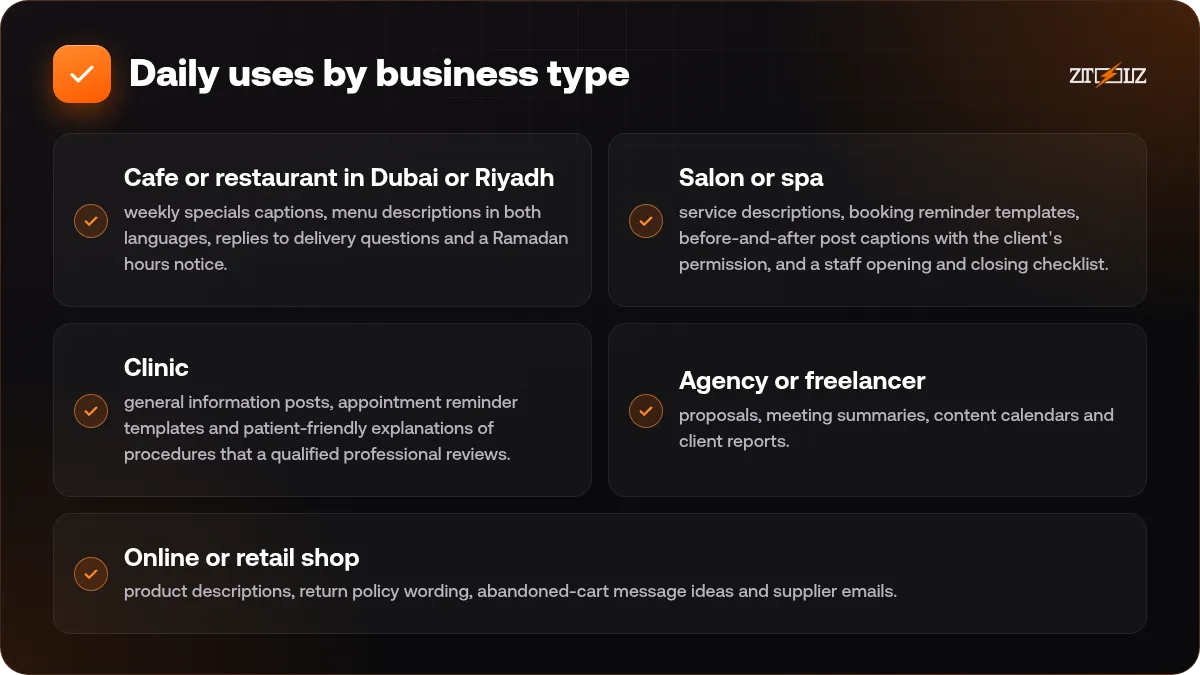
- Cafe or restaurant in Dubai or Riyadh: weekly specials captions, menu descriptions in both languages, replies to delivery questions and a Ramadan hours notice.
- Salon or spa: service descriptions, booking reminder templates, before-and-after post captions with the client's permission, and a staff opening and closing checklist.
- Clinic: general information posts, appointment reminder templates and patient-friendly explanations of procedures that a qualified professional reviews. Never use AI for diagnosis or to process patient records in general tools.
- Agency or freelancer: proposals, meeting summaries, content calendars and client reports.
- Online or retail shop: product descriptions, return policy wording, abandoned-cart message ideas and supplier emails.
How to reply to customers in Arabic and English with AI
Fast, friendly replies on WhatsApp and Instagram win customers in the Gulf. Rather than generating a new reply every time, build a reply library once:
- List your 15 to 20 most common questions: prices, location, parking, booking, delivery areas, payment options at your shop, refunds.
- Ask the AI to draft a short answer to each in Arabic and English, in your tone. Give it the facts; do not let it guess.
- Edit the drafts, then save them as quick replies in WhatsApp Business or as saved replies in your inbox tool.
- Review the library every month and whenever prices or hours change.
You are the customer service assistant for [business name], a [type of business] in [city]. Our tone is warm and professional. Using only the facts below, write short replies in Gulf-friendly Modern Standard Arabic and in English to these questions: ... Facts: ...
What should you never paste into AI tools?
This is the part many businesses skip. Treat any AI chat like an external service:
- Customer personal data: names with phone numbers, ID numbers, addresses, card details or order histories.
- Health or sensitive information, such as patient notes or anything about a client's private situation.
- Passwords, banking details or contracts with confidential terms.
- Staff records such as salaries, visas or performance notes.
Replace real details with placeholders such as [Customer] or [Order number] before you paste. Both the UAE and Saudi Arabia have personal data protection laws, so check the official guidance or ask a legal adviser about what applies to your business. This matters even more in shared accounts, where other users can work in the same account; our guide to shared account security habits covers the essentials.
A simple rule for your team: if you would not post it on a public noticeboard, do not paste it into an AI tool.
A simple 4-week plan to start using AI
Week 1: Replies and basics
Pick one chat assistant. Build your customer reply library and write your business facts sheet (services, prices, hours, location, policies) that you will reuse in prompts.
Week 2: Social content
Set up a brand kit in Canva. Ask the AI for a month of post ideas, choose the best eight, write captions and design them in one session. Our guide to planning a content calendar with AI helps here.
Week 3: Organisation
Move your checklists, supplier contacts and procedures into Notion or a similar workspace. Ask the AI to turn rough notes into clear step-by-step procedures for staff.
Week 4: Emails, proposals and review
Create templates for quotations, follow-ups and supplier emails. At the end of the week, note how much time you saved and which tools you actually used, then keep only those.
One tool or a bundle: which makes sense?
If you only need help with writing, a single chat assistant may be enough. If you write, design and plan every week, several tools together usually make more sense than juggling separate subscriptions. Ask yourself three questions:
- Which tasks take most of my week right now?
- Which tool solves each task, and will I use it at least weekly?
- How many people or devices need access at the same time?
For a deeper comparison, read how to choose a tool subscription plan.
Mistakes to avoid
- Publishing AI text without checking prices, dates and facts.
- Robotic replies that ignore the customer's actual question.
- Literal translations that sound unnatural to Arabic speakers.
- Pasting customer data into AI chats.
- Signing up for many tools at once and using none of them properly.
Want to try this toolkit without separate subscriptions? ZTOOLZ offers shared access to ChatGPT, Claude AI, Notion, Canva Pro and Grammarly through accounts owned by the platform, opened with the ZTOOLZ Chrome extension, the secure browser app or a cloud version in your browser. Since the accounts are shared, keep customer data and business secrets out of them. Pick one tool, build a custom plan with the + button in the store, or see the All In One plans on pricing. Prices are shown in your local currency.
FAQ
Is AI useful for a very small business with one or two people?
Yes, often more than for large companies, because the owner does everything. Even an hour saved each day on replies, captions and emails makes a real difference. Start with one chat assistant and one design tool.
Can AI write good Arabic for my customers?
Modern assistants write clear Modern Standard Arabic and can adapt the tone. Always read the result, adjust words to sound like your business, and ask a native speaker to check important texts such as menus or policies.
Is it safe to put customer information into ChatGPT or Claude?
Avoid it. Remove names, phone numbers, addresses and order details, and use placeholders instead. Personal data protection laws apply in the UAE and Saudi Arabia, and shared accounts make caution even more important.
Do I need technical skills to use these tools?
No. If you can write a message and use a phone app, you can start. The skill that matters most is giving clear instructions with your real facts, which improves with a week or two of practice.
Should I choose one AI tool or several?
Start with the task that costs you the most time. If that is writing, one assistant may be enough; if you also design and plan every week, a small set of tools is usually more practical.