All In One
25$ / month
View plan 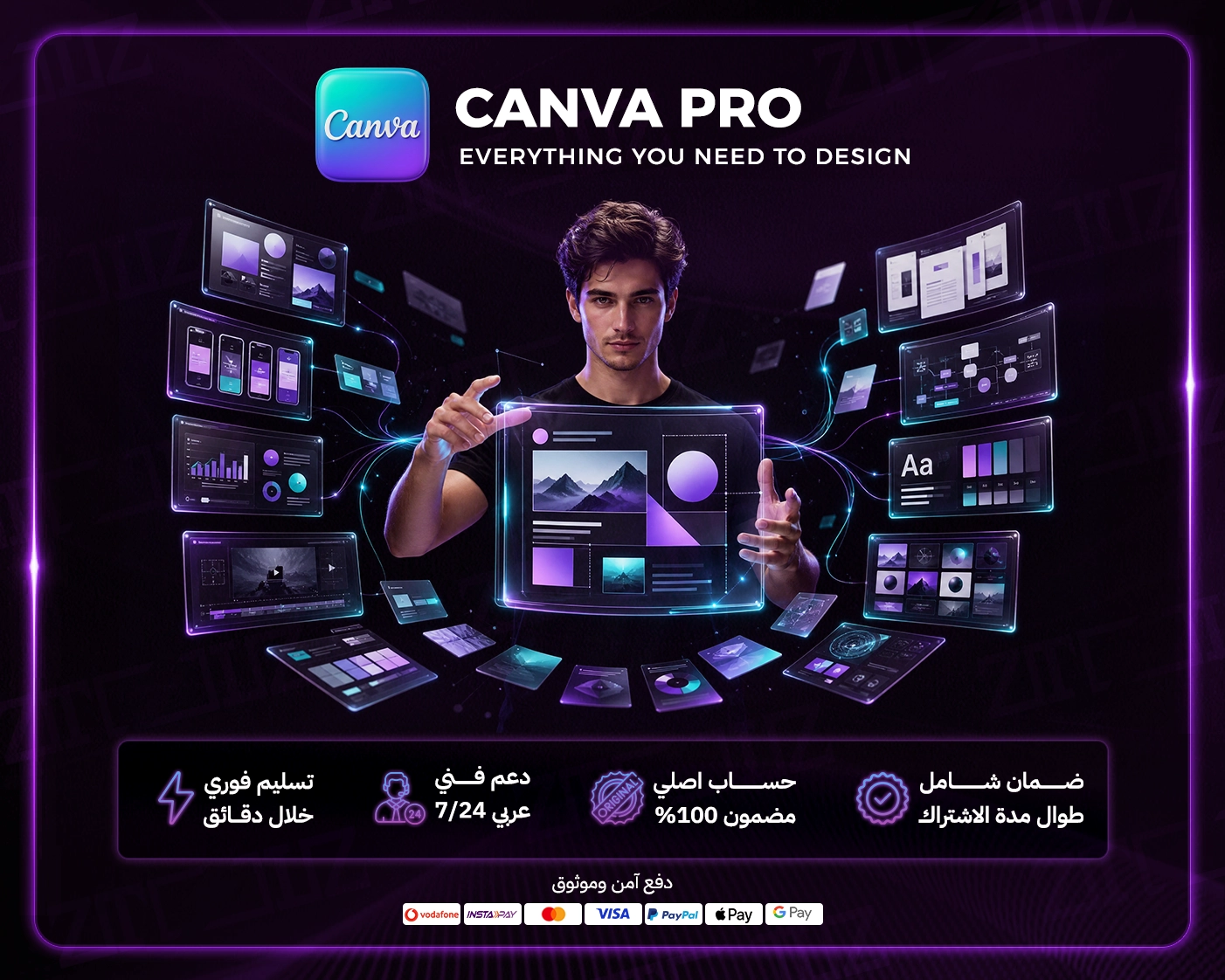
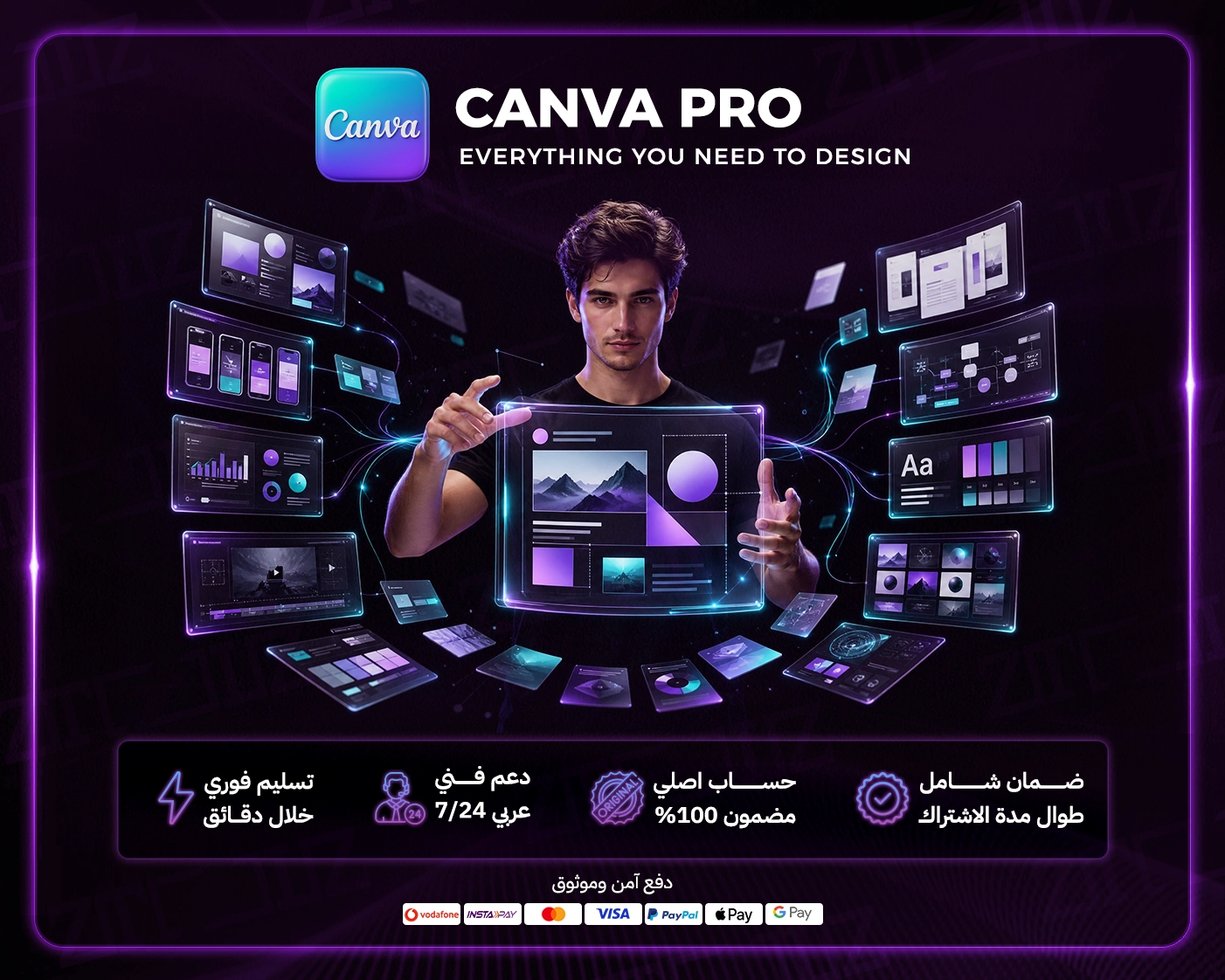
A Canva Pro subscription is the easiest way to design almost anything without being a professional designer: Instagram posts, stories, presentations, CVs, logos, ads, short videos and even simple websites. Free Canva is great to start, but the best templates, photos, elements and smart tools carry the little crown that means Pro. Ztoolz offers cheap Canva Pro access with instant activation and two ways in: the browser extension on desktop and the cloud version on any device.
Canva turns design from a technical skill into drag and drop. Pick a template close to your idea, swap text, images and colours, and download in minutes. The paid plan multiplies the library and adds tools that replace hours in Photoshop. Canva also supports right-to-left Arabic and ships attractive Arabic fonts, which makes it a natural fit for Arabic-language content.
The free editor is excellent, but you'll quickly find half of what you like is locked. Background removal, automatic resizing, most AI tools and premium templates are subscriber-only. If you make more than a couple of designs a week, the hours Pro saves justify it from the first days.
Prep a month of content in one sitting: design the hero post, Magic Resize it into every format and schedule it all from Canva.
Make a starter logo, business cards, restaurant menus, store banners and sale graphics yourself.
Engaging slide decks, project infographics, colourful worksheets and certificates from ready templates.
Elegant CVs, LinkedIn banners and tidy portfolios that leave a strong impression.
Activation is instant after payment, with two ways in. Use the Ztoolz browser extension on Chrome, Edge or Brave on your desktop to open Canva with all Pro features, or launch the cloud version straight from your Ztoolz account with nothing to install, in any modern browser including phones and tablets, so you can fix an urgent design away from your desk. Our Arabic-speaking team supports you and replaces access if needed throughout your subscription. Canva Pro is also part of the Designer bundle and the ztoolz bundle.
Design faster and with confidence: buy Canva Pro account access now and create your first professional design in minutes.
Monthly or yearly to suit your needs. You can upgrade later at no cost.
Card, Apple Pay, STC Pay, or crypto — all with 256-bit encryption.
The details arrive at your dashboard and email directly — no manual waiting.
Log in directly. The account is active and ready for immediate use.
Use the tool from your ZTOOLZ account via the extension or the cloud, activated instantly.
Once payment is completed, the account is automatically sent to your email
Professional support team available around the clock via WhatsApp and email
Instant replacement for any problem you may encounter, without any complications
A price well below subscribing to Canva Pro on your own
Pay securely by card, bank transfer, crypto or wallet balance
Be the first to write a review of this tool.
Lordicon Premium: a pro library of customizable animated icons in Lottie, GIF and SVG for websites, apps and presentations.
Deeezy Premium: a curated library of mockups, fonts, templates, graphics and brushes for designers and content creators.
123RF Premium: a huge library of stock photos, vectors, video and audio, with AI tools for background removal and upscaling.
FavPNG Premium: a huge library of transparent PNG images and clipart for design and video, via extension or cloud.