
Claude Projects Guide: Instructions, Files and Artifacts
Claude Projects explained: set up instructions and files, work with long documents, use artifacts and match your writing style with practical tips.

Claude Projects let you keep related chats, documents and instructions together, so Claude starts every conversation already knowing your context. Create one project per ongoing job, add your reference files and a short set of instructions, and you stop re-explaining the same background each time. This guide shows how to set that up and use it well.
What are Claude Projects?
A project is a workspace inside Claude AI. It holds three things: project instructions that shape how Claude responds, a knowledge area where you upload documents, and the conversations you start inside it. Everything in the knowledge area is available to Claude in each chat in that project.
Think of it as a briefing folder for a colleague. Instead of explaining your brand, audience and style every morning, you hand over the folder once. Limits on file size and amount depend on your plan and change, so check the official pricing page and the current help documentation.
How do you set up a project step by step?
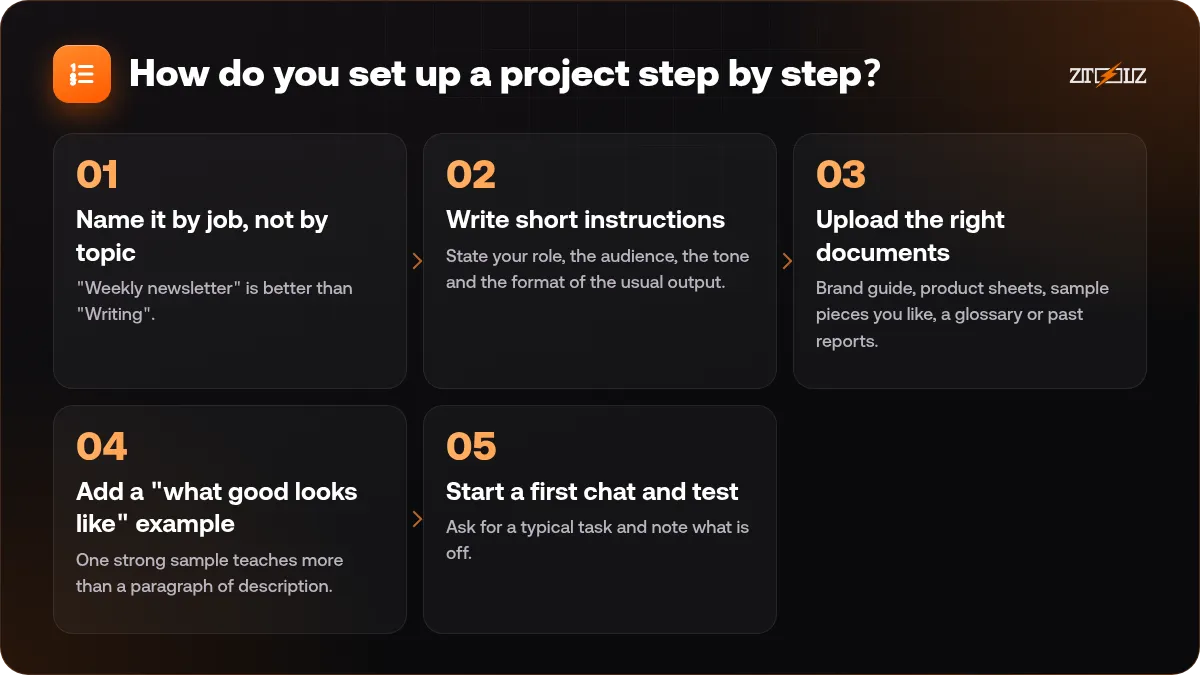
- Name it by job, not by topic. "Weekly newsletter" is better than "Writing".
- Write short instructions. State your role, the audience, the tone and the format of the usual output. Five to ten lines is enough.
- Upload the right documents. Brand guide, product sheets, sample pieces you like, a glossary or past reports.
- Add a "what good looks like" example. One strong sample teaches more than a paragraph of description.
- Start a first chat and test. Ask for a typical task and note what is off. Then edit the instructions, not just the chat.
Keep instructions and files current. An outdated price sheet or an old brand guide produces confident but outdated answers.
What should the instructions say?
Good instructions are specific and testable. Compare these two:
- Weak: "Write nicely and professionally."
- Strong: "You write for small business owners in Egypt. Use short sentences, plain words and one example per idea. Avoid hype words. End every piece with a one-line summary."
Add rules about what to do when information is missing, such as "ask me a question instead of guessing." That single line prevents many invented details. For more on this idea, see our article on custom instructions in AI assistants.
How do you work with long documents in a project?
Claude handles long text well, but your questions decide the quality of the answer. Try this approach for a long report or contract summary you are allowed to share:
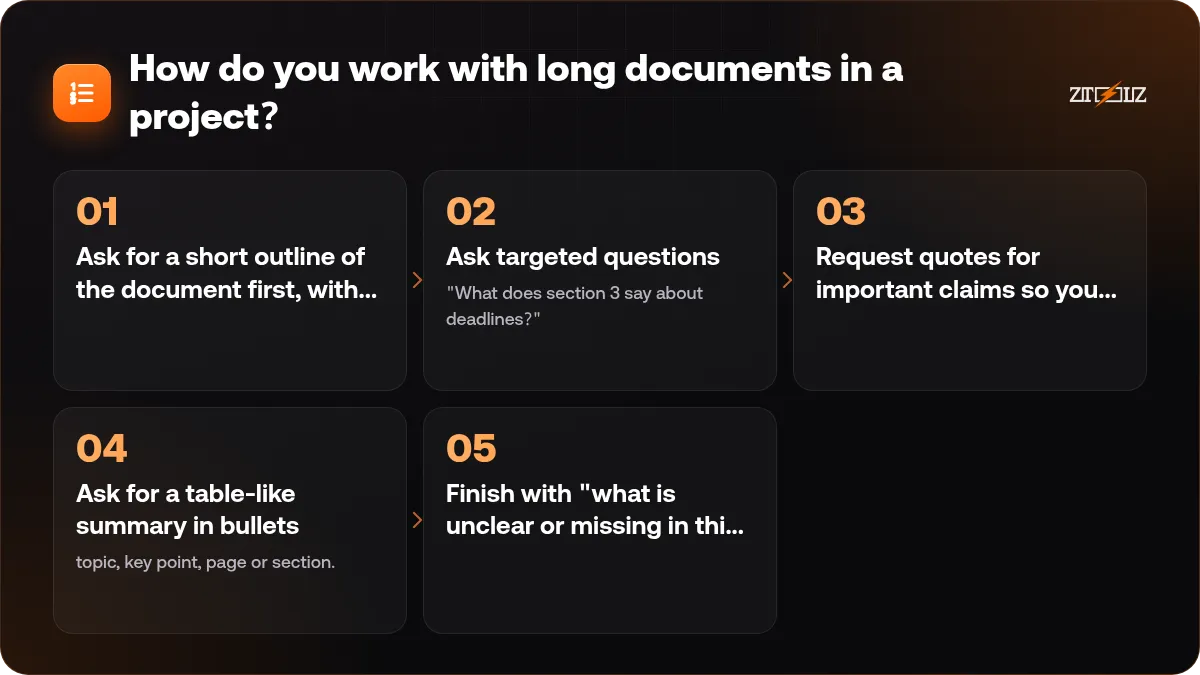
- Ask for a short outline of the document first, with section names.
- Ask targeted questions: "What does section 3 say about deadlines?"
- Request quotes for important claims so you can check them in the original.
- Ask for a table-like summary in bullets: topic, key point, page or section.
- Finish with "what is unclear or missing in this document?"
For more on this workflow, read analysing long documents and PDFs with AI. Always verify numbers, dates and legal points yourself. Claude can misread or miss details, and it is not a lawyer or accountant.
What are artifacts and when do they help?
Artifacts are separate panels where Claude places standalone output such as a document draft, a small web page, a diagram or a piece of code, next to the chat. You can keep asking for changes and see the result update. They are useful when you are iterating on one piece of work, for example a landing page section, a checklist or a script.
- Drafts: ask for version two with a shorter intro and watch the same artifact change.
- Prototypes: describe a simple calculator or form and test it in the panel.
- Reuse: copy the final artifact out and keep working in a fresh chat to avoid clutter.
How do you get Claude to match your writing style?
Style matching works best with evidence. Upload two or three samples of your own writing in the project. Then ask Claude to describe your style in a short list: sentence length, vocabulary, how you open and close, what you avoid. Review that description, correct it and paste it into the instructions.
When you need a new draft, say "write this in the style described in the instructions" and give the facts. Edit the result. Over a few rounds, your corrections teach you what to add to the style notes. The same method helps with SEO article writing with AI, where consistency across many pieces matters.
Three project ideas you can copy today
- Customer replies: upload your shipping, refund and warranty rules plus five model answers. Ask Claude to draft replies in the same tone and to say when a rule does not cover the question.
- Study helper: upload lecture notes for one course. Ask for practice questions, simple explanations and a weekly revision plan.
- Content planning: upload your audience notes and past posts. Ask for ten topic ideas, then an outline for the one you pick.
Best practices that save time
- One project per ongoing job. Mixing unrelated work makes answers vaguer.
- Start new chats often. Long chats drift. Use a new chat per task inside the same project.
- Ask for reasoning when it matters. "Explain how you reached this" exposes weak assumptions.
- Be explicit about format. Say whether you want bullets, a table-like list, an email or a script.
- Review before using. Treat output as a strong draft, never as final fact.
Mistakes to avoid
- Uploading everything instead of the most relevant files.
- Putting passwords, private IDs or client secrets into a project.
- Skipping a test chat after changing instructions.
- Expecting memory of old chats unless the information is in the instructions or files.
ZTOOLZ offers Claude AI access through shared, platform-owned accounts, opened with the ZTOOLZ extension or secure browser, and there is also a cloud version in the browser. Because the account is shared, do not store personal, client or confidential material in projects, and do not change account settings. See the Claude AI page for our current price, add it to a custom plan with the + button in the store, or check All In One.
FAQ
What is the difference between a project and a normal chat?
A normal chat starts from nothing. A project keeps instructions and files available to every chat inside it, so each new conversation begins with your context.
How many files can I upload?
Limits depend on your plan and change, so check the official help pages. Choose the most useful files rather than uploading everything.
Does Claude work in Arabic?
Yes, it reads and writes Arabic well for many tasks. Proofread names, numbers and specialised terms, and state the dialect or formal register you want.
Can I trust summaries of long documents?
They are a strong starting point, but check important details against the original, especially figures, dates and legal clauses.
Is it safe to upload private documents?
Read the provider's privacy terms and avoid sensitive material in any shared account. Upload only what you are comfortable sharing.