Lovable vs Bolt.new: Which AI App Builder to Choose
Lovable vs Bolt.new compared for building an MVP: how each works, how to prompt, what limits to expect, and which one fits your skill level.
Lovable and Bolt.new both turn a written description into a working web app, so you can test an idea without writing code from scratch. Lovable feels more guided and product-oriented, while Bolt.new feels closer to a developer environment in the browser. Choose by how much control you want, then test both with the same small project.
What do Lovable and Bolt.new actually do?
Both are AI app builders. You describe what you want, such as "a booking page for a barber shop with a calendar and a contact form", and the tool generates the interface and code, shows a live preview and lets you keep chatting to change it.
They are best for prototypes, internal tools, landing pages with logic and first versions of a product. They are not a replacement for a careful engineering team once an app handles payments, sensitive data or many users. Features and limits change often, so check each product's current pricing and documentation.
How do they differ in everyday use?
- Style of working: Lovable leans toward a polished, product-first flow where you iterate through chat and visual edits. Bolt.new shows more of the project's files and terminal-like environment, which suits people who want to see and tweak the code.
- Beginner friendliness: Lovable usually feels gentler for non-developers. Bolt.new rewards people who already understand files, packages and frameworks.
- Control: Bolt.new gives a more visible view of the project structure. Lovable hides more complexity unless you open the code.
- Backend and data: both can connect to common backend services for data and accounts. The exact integrations differ, so check what you need before committing.
- Deployment: both offer ways to publish a preview or live site, and both let you export or sync code to continue elsewhere.
How do you write prompts that produce a good app?
Prompt quality decides the result more than the tool does. Treat the first prompt like a short brief.
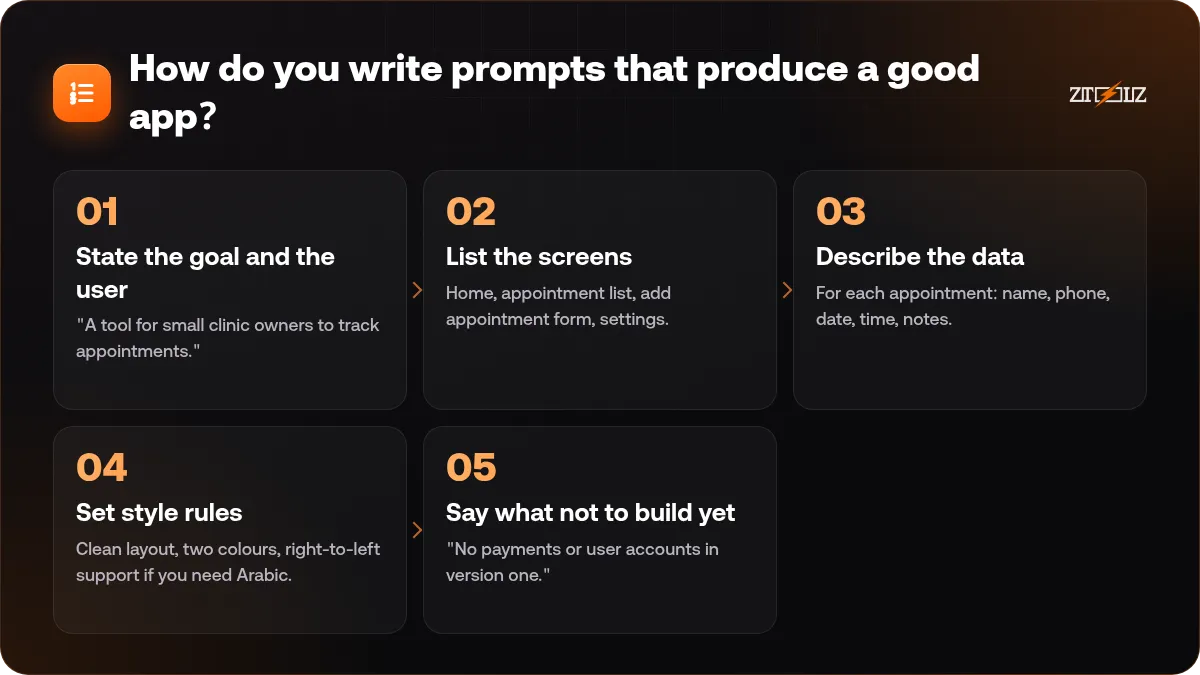
- State the goal and the user. "A tool for small clinic owners to track appointments."
- List the screens. Home, appointment list, add appointment form, settings.
- Describe the data. For each appointment: name, phone, date, time, notes.
- Set style rules. Clean layout, two colours, right-to-left support if you need Arabic.
- Say what not to build yet. "No payments or user accounts in version one."
After the first version, change one thing per message. "Add a search box to the appointment list" works better than five unrelated changes at once. The habits in our prompt writing frameworks article carry over directly.
If the AI breaks something that worked, go back to the previous version and re-ask with a clearer instruction instead of piling on fixes.
Which one should you pick for your project?
Pick Lovable if
- You are not a developer and want a guided path from idea to prototype.
- Design polish matters, such as a product demo for investors or clients.
- You prefer to iterate through conversation and visual changes.
Pick Bolt.new if
- You know some code and want to see and edit files directly.
- You want to start from a specific framework or stack.
- You like a browser-based environment where you can experiment fast.
Try both if
You are unsure. Build the same small app in each, for example a to-do list with filters and local storage. Compare how many messages each needs, how clean the result looks and how easy it is to fix mistakes.
What are the limits you should know?
AI-built apps are good at the first eighty percent and weak at the details. Expect to hit these issues:
- Usage limits. Each plan restricts how much you can generate. Long conversations consume more, so keep prompts focused.
- Looping on bugs. The AI can repeat the same wrong fix. Describe the exact symptom and where it happens, or revert and try a new approach.
- Security. Generated code may skip validation, permissions or safe handling of secrets. Do not ship an app with sensitive data until someone qualified reviews it.
- Maintenance. Someone must update dependencies and fix issues after launch. Export the code and keep backups.
A weekend plan from idea to MVP
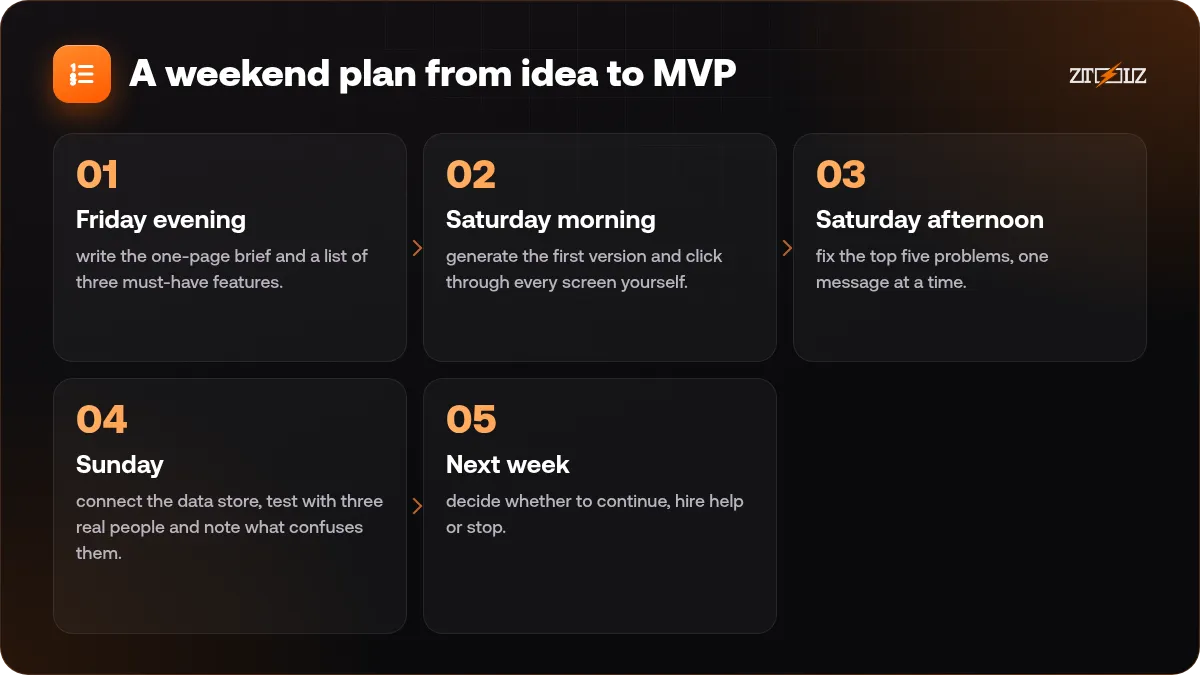
- Friday evening: write the one-page brief and a list of three must-have features.
- Saturday morning: generate the first version and click through every screen yourself.
- Saturday afternoon: fix the top five problems, one message at a time.
- Sunday: connect the data store, test with three real people and note what confuses them.
- Next week: decide whether to continue, hire help or stop. Cheap learning is the point of an MVP.
If you code, pair these builders with an AI editor. Our overview of the best AI tools for programmers shows where each type of tool fits.
What should you check before sharing the app with real users?
Run a short readiness test. Sign up as a new user, enter wrong data on purpose, refresh in the middle of a form and open the app on a slow connection. Note anything that fails silently, because those are the bugs users report first.
Then ask the AI itself to review its work: list possible edge cases, missing error messages and places where user input is not checked. Treat its answer as a to-do list, not a certificate of safety.
Common mistakes to avoid
- Starting with a huge idea. Build the smallest version that tests the main promise.
- Vague prompts. "Make an e-commerce site" produces generic results.
- Skipping real testing. Click every button on a phone and on a laptop.
- Putting secrets in prompts. Never paste API keys or passwords into a chat. Use the platform's proper settings for secrets.
- Judging by the demo. A pretty preview does not prove the logic is correct.
ZTOOLZ offers Lovable and Bolt.new through shared, platform-owned accounts. Lovable and Bolt.new open through the ZTOOLZ extension or secure browser, and Bolt.new is also available as a cloud version in the browser. Because the accounts are shared, keep projects you can afford to share, do not store personal data or secrets in them and export your code for safekeeping. See the tool pages for our current prices, build a custom plan with the + button in the store, or check All In One.
FAQ
Can I build a real business app with Lovable or Bolt.new?
You can build a first version and test demand. For apps handling payments or sensitive data, have the code reviewed by a qualified developer before launch.
Do I need to know how to code?
Not to start, especially with Lovable. Basic coding knowledge helps a lot when something goes wrong, and it matters more with Bolt.new.
Which is cheaper to use?
It depends on how much you generate and on current plans. Check each official pricing page and the ZTOOLZ tool pages for current options.
Can they build Arabic and right-to-left apps?
Yes, if you ask clearly for right-to-left layout and Arabic text. Test every screen, since alignment and mixed text can need fixes.
Can I move my project somewhere else later?
Both support exporting or syncing code, so you can continue in another editor or hand it to a developer.