
Windsurf AI Editor Guide: Cascade, Workflows, Safe Use
Windsurf AI editor guide: what Cascade can do, safe habits for agent coding, project rules, and how it compares with other AI coding tools.

Windsurf is an AI code editor built around Cascade, an agent that can read your project, edit several files and run commands while you review the changes. It suits developers who want an assistant that understands the whole codebase, not only the line they are typing. Used with care, it speeds up repetitive work. Used carelessly, it can produce changes nobody understands.
What is the Windsurf AI editor?
Windsurf is a code editor with AI built into the core of the experience. It looks and feels like a modern editor, so moving from a familiar setup is easy. The difference is that the assistant can see your project structure, search through files and act on your instructions across many files at once.
Its main parts are autocomplete suggestions as you type, a chat panel for questions and Cascade, the agent that carries out multi-step tasks. Features, limits and models change over time, so check the official site and the ZTOOLZ tool page for what your plan includes.
What can Cascade do?
Cascade works on tasks you describe in plain language. Examples that suit it well:
- Explain unfamiliar code: "Walk me through how login works in this project."
- Make a change across files: "Rename this function everywhere and update the tests."
- Add a feature in steps: "Add an export-to-CSV button to the orders page."
- Fix a failing test: paste the error and ask for the cause before asking for the fix.
- Write tests and documentation for code you already trust.
The agent proposes edits, and you accept or reject them. Treat each proposal like a pull request from a junior colleague: useful, fast and in need of review.
How do you work with Windsurf safely?
Safe habits matter more than clever prompts.
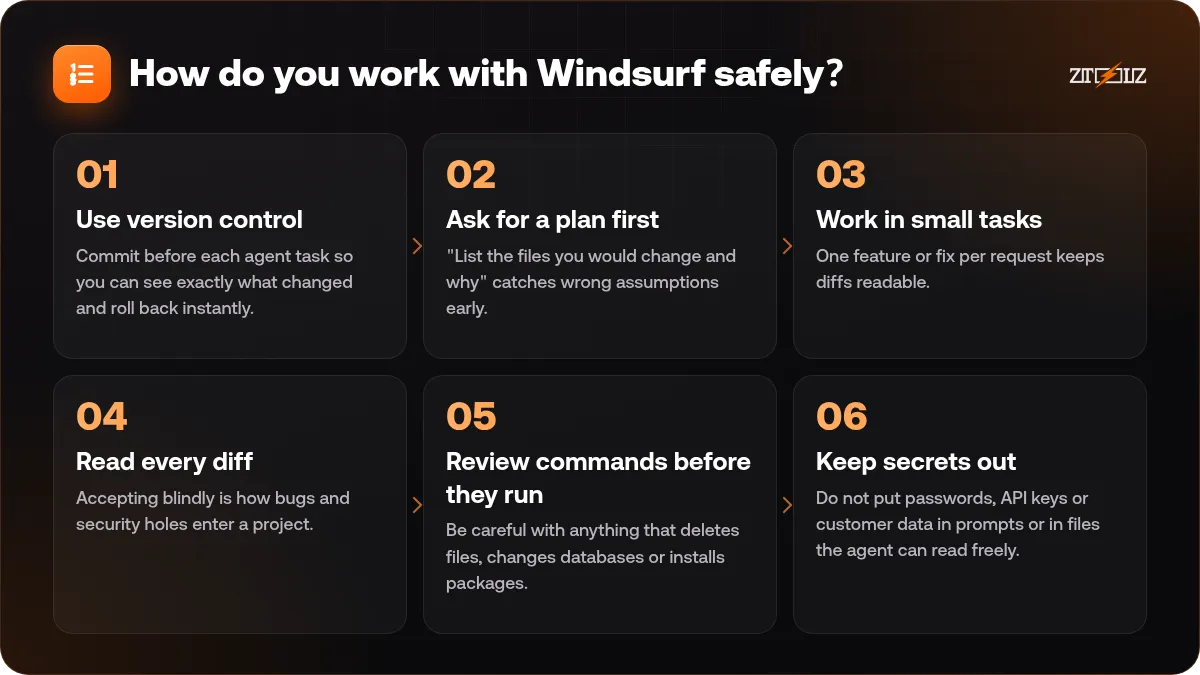
- Use version control. Commit before each agent task so you can see exactly what changed and roll back instantly.
- Ask for a plan first. "List the files you would change and why" catches wrong assumptions early.
- Work in small tasks. One feature or fix per request keeps diffs readable.
- Read every diff. Accepting blindly is how bugs and security holes enter a project.
- Review commands before they run. Be careful with anything that deletes files, changes databases or installs packages.
- Keep secrets out. Do not put passwords, API keys or customer data in prompts or in files the agent can read freely.
Do not point an AI agent at a production database or live server. Work on a local copy or a test environment and deploy through your normal reviewed process.
How do workflows and project rules help?
Repeated instructions waste time. Windsurf lets you save guidance so the agent follows your conventions: coding style, naming, folder structure, testing approach and things to avoid. Write these once for a project and keep them short and concrete. For example: "Use TypeScript strict mode. Put API calls in the services folder. Every new function gets a test."
Saved workflows for routine tasks, such as preparing a release checklist or generating a component with tests, turn a long prompt into a short command. Review and update them as the project changes, because outdated rules produce outdated code.
How does it compare with other AI coding tools?
There are three common styles of tools, and many developers mix them.
- Autocomplete in your editor: fast and low-risk, good for small completions.
- AI-native editors with agents, like Windsurf: strong for changes that touch many files and for exploring codebases.
- Chat assistants in the browser: best for design discussions, reviewing a function or learning a concept. Claude AI is a popular choice here for reading and reasoning about longer code.
A practical combination is an agent editor for implementation and a chat assistant for thinking and review. Our comparison Claude vs ChatGPT for coding and the wider list of best AI tools for programmers help you pick the thinking partner.
A beginner workflow for your first week
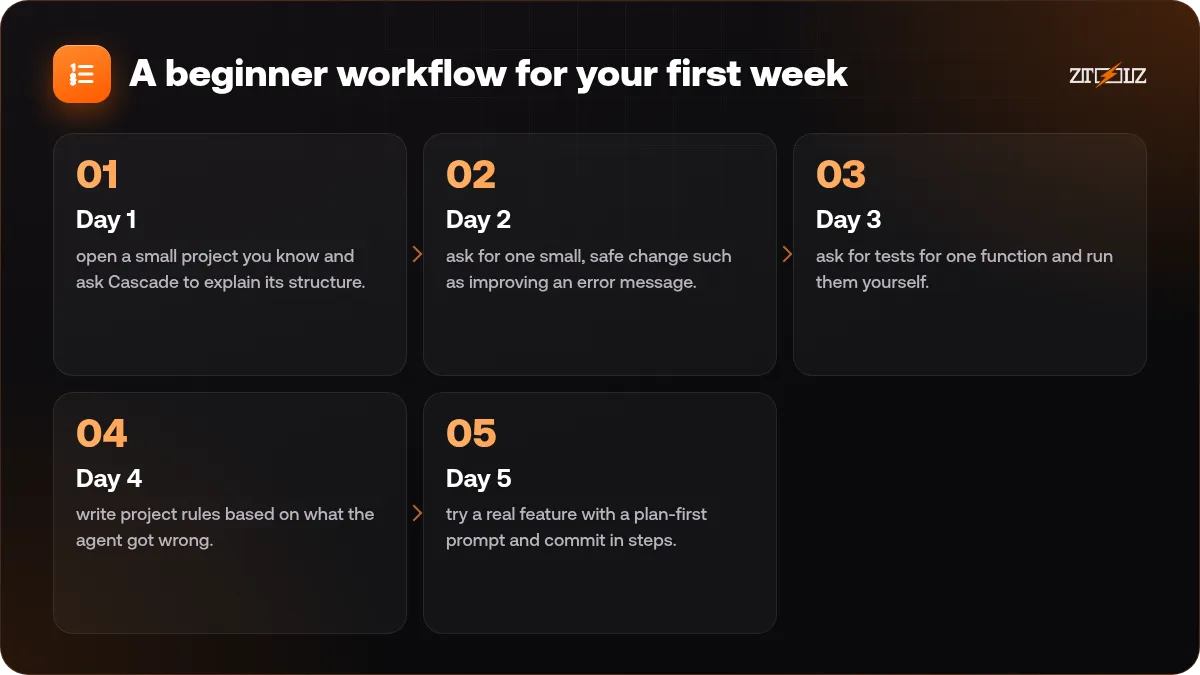
- Day 1: open a small project you know and ask Cascade to explain its structure. Compare with your own understanding.
- Day 2: ask for one small, safe change such as improving an error message. Review the diff closely.
- Day 3: ask for tests for one function and run them yourself.
- Day 4: write project rules based on what the agent got wrong.
- Day 5: try a real feature with a plan-first prompt and commit in steps.
How do you write a good request for the agent?
A strong request has four parts: the goal, the files or area involved, the constraints and how success is checked. For example: "Add pagination to the orders list in the orders folder. Keep the existing styling, do not change the database schema, and add a test that checks page two returns the right items."
Notice what this does. It limits the area, protects what must not change and tells the agent how you will verify the result. Vague requests produce wide, risky edits, while precise ones produce small diffs you can review in minutes.
Common mistakes to avoid
- Letting the agent run large vague tasks. "Improve my app" is not a task.
- Skipping tests. Without tests you cannot tell whether a refactor changed behaviour.
- Not learning from the code. If you never read what it writes, your skills stall and bugs go unnoticed.
- Trusting package suggestions. Verify that a library exists, is maintained and fits your licence needs.
- Using it on client code without permission. Check your client's and employer's rules on AI tools and data.
ZTOOLZ offers Windsurf through shared, platform-owned accounts, opened with the ZTOOLZ extension or secure browser. It is a way to try an AI code editor without a full separate subscription. Because the account is shared, never put client code, secrets or personal data in it, and do not change account settings. See the Windsurf page for our current price, build a custom plan with the + button in the store alongside Claude AI, or check All In One. For safe habits, read shared platform account security habits.
FAQ
Is Windsurf good for beginners?
It can help beginners learn by explaining code, but it works best when you can read what it produces. Start with small projects and review every change.
Can Cascade write a whole app by itself?
It can scaffold a lot, but unattended large builds usually need heavy correction. Guide it in small steps and test as you go.
Is my code private when I use an AI editor?
Check the tool's data and privacy policy and your employer's rules. With a shared account, avoid private or client code altogether.
Which languages does it support?
It works with most popular languages and frameworks. Quality is usually better for widely used ones, so test it on your stack.
Do I still need a chat assistant like Claude?
Many developers use both: the editor for edits across files and a chat assistant for design thinking, explanations and second opinions.