Grammarly Premium Guide for Non-Native English Writers
Grammarly Premium explained for non-native writers: tone, clarity, rewrites and plagiarism checks, plus an editing routine and mistakes to avoid.
Grammarly Premium is a writing assistant that checks grammar, clarity, tone and originality as you type. If English is your second language, it works like a patient editor: it explains each correction so your writing improves over time, not only your current draft.
What does Grammarly Premium add over the free version?
The free version catches spelling and basic grammar. Premium goes further into how your writing sounds to a reader. Features and limits change over time, so check the official pricing page for what each plan includes today.
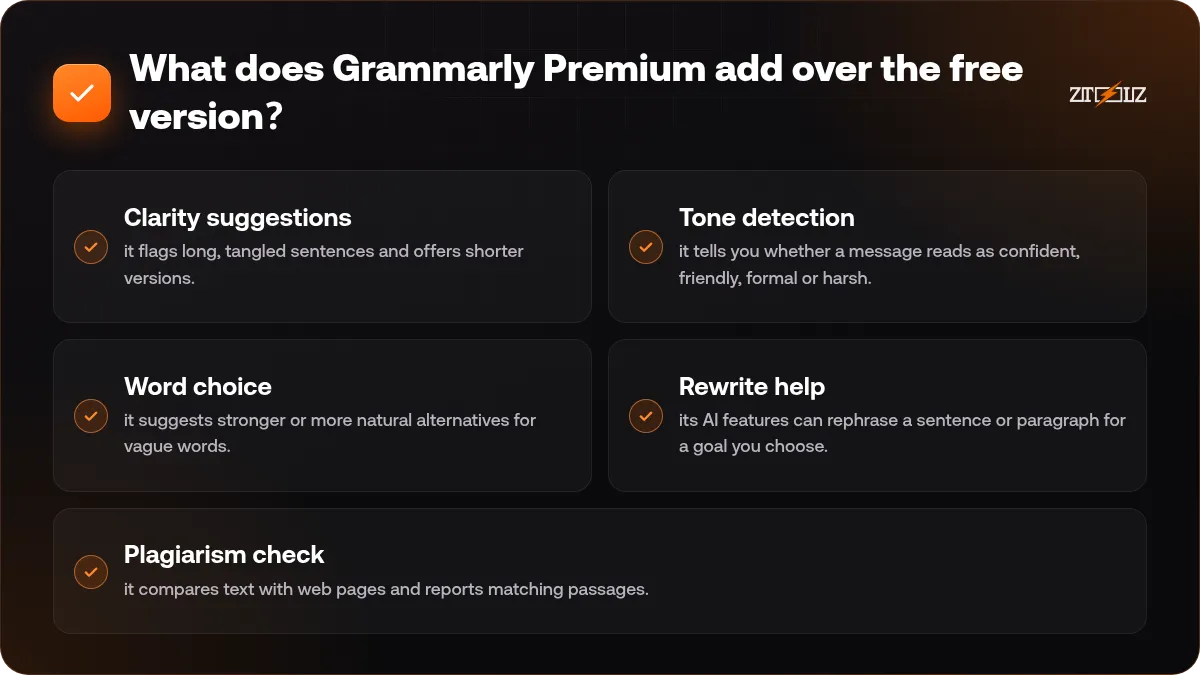
- Clarity suggestions: it flags long, tangled sentences and offers shorter versions.
- Tone detection: it tells you whether a message reads as confident, friendly, formal or harsh.
- Word choice: it suggests stronger or more natural alternatives for vague words.
- Rewrite help: its AI features can rephrase a sentence or paragraph for a goal you choose.
- Plagiarism check: it compares text with web pages and reports matching passages.
Who benefits most from Grammarly Premium?
Non-native English writers get the largest gain, because the problems they face are rarely spelling. They are word order, articles (a, an, the), prepositions, and a tone that sounds too blunt or too stiff in business emails.
Freelancers writing proposals, students submitting essays, store owners writing product pages and support replies, and job seekers polishing a CV all use it daily. If you write mostly in Arabic, note that Grammarly is built for English, so it will not help there.
How do you set it up for the best results?
Most of the value comes from a few settings. Spend five minutes on them before your first long document.
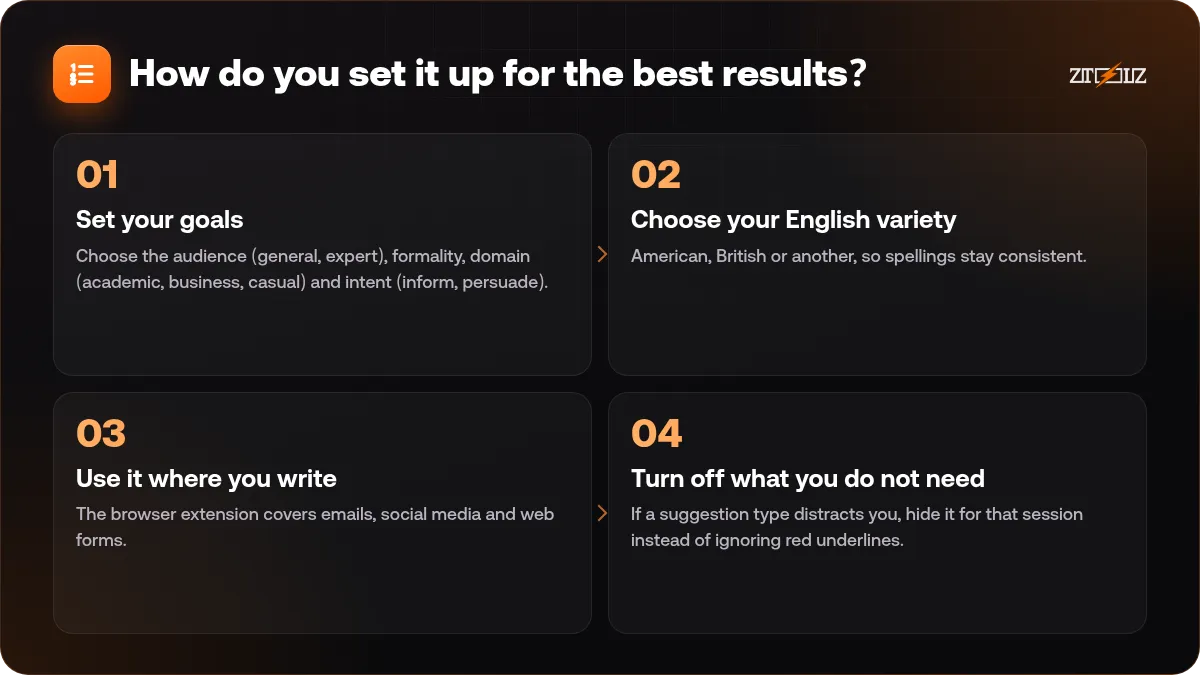
- Set your goals. Choose the audience (general, expert), formality, domain (academic, business, casual) and intent (inform, persuade). Suggestions change with these.
- Choose your English variety. American, British or another, so spellings stay consistent.
- Use it where you write. The browser extension covers emails, social media and web forms. The editor is better for long documents.
- Turn off what you do not need. If a suggestion type distracts you, hide it for that session instead of ignoring red underlines.
On a shared account, do not change account-level settings or save personal documents in the editor. Use your own text only for the current session and copy the result out. Our guide to shared platform account security habits lists the rules.
How do you use tone and clarity to write better emails?
Take a real example. A freelancer writes: "I want you to send me the files today because I am waiting." Grammarly may flag the tone as demanding. A softer version is: "Could you send the files today? I would like to start on them this afternoon."
The habit to build is simple: read the suggestion, ask why it is better, and then rewrite the sentence yourself. If you accept every suggestion without reading, you stay dependent on the tool and your voice slowly disappears.
A five-minute editing routine
- Write the full draft first without stopping to fix things.
- Run a pass for correctness only: spelling, grammar, punctuation.
- Run a second pass for clarity: split any sentence longer than about 25 words.
- Check the tone indicator against what you want the reader to feel.
- Read the final version aloud once.
Is the plagiarism checker enough for academic work?
It is a useful first screen, not a verdict. It compares your text with a large set of web pages and can show passages that look similar. It cannot know your school's rules or see every private database.
Use it to find places where you copied a phrase by habit and forgot to quote it. Then fix the writing properly: paraphrase in your own words, add quotation marks where needed, and cite the source. Never use any tool to disguise copied work.
Can AI rewrite tools replace learning English?
They can speed you up, but they work best beside learning. Keep a small notebook of the corrections Grammarly makes most often. After two weeks you will see patterns, perhaps missing articles or the wrong preposition after a verb. Study those few patterns and your error rate drops quickly.
Pairing it with a generative assistant also helps. You can draft with HIX AI or another assistant, then use Grammarly as the final proofreader. For tips on writing instructions for AI tools, see writing a CV and job emails with AI.
What does a good weekly practice look like?
Improvement comes from repetition, not from one long session. Choose one piece of real writing each week, such as a client email, a product description or a short report. Write it, run the checks, and keep a before and after copy of the two or three sentences that changed the most.
At the end of the month, read those pairs in order. You will notice how your sentences become shorter, your openings more direct and your tone steadier. This is also a good portfolio habit if you freelance, because clean English is part of how clients judge your professionalism.
If you write in several contexts, create a simple checklist for each: for emails, check the greeting, the request and the closing line; for essays, check the thesis sentence and the transitions; for product pages, check that every sentence carries a benefit or a fact. The tool handles the grammar, and your checklist handles the purpose.
Common mistakes with Grammarly
- Accepting every suggestion. Some change your meaning or sound unnatural for your field.
- Ignoring context. Names, brand words and technical terms may be flagged wrongly. Add them to the dictionary if your account allows it.
- Editing while drafting. It breaks your flow. Draft first, edit later.
- Pasting confidential text. Contracts and client data do not belong in a shared tool.
- Expecting style from a tool. It fixes errors well. A distinctive voice still comes from you.
ZTOOLZ offers Grammarly access through shared, platform-owned accounts, opened with the ZTOOLZ extension or secure browser. It is not a personal account of yours. See the Grammarly Pro page for our current price, add it to a custom plan with the + button in the store alongside other writing tools, or consider All In One if you use many tools.
FAQ
Is Grammarly Premium worth it for non-native speakers?
If you write English emails, reports or essays regularly, usually yes, because it teaches as it corrects. If you write English rarely, the free version may be enough.
Does Grammarly work for Arabic?
No. It is designed for English writing. For Arabic text use a native proofreader or an AI assistant and read the result carefully.
Can Grammarly make my writing sound human?
It improves clarity and tone, but it cannot promise any detector result. Focus on writing that is clear and honest, in your own voice.
Does it work inside Google Docs and email?
The browser extension supports many web editors and email pages, though some fields may not be supported. The standalone editor is the reliable fallback.
Is the plagiarism check accurate?
It is a helpful screening tool, but not a final judgement. Always compare flagged passages with the original sources yourself.