vidIQ for YouTube: Keywords, Titles and Daily Habits
vidIQ for YouTube explained: research keywords, write better titles, study competitors and use daily ideas, with a realistic weekly routine for slow, steady growth.

vidIQ is a YouTube analytics and research tool that sits next to your videos and shows keyword scores, competitor stats, tag ideas and daily video suggestions. It will not grow a channel by itself, but it helps you make better decisions about what to publish and how to title it. This guide shows how to use vidIQ for YouTube in a simple weekly routine, with realistic expectations.
What does vidIQ actually do?
vidIQ works mainly as a browser extension on YouTube and as a dashboard. While you watch any video or channel, it adds data: estimated views per hour, tags, engagement and an overall score. In the dashboard you can research keywords, track other channels, audit your own videos and get content ideas. It also includes AI helpers for titles, descriptions and scripts, whose features change over time.
The numbers are estimates and scores, not YouTube's official statistics. Use them to compare options (this topic vs that topic), not as exact truth. Your real data in YouTube Studio always has the last word.
How to do keyword research the practical way
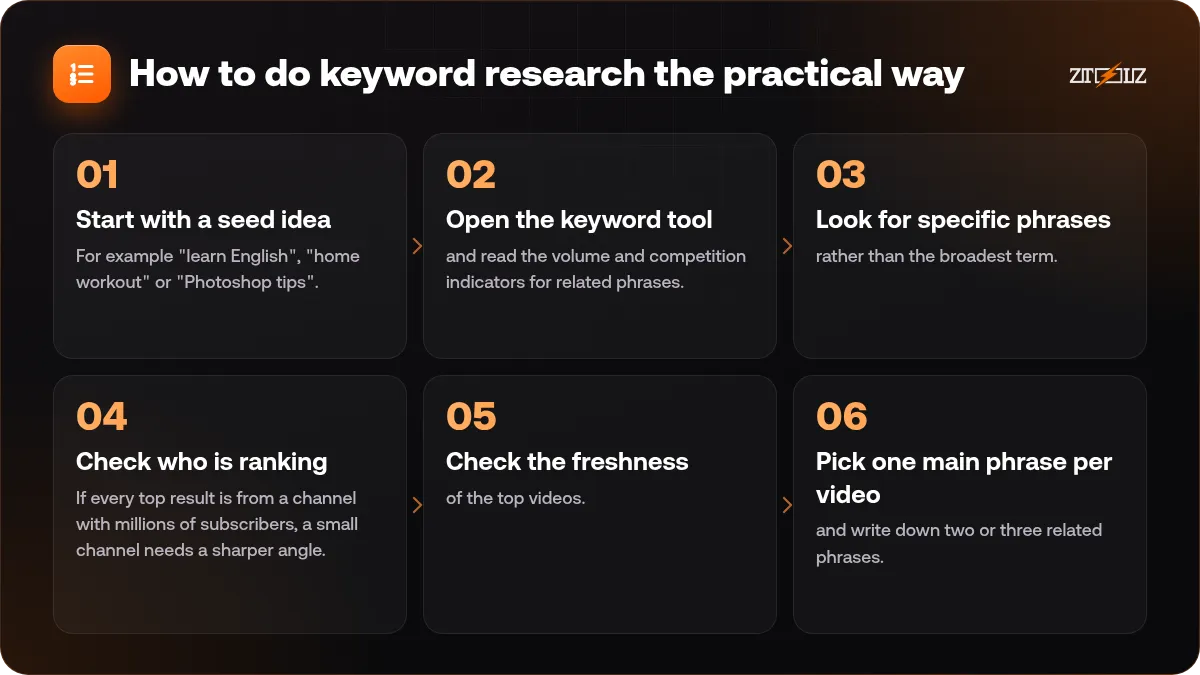
- Start with a seed idea. For example "learn English", "home workout" or "Photoshop tips".
- Open the keyword tool and read the volume and competition indicators for related phrases.
- Look for specific phrases rather than the broadest term. "Photoshop tips for beginners on a laptop" is easier to win than "Photoshop".
- Check who is ranking. If every top result is from a channel with millions of subscribers, a small channel needs a sharper angle.
- Check the freshness of the top videos. Old, weak videos on a popular search are an opportunity.
- Pick one main phrase per video and write down two or three related phrases.
Search in the language of your audience. Arabic phrases often have lower competition than English ones, and also use the spelling variants your viewers actually type.
Writing titles that earn clicks without lying
A title has two jobs: tell YouTube what the video is about, and make a person want to click. Good titles do both.
- Put the main phrase near the start, in natural language.
- Add a clear benefit or curiosity point: a number, a result, a time frame or a mistake.
- Keep it readable on mobile, usually under about 60 characters.
- Match the thumbnail: the title and image should add to each other, not repeat.
- Never promise what the video does not deliver. Misleading titles reduce watch time, and that hurts you more than a weaker title would.
Test two or three title versions in a notebook before you publish, and ask vidIQ's title suggestions for ideas, then rewrite them in your own voice. For thumbnails, see YouTube thumbnail design with AI.
Using tags, descriptions and the first lines
Tags carry far less weight than titles and thumbnails, but they help with misspellings and related terms. Use a short list: your main phrase, a couple of variations and one broader topic. The description matters more: write a natural paragraph in the first two lines that explains the video and includes the main phrase, then add chapters and links. Do not stuff keywords.
Competitor tracking: learning without copying
- Pick five channels in your niche, including two that are around your size.
- Watch which of their videos get far more views than their average, which vidIQ highlights as outliers.
- Ask why: the topic, the title, the thumbnail or the timing?
- Create your own version with a different angle, new examples and your own experience.
- Never copy scripts, titles word for word or thumbnails. It is unethical, risks strikes, and does not build an audience.
Daily ideas and trends
The daily ideas feature suggests video topics based on your channel and what is currently performing. Treat them as a brainstorming list. Choose the idea that fits your expertise and your audience, not simply the trending one. A trend that is far from your channel brings views from people who will not subscribe.
A realistic weekly routine
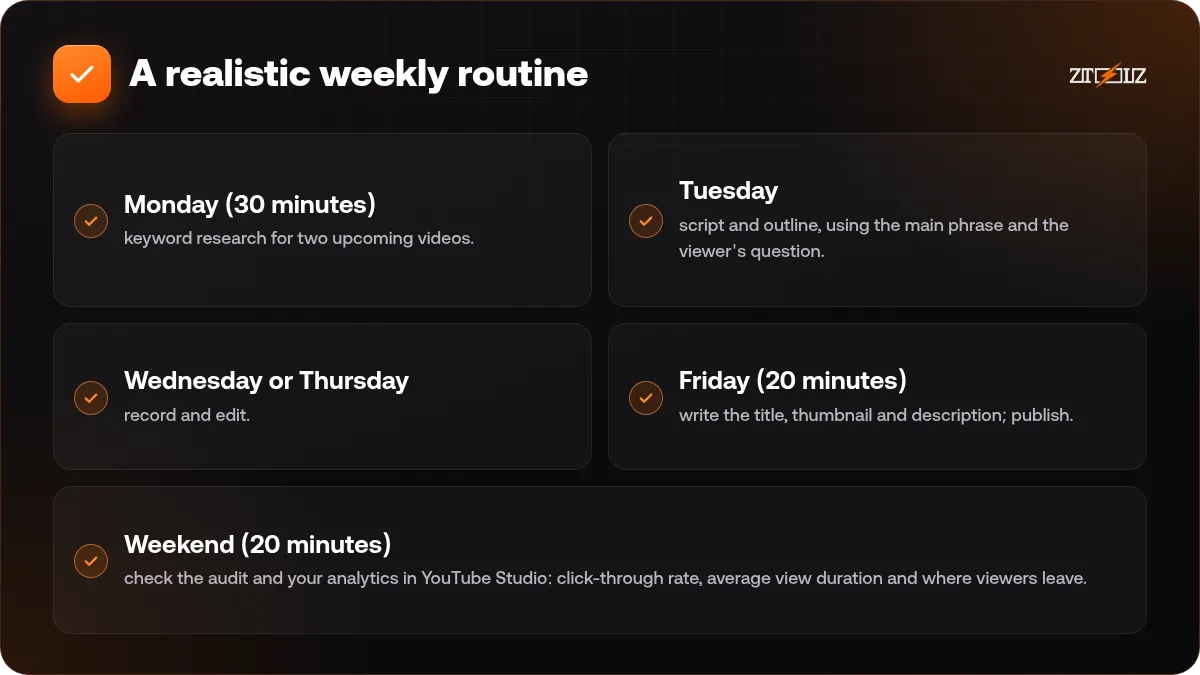
- Monday (30 minutes): keyword research for two upcoming videos.
- Tuesday: script and outline, using the main phrase and the viewer's question.
- Wednesday or Thursday: record and edit.
- Friday (20 minutes): write the title, thumbnail and description; publish.
- Weekend (20 minutes): check the audit and your analytics in YouTube Studio: click-through rate, average view duration and where viewers leave.
The loop matters more than any single tool: research, publish, measure, adjust. A channel usually grows through dozens of small improvements, not one clever title. Be patient: growth on YouTube is often slow at first, and no tool can promise a result. For more on the creator toolkit, see AI tools for YouTubers.
Reading your own numbers
After each upload, look at three metrics in YouTube Studio. Click-through rate shows whether the title and thumbnail attract the right people. Average view duration shows whether the content keeps them. The retention graph shows the exact second where viewers leave, so you can fix your intros next time. Compare each video with your own previous videos, not with giant channels, and write one lesson per video in a simple notes file.
Common mistakes
- Choosing topics only by high volume, ignoring whether you can serve the viewer better.
- Obsessing over tags and ignoring the first 30 seconds of the video.
- Copying competitors rather than learning from them.
- Changing the title every day. Give a video time before you judge it.
- Ignoring audience retention, which tells you whether the content works.
Using vidIQ through ZTOOLZ
ZTOOLZ offers shared access to vidIQ through accounts owned and managed by the platform, so you do not need your own paid plan to try it. It is opened from the tool page, with the extension or in the cloud version. Visit vidIQ Pro or the vidIQ cloud version for how it opens and our current price. Add it to a custom plan with the + button in the store, or check All In One on pricing. Shared accounts are best used for research. Do not connect your own channel or save personal details in a shared account, and see our shared account security habits.
FAQ
Will vidIQ make my channel grow?
No tool can promise growth. vidIQ helps you research topics, titles and competitors faster, but your content quality and consistency decide the result.
Are vidIQ keyword scores accurate?
They are estimates that help you compare ideas. Treat them as guidance and rely on your own YouTube Studio data for real performance.
Do tags still matter on YouTube?
A little. They help with spelling variations and related terms, but your title, thumbnail, and the content itself matter much more.
Can I use vidIQ for Arabic videos?
Yes, you can research Arabic phrases and track Arabic channels. Data can be thinner for some Arabic searches, so also use YouTube's own search suggestions and your audience's comments.
How often should I research keywords?
Do it before each video as part of planning, and revisit your older videos every few months to improve titles and descriptions where needed.