Kittl Design Guide: T-Shirts, Logos and Posters
Kittl explained for beginners: templates, text effects, AI tools and the export settings you need for t-shirts, logos and posters sold through print-on-demand.
Kittl is a browser-based design tool built around typography, which makes it popular for t-shirt graphics, logos, badges, posters and stickers. If your designs depend on striking lettering rather than photo editing, it can be faster than a general editor. This Kittl design guide shows how to work with templates, text effects and AI tools, and how to export files that print-on-demand services accept.
What is Kittl and who is it for?
Kittl is a vector-based editor in the browser. You start from a template or a blank canvas, add text, shapes, illustrations and textures, and export as PNG, PDF or SVG. Because the main elements are vector, text and shapes stay sharp when you resize.
It suits people who sell on print-on-demand platforms, small brands that need a quick logo or label, social media managers who want typographic posters, and beginners who want results without learning a heavy program. It is less suited to photo retouching or long multi-page documents, where other tools are better.
How to start from a template without making it look generic
Templates are a great shortcut and also the reason many designs look alike. Use them as a structure, not a finished design.
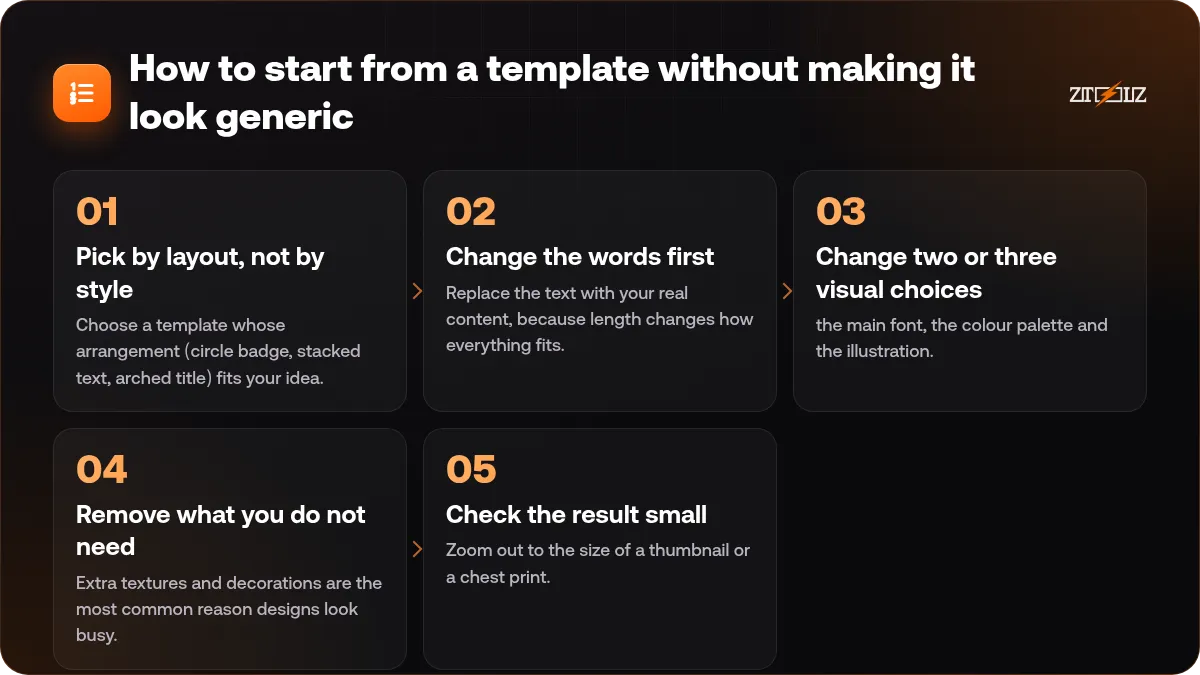
- Pick by layout, not by style. Choose a template whose arrangement (circle badge, stacked text, arched title) fits your idea.
- Change the words first. Replace the text with your real content, because length changes how everything fits.
- Change two or three visual choices: the main font, the colour palette and the illustration. That alone makes it yours.
- Remove what you do not need. Extra textures and decorations are the most common reason designs look busy.
- Check the result small. Zoom out to the size of a thumbnail or a chest print. If you can still read it, it works.
Text effects that actually look good
Text is the strength of the tool, and these effects are worth learning.
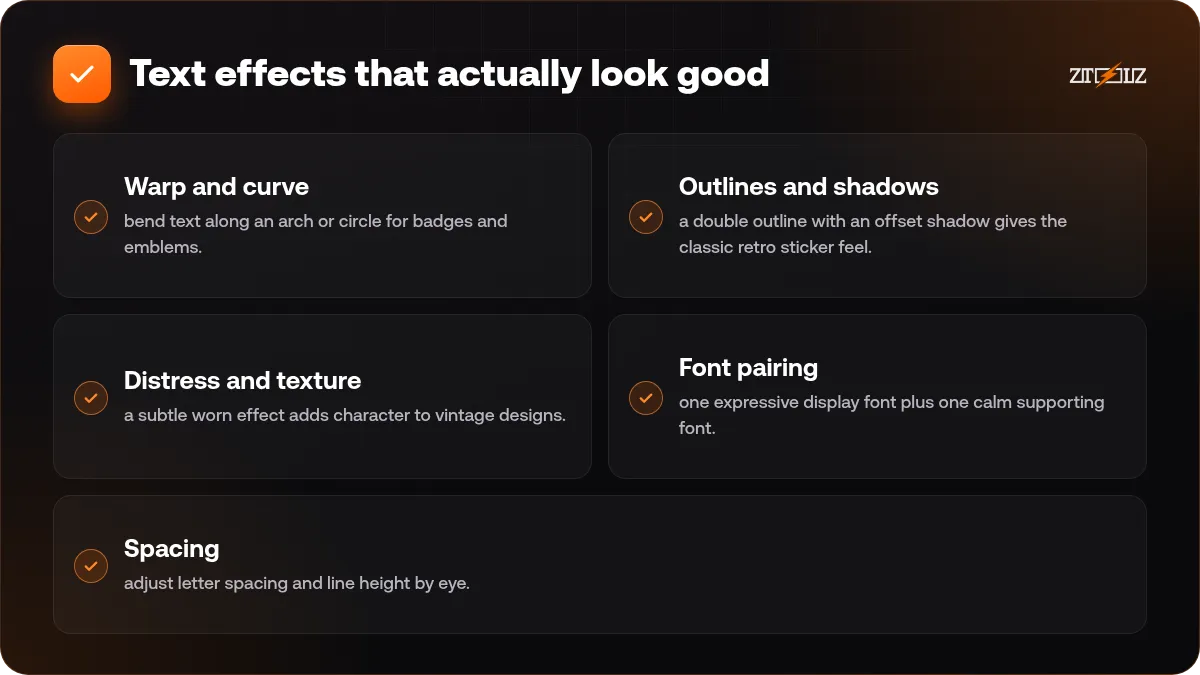
- Warp and curve: bend text along an arch or circle for badges and emblems.
- Outlines and shadows: a double outline with an offset shadow gives the classic retro sticker feel. Keep the shadow in one flat colour.
- Distress and texture: a subtle worn effect adds character to vintage designs. Use a light touch so small letters remain legible.
- Font pairing: one expressive display font plus one calm supporting font. More than two or three fonts usually looks messy.
- Spacing: adjust letter spacing and line height by eye. This is what separates a polished design from a default one.
If your audience reads Arabic, test your chosen font with real Arabic text before you commit, since not every decorative font supports Arabic letters. Our guide to Arabic text in AI designs lists common pitfalls.
Where do the AI tools help?
Kittl includes AI features such as generating images and graphics from a prompt and removing backgrounds. They are most useful for the supporting parts of a design: a texture, an icon-style illustration, a background element. Treat generated artwork as a starting point and check it closely for strange details.
Do not rely on AI for the main message. A clear headline you wrote yourself, in a well-chosen font, almost always beats a generated slogan. Also remember that if you plan to sell designs, you must be comfortable with the rights and platform rules around AI-generated artwork, which differ from site to site.
Export settings for t-shirts and print-on-demand
Requirements differ by platform, so read the upload rules of the service you use. These points are common.
- Transparent PNG: export the artwork without a background so it sits on any garment colour.
- High resolution: many services ask for large files at 300 DPI. A common size is around 4500 x 5400 pixels for a full-chest print, but always check your platform.
- Safe margins: keep important text away from the edges of the print area.
- Colour checks: a design that looks good on a white preview can vanish on a black shirt. Test the artwork on both light and dark backgrounds, or make a light and a dark version.
- Vector for large formats: posters, banners and stickers may be better as PDF or SVG.
If you only have a raster file that needs to be a clean vector for cutting or screen printing, see our Vectorizer AI guide.
Add extra assets: fonts, graphics and templates
Kittl has its own library, but many designers also pull in design resources from marketplaces such as Creative Fabrica for fonts, graphics and craft bundles. Whenever you combine assets from different sources, check each licence: some fonts and graphics allow use on products for sale and some do not, and the terms can differ per item. Our article on stock asset licences explains what to look for.
A simple workflow for a t-shirt in 30 minutes
- Write the phrase or name and decide the mood (retro, bold, minimal, playful).
- Pick a template with a similar layout and replace the text.
- Choose one main font and one supporting font.
- Limit the design to three or four colours.
- Add one graphic element, such as a sun, star, badge or icon.
- Preview on light and dark garment mockups.
- Export a transparent PNG at the required size and keep the editable project.
Using Kittl through ZTOOLZ
ZTOOLZ offers shared access to Kittl through accounts owned and managed by the platform, so you do not have to subscribe on your own. You open it from the tool page using the method shown there (extension, secure browser or cloud). Visit the Kittl page for how it opens and our current price, and see Creative Fabrica if you also want fonts and graphics. Combine them in a custom plan with the + button in the store, or look at All In One on the pricing page. Because the account is shared, avoid changing its settings and do not save private files or personal details inside it.
FAQ
Is Kittl good for beginners?
Yes. Templates and ready text effects let beginners get a decent result quickly, and you can learn font pairing and spacing as you go.
Can I design t-shirts for print-on-demand with Kittl?
Yes, it is commonly used for that. Export a transparent, high-resolution PNG at the size your platform requires and test the design on light and dark garments.
Does Kittl support Arabic text?
It depends on the font. Some fonts include Arabic letters and many decorative ones do not, so test your exact text and check that letters connect correctly before exporting.
Should I export PNG or SVG?
Use PNG for most print-on-demand uploads and SVG or PDF when a printer, cutter or large format print asks for vector files.
Are Kittl templates free to reuse for products I sell?
Licence terms apply to templates and assets, and they can change. Read the current terms and the platform rules for your project before you sell anything.