Placeit Mockups: How to Present Designs to Clients
Placeit mockups, logo and video makers explained for store owners and freelancers: how to pick scenes, upload designs and present work that clients approve faster.
Placeit mockups let you drop your design onto a realistic scene (a t-shirt on a model, a phone in a hand, a mug on a desk) in your browser in a few minutes. For store owners it means product images before samples exist; for freelancers it means a more convincing presentation. This guide explains what Placeit offers, how to get good results, and how to present the work so clients say yes sooner.
What can you make with Placeit?
Placeit, which belongs to the Envato family, is a template-based creative platform. Beyond mockups it includes a logo maker, a video maker and ready templates for social posts, flyers and similar items. The main groups are:
- Apparel mockups: t-shirts, hoodies, caps and tote bags, on models or flat.
- Device mockups: phones, tablets, laptops and websites on screens, ideal for app and web designers.
- Print and branding mockups: business cards, posters, books, mugs and packaging.
- Video mockups and animated scenes: short clips where your design appears on a moving model or device.
- Logo and design makers: pick a style, enter a brand name, and adjust the result.
The available templates change often, so browse the category you need rather than counting on a specific scene.
How do you create a mockup step by step?
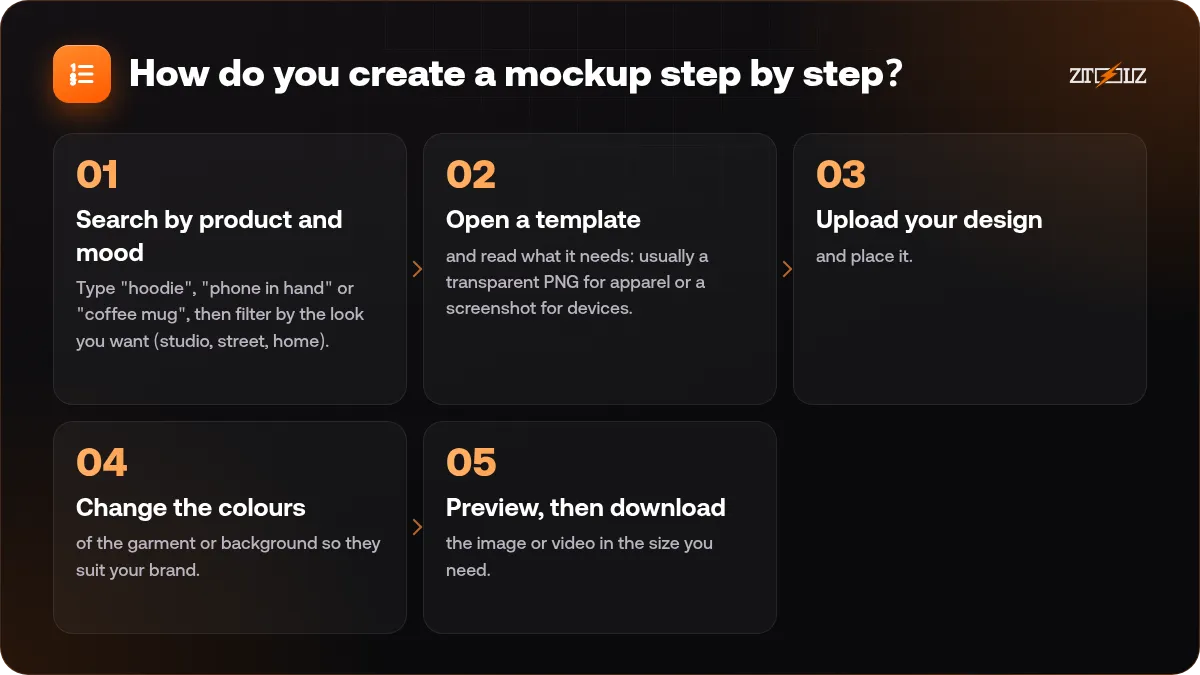
- Search by product and mood. Type "hoodie", "phone in hand" or "coffee mug", then filter by the look you want (studio, street, home).
- Open a template and read what it needs: usually a transparent PNG for apparel or a screenshot for devices.
- Upload your design and place it. Resize, rotate and reposition until it looks natural on the product.
- Change the colours of the garment or background so they suit your brand.
- Preview, then download the image or video in the size you need.
Design for the mockup, not only for the screen. A design with a transparent background and a clear silhouette looks far better on a coloured garment than a rectangle with a white box around it.
How to get realistic results
- Use a high-resolution design. A small file looks blurry once placed on a large image.
- Match the scene to your audience. A streetwear brand needs urban scenes, a children's brand needs bright and friendly ones.
- Keep the same style across all images. Use similar lighting and colours for a whole product line so your store looks consistent.
- Check contrast. White text on a white shirt disappears. Pick garment colours that make the design visible.
- Do not overcrowd. One clear design on one clean scene looks more professional than five effects in a single image.
Using mockups to sell products before you have stock
Many small stores and print-on-demand sellers use mockups for product listings, ads and social posts. A good mockup helps a visitor imagine the item, which supports the buying decision. But be honest: a mockup is an illustration. If the final product will look different (print size, fabric colour, texture), say so in the product description and avoid promising details that a mockup cannot prove.
For the photography side of a store, see our guide on AI product photos for online stores, which pairs well with mockups when you want a mix of real and generated images.
Presenting work to clients
Freelancers often lose a job not because the design is weak, but because the presentation is flat. A mockup helps the client see the design in real life.
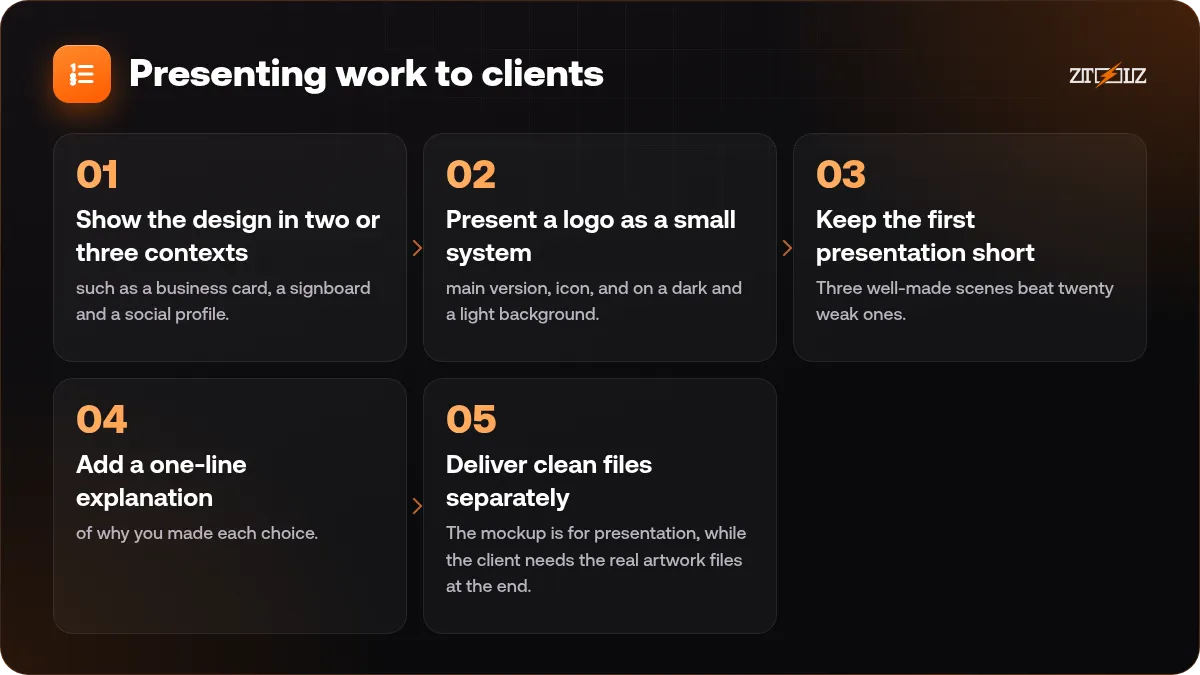
- Show the design in two or three contexts, such as a business card, a signboard and a social profile.
- Present a logo as a small system: main version, icon, and on a dark and a light background.
- Keep the first presentation short. Three well-made scenes beat twenty weak ones.
- Add a one-line explanation of why you made each choice.
- Deliver clean files separately. The mockup is for presentation, while the client needs the real artwork files at the end.
If you are building a design business, our posts on starting as a freelance graphic designer and pricing design services cover the rest of the process.
Common mistakes with mockups
- Using a screenshot with the wrong ratio for a phone or laptop scene, so the website looks stretched or cropped.
- Choosing a busy scene that fights with the design. The product should be the hero, not the background.
- Mixing too many styles in one portfolio or one store page. Pick a visual identity and stay with it.
- Forgetting the file name and alt text. For a store, name the image clearly (for example "black-hoodie-front-mockup") and describe it, which helps both search and accessibility.
- Showing only the mockup to the client. Also share the flat design so they can judge details without a model or shadow in the way.
A short review before sending is worth the minute: zoom in on edges and text, check that nothing is cut off, and compare two colour options side by side.
Placeit or Pacdora: which one for which job?
Placeit is broad and quick: apparel, devices, social visuals and logos. Pacdora is more specialised for 3D packaging such as boxes, bags and bottles, and it can show dielines. If you sell physical products that ship in boxes, you may use both. We cover the packaging side in our Pacdora packaging mockups guide.
Using Placeit through ZTOOLZ
ZTOOLZ offers shared access to Placeit through accounts owned and managed by the platform. It can be opened with the extension or from the cloud version, as shown on each tool page, so you do not need to buy a separate personal plan. Open the Placeit page or the cloud version to see how it works and our current price. If you also need packaging scenes, add Pacdora Premium to a custom plan using the + button in the store, or review All In One on pricing. Please check the content licence terms for your project, and keep the shared account clean: no setting changes and no personal data saved in it.
FAQ
Is Placeit only for t-shirts?
No. It also has device, print, packaging and video mockups, plus logo and design makers. T-shirt scenes are just the best known.
What file should I upload for a clothing mockup?
A high-resolution PNG with a transparent background is the usual choice, so the design sits naturally on any garment colour.
Can I make a logo with Placeit?
Yes, it has a logo maker based on styles and templates. For a unique brand you should still adjust the result and check that it does not look too similar to other logos.
Do mockups replace real product photos?
They are great for early listings and presentations, but real photos build more trust for physical products. Many sellers start with mockups and add real photos once they have stock.
Can I use mockups in ads and on my store?
That is a common use, but the terms of the platform decide exactly what is allowed, so read the current licence for your type of project first.