Ramadan Design Templates: Plan Your Ramadan and Eid Content Early
Ramadan design templates help you prepare greeting posts, iftar offers and Eid sale banners early. Plan 30 days of content and make every design look like your brand.
Ramadan design templates let you prepare a whole month of greeting posts, iftar offers and Eid sale banners before the rush begins, then adapt them so they look like your brand instead of a stock layout. Ramadan 2027 is expected to start around early-to-mid February 2027, depending on the moon sighting, so January is the right time to plan. This guide covers the content you need, the visual styles that work, Arabic typography and a 30-day calendar you can copy.
Why start your Ramadan designs early?
In Riyadh, Dubai, Kuwait City or Doha, the weeks before Ramadan are busy for every brand: restaurants plan iftar menus, retailers prepare Eid collections and designers get booked up. Starting early lets you test ideas, check Arabic text calmly and schedule posts instead of designing late at night.
The first day also depends on the moon sighting, so your plan must be able to shift by a day. Keep the welcome post, the first offers and the Eid greeting as separate, ready files, and publish them after the official announcement.
What Ramadan and Eid content does a brand actually need?
Most brands need the same core set. Write it down as a checklist before you open any design tool:
- Welcome greeting: a "Ramadan Kareem" or "Ramadan Mubarak" post and story for the first day.
- Iftar and suhoor offers: menu cards, set meals, delivery times and booking reminders for restaurants and cafes.
- Ramadan working hours: a clear notice for shops, clinics, salons and offices.
- Value content: recipes, daily routines, gift ideas, community and charity reminders, tips linked to your product.
- Last ten nights and Eid sale: countdown banners, gift guides and last order dates for delivery before Eid.
- Eid greeting: an "Eid Mubarak" post plus a short animated greeting.
- Formats: square and portrait feed posts, 9:16 stories and reels, a website banner and images that look good when shared on WhatsApp.
For a small brand that is roughly 25 to 40 pieces. Templates are what make that volume realistic without lowering quality.
Which visual styles work for Ramadan design templates?
Ramadan visuals share a familiar vocabulary. That helps people recognise the season instantly, but it also means everyone's feed can start to look the same. The main directions are:
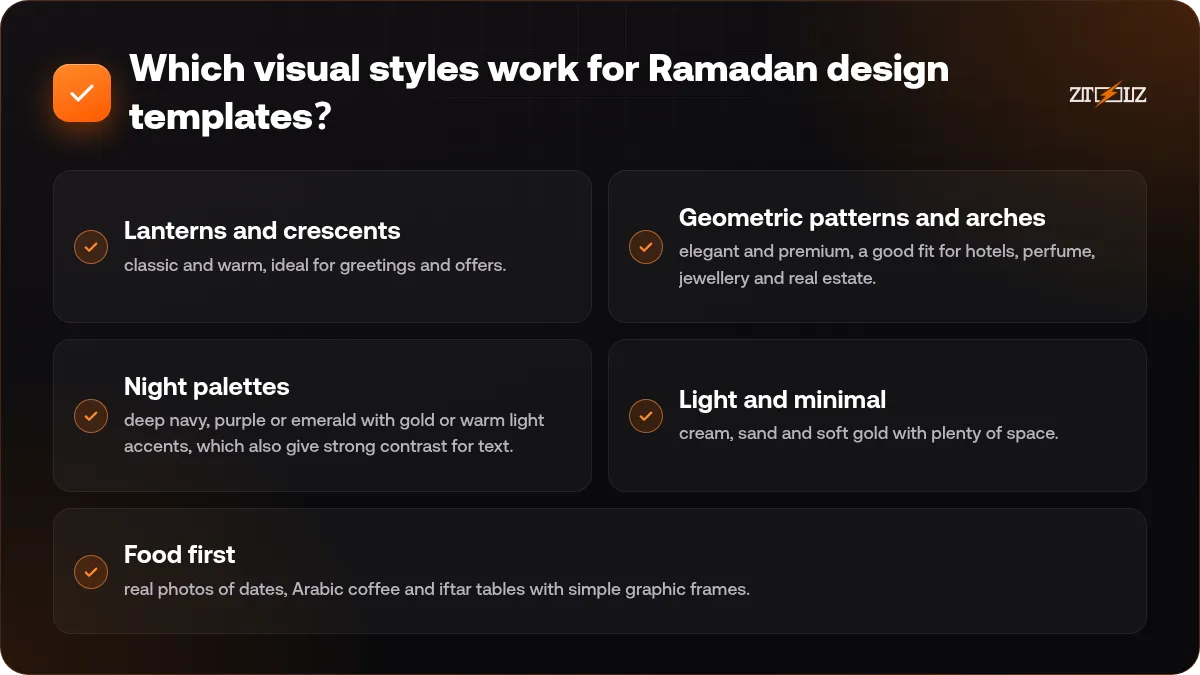
- Lanterns and crescents: classic and warm, ideal for greetings and offers.
- Geometric patterns and arches: elegant and premium, a good fit for hotels, perfume, jewellery and real estate.
- Night palettes: deep navy, purple or emerald with gold or warm light accents, which also give strong contrast for text.
- Light and minimal: cream, sand and soft gold with plenty of space. Modern and calm, good for clinics, beauty and tech brands.
- Food first: real photos of dates, Arabic coffee and iftar tables with simple graphic frames.
Pick one direction per brand and keep it for the whole month. A consistent look makes your feed recognisable, which matters more than any single beautiful post.
Use your two brand colours plus one Ramadan accent, such as gold, in every template. Recolouring a template to your palette is the fastest way to stop it looking generic.
Where can you find good Ramadan and Eid templates?
Each library suits a different job:
- Canva Pro is the quickest way to edit social posts and stories in the browser, with a brand kit, a background remover and easy resizing between formats.
- Envato Elements offers a large library of Photoshop and Illustrator templates, fonts, graphics and video templates, including many Ramadan and Eid designs.
- Creative Fabrica is useful for fonts, patterns, clip art and decorative graphics, with plenty of Islamic and Eid themed material.
- Pikbest has many ready festive layouts, posters and banners for seasonal campaigns.
- Motion Array provides motion graphics templates, transitions and music for animated greetings.
Before you commit to a template, check that it leaves room for Arabic text, that its layers are well organised so you can recolour it quickly, and that it comes in the sizes you need. Also read each library's licence terms for your planned use; our guide to stock asset licences explains the basics.
How do you customise a template so it feels like your brand?
A template is a starting point, not the finished post. Work through it in this order:
- Replace the colours with your brand palette.
- Swap the fonts for your brand fonts: one Arabic family and one Latin family is enough.
- Use your own product, food or team photos wherever you can instead of the sample images.
- Put your logo in the same position on every design.
- Rewrite the copy so it says something specific, such as "iftar set for four, delivered before maghrib", rather than a generic greeting.
- Delete decorations you do not need. A cleaner layout reads better on a phone screen.
If you work in Canva, set up a brand kit before you start the month. Our brand kit guide walks you through it step by step.
Arabic typography tips for Ramadan posts
Arabic text is where many seasonal designs go wrong. These rules prevent most problems:
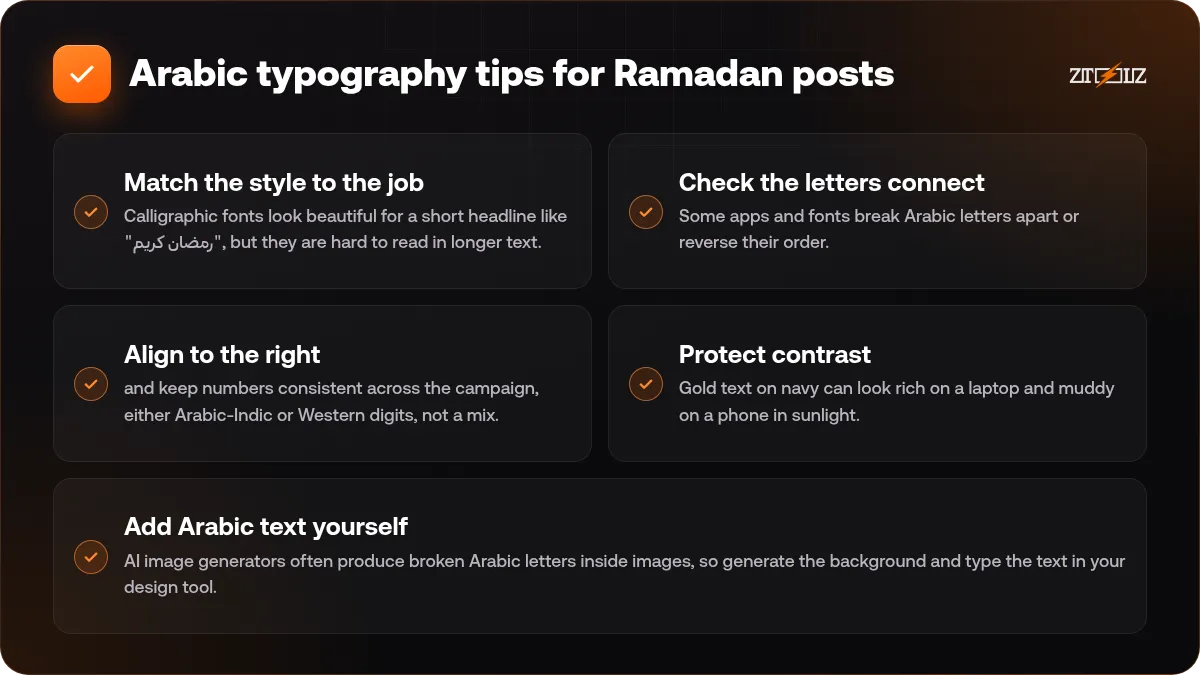
- Match the style to the job. Calligraphic fonts look beautiful for a short headline like "رمضان كريم", but they are hard to read in longer text. Use a clean Naskh or modern sans-serif for prices, hours and details.
- Check the letters connect. Some apps and fonts break Arabic letters apart or reverse their order. Zoom in before you export.
- Align to the right and keep numbers consistent across the campaign, either Arabic-Indic or Western digits, not a mix.
- Protect contrast. Gold text on navy can look rich on a laptop and muddy on a phone in sunlight. Test on a real phone.
- Add Arabic text yourself. AI image generators often produce broken Arabic letters inside images, so generate the background and type the text in your design tool. Our article on Arabic text in AI designs explains why.
A 30-day Ramadan content calendar you can copy
Here is a simple structure for a brand that posts about once a day. Adjust it to your sector and capacity.
One to two weeks before Ramadan
- A teaser post that Ramadan is coming and what customers can expect from you.
- An announcement of Ramadan hours and any pre-orders.
Days 1 to 10
- The welcome greeting on day one.
- Your main iftar or product offer, repeated in stories every few days.
- Value content twice a week, such as a recipe, a routine tip or a short how-to.
Days 11 to 20
- A refreshed offer and some behind-the-scenes content.
- The first gift ideas for Eid.
Days 21 to 30
- The Eid collection or Eid sale launch.
- Countdown stories and the last order date for delivery before Eid.
- Your Eid working hours.
Eid
- An "Eid Mubarak" post and an animated greeting.
- A thank-you post for customers, and a post-Eid offer if you run one.
Write every caption in one document first, then design in batches: all greetings in one session, all offers in another. Our social media content calendar with AI guide shows how to draft captions quickly.
How do you make animated Ramadan and Eid greetings?
Short animated greetings stand out in stories and reels. Three options, from easiest to most involved:
- Animate a static Canva design with its built-in animations and export it as a video.
- Use a motion template from Motion Array or Envato Elements: replace the logo and text, then render.
- Edit a short clip in a video editor with a lantern or crescent overlay and soft background music.
Keep greetings short, ideally 10 to 15 seconds, let your logo appear clearly, and confirm that the music licence covers the way you will publish the video.
Mistakes to avoid this Ramadan
- Posting the same popular template as your competitors without changing it.
- Printing an exact start date on designs before the moon sighting is confirmed. Write "first day of Ramadan" or update the date after the announcement.
- Pushing offers in every single post. Balance promotions with greetings and helpful content.
- Visuals that do not suit the spirit of the month. Keep imagery respectful and family friendly.
- Forgetting Eid delivery deadlines and working hours.
- Exporting low-resolution files for printed menus or roll-up banners. Print needs its own export settings.
Need the template libraries for this season? ZTOOLZ offers shared access to tools such as Canva Pro, Envato Elements and Motion Array through accounts owned by the platform. You open them with the ZTOOLZ Chrome extension, the secure browser app or a cloud version in your browser, depending on the tool. Pick only what you need and combine several tools into one custom plan with the + button in the store, or see the All In One options on pricing. Prices appear in your local currency on each tool page.
FAQ
When should I start preparing Ramadan designs?
Start four to six weeks before the expected first day. For Ramadan 2027, which is expected around early-to-mid February depending on the moon sighting, that means planning in early January and finishing the first batch of designs by the end of the month.
Can I use the same template for Instagram, Snapchat and WhatsApp?
Yes, if you resize it properly. Design the main layout once, then create a square or portrait feed version and a 9:16 story version, and move the text away from the edges where apps place buttons and profile names.
Which Arabic font is best for Ramadan posts?
There is no single right font. A calligraphic style works well for a short headline, while a clean Naskh or modern sans-serif is better for prices, hours and details. Use one Arabic family and one Latin family across the campaign so it looks consistent.
Can I use AI to create Ramadan images?
AI is helpful for backgrounds, food scenes and decorative ideas, but it often writes Arabic letters incorrectly. Generate the image without text, then add the Arabic headline in your design tool and check it carefully.
Do I need to check licences for Ramadan templates and music?
Yes. Each library has its own licence terms, and they can differ for social posts, ads, printed products or client work. Read the terms for the specific file and use before you publish.