Notion AI: Build a Productivity System That Lasts
Notion AI works best on a simple system. Learn the four databases, five AI workflows and templates that keep your tasks, notes and projects organised.
Notion AI works best when it sits on top of a simple system: a few databases for tasks, notes and projects, plus templates you reuse. Build that structure first, then let the AI summarise meetings, draft documents and answer questions about your own pages. Without the structure, the AI only has a messy workspace to read.
What is Notion AI and what can it do?
Notion is a workspace that combines documents, databases, wikis and task boards. Notion AI is the assistant built into it. Because it lives inside your pages, it can work with the content you already have instead of starting from a blank chat.
Typical jobs include summarising a long page, pulling action items from meeting notes, rewriting a paragraph in a different tone, translating text, and filling database properties automatically. Exact features and plan limits change, so check the official pricing page and your plan before building a workflow around one feature.
How do you design a Notion system before adding AI?
Most failed Notion setups have too many pages and no relationships between them. Aim for four building blocks and connect them.
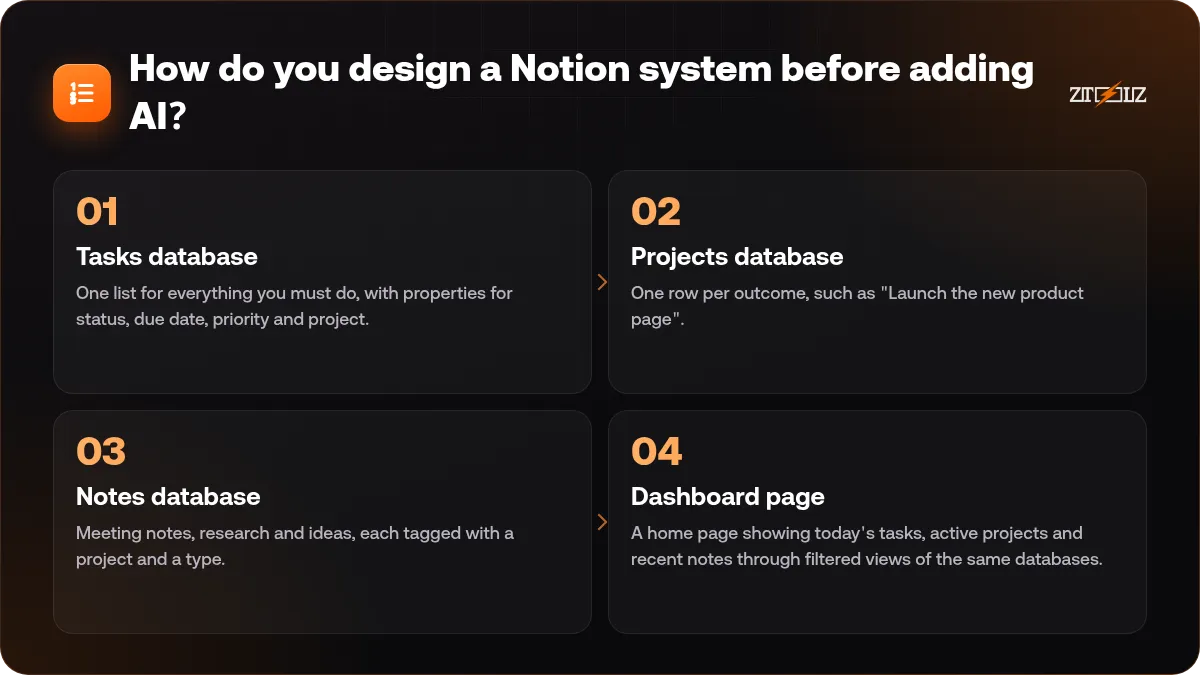
- Tasks database. One list for everything you must do, with properties for status, due date, priority and project.
- Projects database. One row per outcome, such as "Launch the new product page". Link each task to a project with a relation.
- Notes database. Meeting notes, research and ideas, each tagged with a project and a type.
- Dashboard page. A home page showing today's tasks, active projects and recent notes through filtered views of the same databases.
The key idea is that you enter information once and view it in many places. A task you create inside a project page appears on today's dashboard automatically.
Start small
Build the tasks and notes databases in your first hour. Add projects after a week, when you know which outcomes actually repeat. Resist copying a giant template with forty pages. You will not maintain what you do not understand.
Which Notion AI workflows save the most time?
These five are practical for freelancers, students and small business owners.
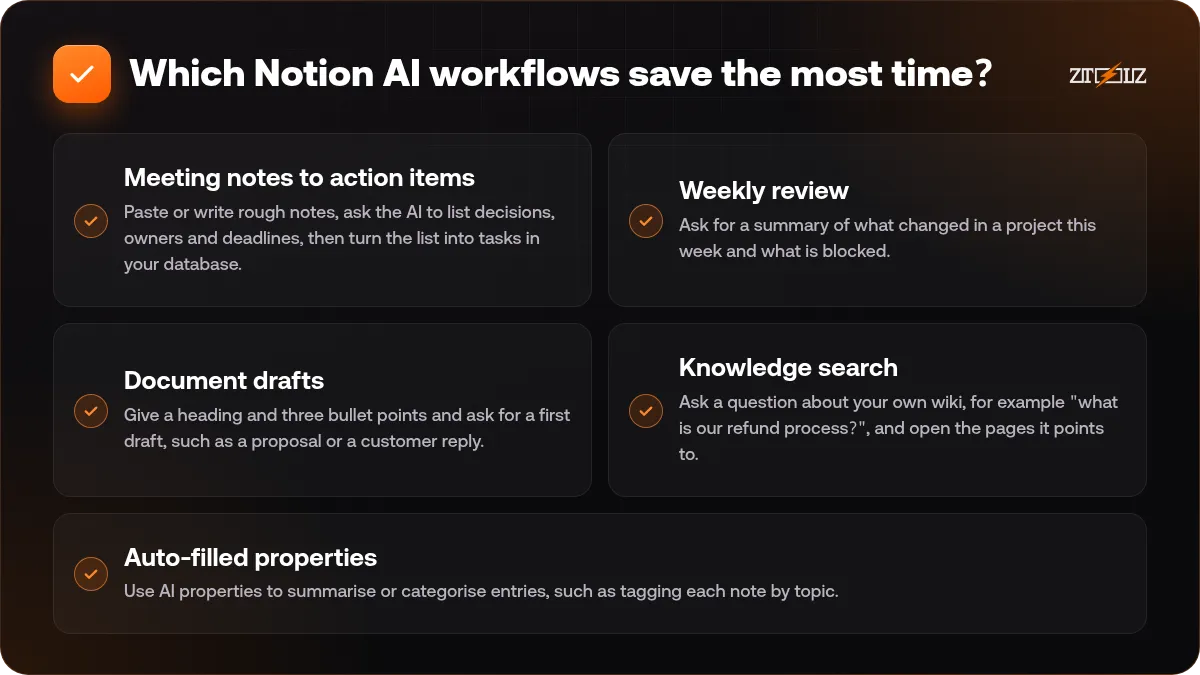
- Meeting notes to action items. Paste or write rough notes, ask the AI to list decisions, owners and deadlines, then turn the list into tasks in your database.
- Weekly review. Ask for a summary of what changed in a project this week and what is blocked.
- Document drafts. Give a heading and three bullet points and ask for a first draft, such as a proposal or a customer reply. Edit it heavily.
- Knowledge search. Ask a question about your own wiki, for example "what is our refund process?", and open the pages it points to.
- Auto-filled properties. Use AI properties to summarise or categorise entries, such as tagging each note by topic.
Always give the AI a role and a format. "Summarise this as five bullets for a manager who has two minutes" beats "summarise".
How do templates make the system repeatable?
Templates remove the blank-page problem. Create one for each recurring page and attach it to its database so a new entry starts with the right structure.
- Meeting template: date, attendees, agenda, notes, decisions, next steps.
- Project template: goal, deadline, success measure, task list, links.
- Weekly review template: wins, problems, priorities for next week.
- Content template: topic, audience, outline, draft, publish date. Useful with the ideas in our content calendar guide.
Review your templates every month. Delete fields you never fill in, because every extra field is friction.
How can a small business use Notion AI day to day?
A store owner can keep supplier notes, product descriptions, customer questions and a launch checklist in one workspace. The AI can turn a messy customer message into a clean reply draft and summarise a week of questions into the three topics that repeat most.
A freelancer can keep a client database with status, next action and last contact date. Before each call, the AI can summarise the notes from the previous meeting so you walk in prepared. A student can store lecture notes by course and ask for a revision summary before an exam. Our article on summarising lectures and studying with AI shows complementary habits.
Should you use a separate AI assistant alongside Notion?
Often yes. Notion AI is convenient because it sees your pages, but a dedicated assistant such as Claude AI can be better for long, careful drafting or for analysing a large document before you paste the final result into Notion. Think of Notion as the place where work lives, and the assistant as a thinking partner you visit when you need depth.
A simple rule helps: if the task needs your workspace context, use Notion AI. If it needs deep reasoning on one document, use a specialist assistant and bring the output back.
Common mistakes to avoid
- Building before deciding what you track. Write down your top five recurring tasks first.
- Using folders like a file cabinet. Databases with views are more flexible than nested pages.
- Trusting AI summaries blindly. They can miss a detail. Check anything involving money, dates or commitments.
- Putting sensitive data in a shared account. Keep passwords, ID numbers and client secrets out of it.
- Re-organising every week. A boring system you actually use beats a perfect one you abandon.
A simple first-week plan
- Day 1: create the tasks database and add everything on your mind.
- Day 2: create the notes database and a meeting template.
- Day 3: build a dashboard with a "today" view and a "this week" view.
- Day 4: try the AI on one real meeting note and one real document draft.
- Day 5: delete what you did not use and write down what felt slow.
ZTOOLZ gives access to Notion Plus through shared, platform-owned accounts, opened with the ZTOOLZ extension or secure browser. Because the account is shared, treat it as a place for work you are happy to keep separate from your private life, and do not change account settings. See the Notion Plus page for our current price, add it to a custom plan with the + button in the store, or check All In One. For habits that protect everyone, read shared platform account security habits.
FAQ
Is Notion AI included in every Notion plan?
Not always. Availability and limits depend on your plan and change over time, so check the official pricing page and the tool page on ZTOOLZ for what is currently offered.
Can Notion replace my to-do app?
Yes, if you build a tasks database with a clear daily view. If you prefer a very light app on your phone, keep both and use Notion for planning.
Does Notion AI work in Arabic?
It can read and write Arabic reasonably well, but always proofread the result, especially names, numbers and technical terms.
How long does it take to set up a useful system?
A basic version takes an afternoon. A system you truly rely on usually needs two or three weeks of small adjustments.
Is it safe to store client information in Notion?
Be careful. Keep confidential or personal data out of any shared account and follow the privacy rules of your own clients and country.