Ideogram AI: Posters, Logos and Clean Lettering
Ideogram AI explained: why it handles text in images so well, how Magic Prompt and styles work, and tips for posters, logos and clean lettering.
Ideogram AI is an image generator best known for something many others struggle with: putting readable text inside the image. That makes it a strong choice for posters, social media graphics, logos, book covers and quotes. This guide explains how Ideogram works, how to use Magic Prompt and styles, and how to prompt for clean lettering.
What makes Ideogram different?
Most image models draw beautiful scenes but turn words into nonsense. Ideogram was built with typography in mind, so when you ask for a sign that says "Grand Opening" or a poster with a title, it has a much better chance of spelling it correctly and arranging it well.
It also handles graphic design styles nicely: flat illustrations, stickers, 3D lettering, vintage posters and minimal layouts. If you are choosing between generators, our comparison Midjourney vs Leonardo vs Ideogram explains where each fits.
What can you design with Ideogram?
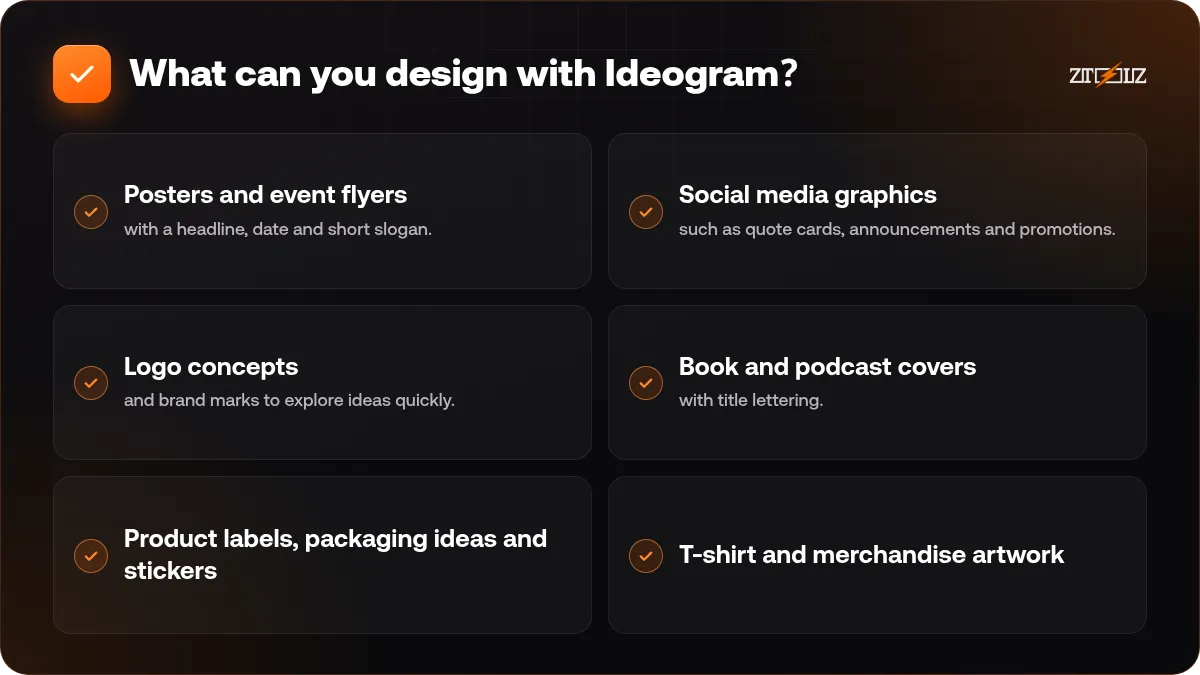
- Posters and event flyers with a headline, date and short slogan.
- Social media graphics such as quote cards, announcements and promotions.
- Logo concepts and brand marks to explore ideas quickly.
- Book and podcast covers with title lettering.
- Product labels, packaging ideas and stickers.
- T-shirt and merchandise artwork.
For logo work specifically, read AI logo design guide. Treat AI logos as concepts to explore. A real brand mark needs refinement, a clean vector file and a check that it is original.
How to write a prompt for text in images
Follow this simple formula: format, text, style, colours, layout.
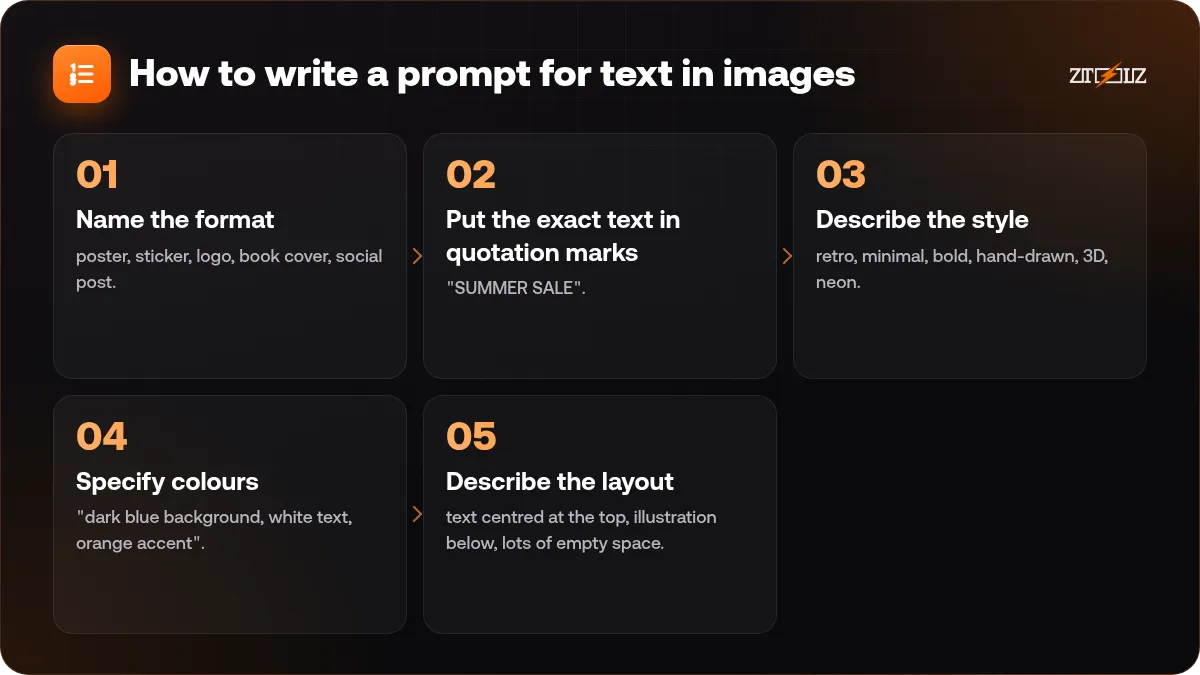
- Name the format: poster, sticker, logo, book cover, social post.
- Put the exact text in quotation marks: "SUMMER SALE". Keep it short.
- Describe the style: retro, minimal, bold, hand-drawn, 3D, neon.
- Specify colours: "dark blue background, white text, orange accent".
- Describe the layout: text centred at the top, illustration below, lots of empty space.
Example: "Minimal event poster, the text 'DESIGN TALK 2026' in bold white sans-serif at the top, a simple orange sun illustration in the centre, dark blue background, plenty of empty space, flat vector style."
Short text works best. One to five words is much more reliable than a full sentence. Add smaller details such as dates and addresses later in a design tool.
What is Magic Prompt?
Magic Prompt is a feature that expands your short idea into a richer, more detailed prompt before generating. It helps when you are not sure how to describe a style. You write "coffee shop logo" and the system adds details about composition, style and mood.
When should you use it? Turn it on when you are exploring ideas and want surprising results. Turn it off, or keep your prompt very specific, when you need exact control over wording and layout, for example a poster with strict text. Compare results with it on and off for the same idea to understand its effect.
Styles and aspect ratios
Ideogram offers style options such as realistic, design, 3D and illustration looks, depending on the version. Choose "design" type styles for posters and graphic work, and realistic styles for photo-like images. Pick the aspect ratio first: square for logos and posts, vertical for posters and stories, horizontal for covers and banners.
If you need ideas for ready prompts that you can adapt, check 10 ready prompts for professional AI images.
Arabic text in Ideogram
Arabic is harder than Latin text for almost every image model, because letters connect and change shape. Results can vary: sometimes a short word works perfectly, sometimes letters break. Try these tactics:
- Use one or two short words in Arabic, written clearly.
- Generate several variations and pick the best.
- If the letters are almost right, fix the text yourself in a design tool using a proper Arabic font.
- For long Arabic copy, generate a design with empty space and add the text afterwards.
More methods are covered in Arabic text in AI designs.
A workflow for a real poster
- Write the headline (three words), the supporting line and the call to action on paper.
- Prompt Ideogram for the layout with only the headline inside the image.
- Generate four variations and pick the strongest composition.
- Upscale or refine if needed.
- Open a design tool, add the supporting line, date, logo and contact details with your brand fonts.
- Export for print or web. If you are preparing for printing, remember the differences explained in print vs web design files.
Three prompt examples you can adapt
- Quote card: "Square quote card, the text 'Start small, stay consistent' in elegant serif lettering, cream paper texture, thin gold border, soft shadow, calm minimal mood."
- Sticker: "Die-cut sticker of a smiling coffee cup with the word 'MORNING' in chunky bubble letters, white outline, bright flat colours."
- Book cover: "Vertical book cover, title 'THE LONG ROAD' in large distressed lettering, a lone traveller walking toward mountains at sunset, muted warm palette."
Change one element at a time, such as the style word or the colour, and compare. That is how you learn what the model responds to.
Common mistakes
- Asking for too much text in one image.
- Not putting the text in quotation marks, which makes the model guess.
- Using Magic Prompt when you need precise wording.
- Using AI-generated logos without checking they are original and cleaning them into a vector.
- Ignoring licence terms before using images commercially.
Ideogram or other generators?
Use Ideogram when text is part of the image. Use a photorealism-focused tool for product shots and portraits, and a flexible studio-style tool when you need editing and character consistency. Many designers keep two or three generators and choose per project. Our article best AI image generators helps you plan that mix.
Ideogram on ZTOOLZ: we offer shared access to Ideogram AI through accounts owned by the platform, opened in the browser through the cloud version or the ZTOOLZ extension. Because the account is shared, download your designs after generating them and avoid putting private information in prompts. See the Ideogram AI tool page and the cloud page for our current price, or add it to a custom plan with the "+" button in the store. The payment methods available in your country appear at checkout.
FAQ
Is Ideogram good for logos?
It is good for exploring logo concepts quickly. For a final brand mark you will still need refinement, a vector version and a check for originality.
Why does Ideogram spell text better than other tools?
It was designed with typography as a priority, so it understands letters and layout better than many general image models. Short text still works best.
Does Ideogram support Arabic?
It can handle some Arabic words, but results vary. For reliable Arabic typography, generate the design and add the text in a design tool with an Arabic font.
What is Magic Prompt?
It expands your short idea into a more detailed prompt automatically. It is useful for exploring, but turn it off when you need exact wording or layout.
Can I use Ideogram images commercially?
That depends on the platform's terms and your plan. Read the current terms and check your project's requirements before using designs commercially.